Building a Game Engine from Scratch with C# and C++: Architecture, Vulkan Rendering, and Lessons Learned
A deep dive into building a Bevy-inspired game engine where C# handles game logic through an Entity Component System and C++ powers Vulkan rendering, connected via Mono P/Invoke. Covers architecture decisions, the ECS pattern, dynamic lighting, and what it takes to build a renderer from zero.

8 min read


The best way to understand how game engines work is to build one yourself. Not a mod, not a plugin, the actual renderer, the entity system, the input pipeline. That's exactly what I did, and in this article I'll walk through the architecture, the technical decisions, and the lessons I picked up along the way.
The result is an open-source game engine that pairs C# for game logic with C++ for Vulkan rendering, inspired by how engines like Bevy and Unity separate concerns between gameplay code and the rendering backend.
Why Two Languages?
Most hobby engines pick one language. I deliberately chose two, and here's why:
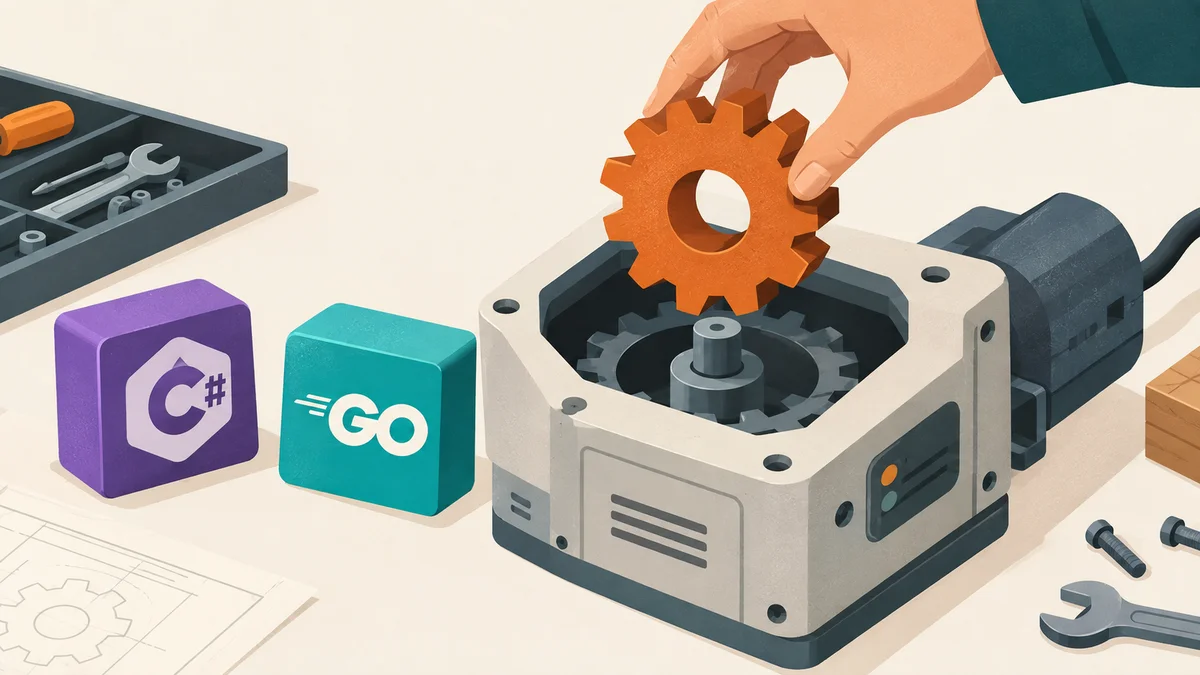
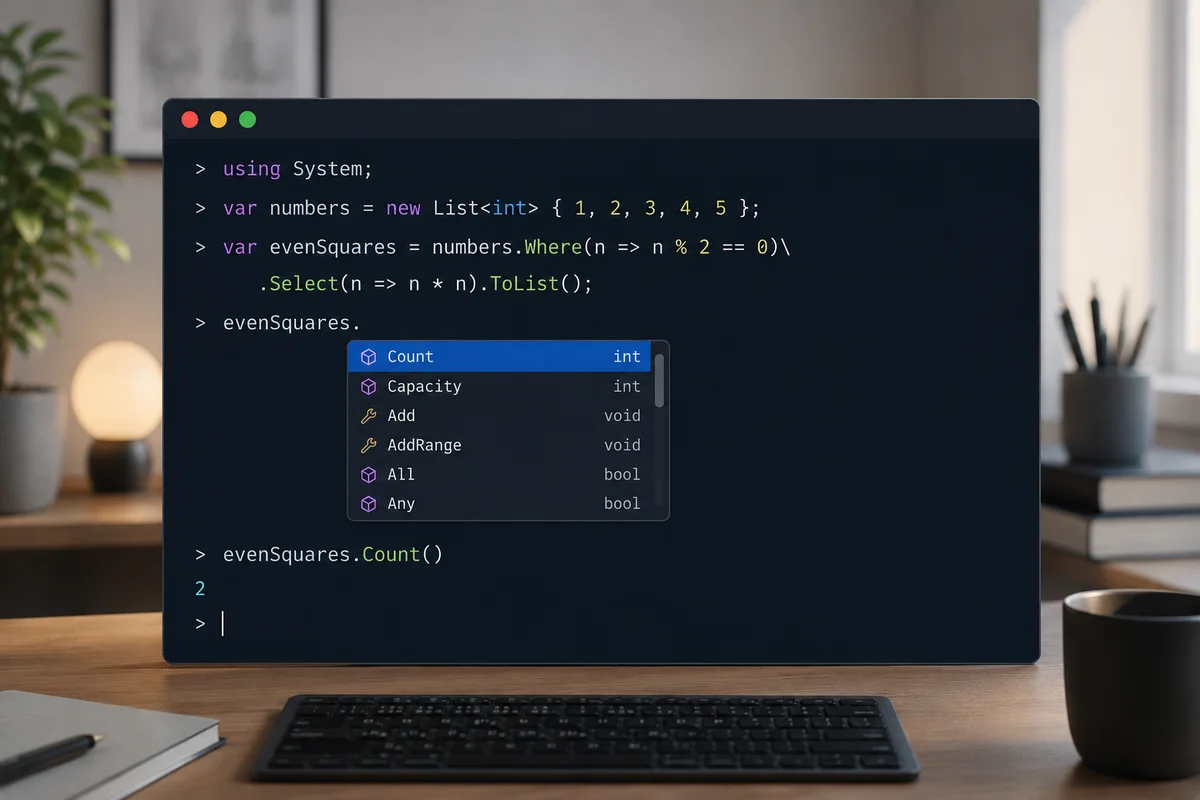
C# for game logic, Fast iteration, type safety, garbage collection, and a clean syntax for defining components and systems. Using Mono means I get a lightweight runtime without pulling in the entire .NET SDK. Writing game logic in C# feels natural: defining a Health component or a GravitySystem is just a class and a method.
C++ for rendering, Vulkan demands low-level control. You're managing memory, synchronizing GPU operations, and building command buffers. C++ gives you zero-overhead abstractions and direct access to the Vulkan API without a managed runtime sitting between you and the driver.
The two communicate through P/Invoke, the same interop mechanism Unity uses internally. C# calls into a C++ shared library (.dylib on macOS) for everything render-related. The boundary is clean: C# never touches Vulkan, and C++ never touches game logic.
The P/Invoke Bridge
The bridge pattern requires changes in three files whenever you add a new native function:
C++ side, An extern "C" function in bridge.cpp that calls into the renderer:
extern "C" {
    int renderer_load_mesh(const char* path) {
        return g_renderer.loadMesh(path);
    }

    void renderer_set_entity_transform(int entity_id, const float* mat4x4) {
        g_renderer.setEntityTransform(entity_id, mat4x4);
    }
}
C# side, A [DllImport] declaration in NativeBridge.cs:
[DllImport("renderer")]
public static extern int renderer_load_mesh(string path);

[DllImport("renderer")]
public static extern void renderer_set_entity_transform(int entity_id, float[] mat4x4);
At runtime, Mono loads librenderer.dylib and marshals every call, converting C# strings to const char, managed arrays to native pointers. The overhead is negligible for the kind of per-frame calls a game engine makes (setting transforms, polling input, pushing light data).
This pattern scales well. The engine currently has 20+ bridge functions covering renderer lifecycle, mesh loading, entity management, camera control, input polling, cursor state, timing, and lighting, and adding a new one takes under a minute.
Entity Component System
The ECS is inspired by Bevy's architecture. The core idea: entities are just integer IDs, components are plain data classes, and systems are functions that query for entities with specific component combinations.
World
The World class is the container for all ECS state:
var world = new World();

int player = world.Spawn();
world.AddComponent(player, new Transform { X = 0f, Y = 0f, Z = 0f });
world.AddComponent(player, new MeshComponent { MeshId = meshId });
world.AddComponent(player, new Movable { Speed = 2.0f });
The API is minimal by design:
| Method | Purpose |
|---|---|
| Spawn() | Create an entity, get its ID |
| Despawn(id) | Destroy entity and all components |
| AddComponent<T>(entity, component) | Attach data to an entity |
| GetComponent<T>(entity) | Retrieve component (null if missing) |
| Query(params Type[] types) | Find entities with all given components |
| AddSystem(Action<World>) | Register a per-frame system |
| RunSystems() | Execute all systems in order |
Components
Components are just C# classes with public fields. No interfaces, no base classes, no registration. If it's a class, it's a valid component:
public class Light
{
    public const int Directional = 0, Point = 1, Spot = 2;
    public int Type = Directional;
    public float ColorR = 1f, ColorG = 1f, ColorB = 1f;
    public float Intensity = 1f;
    public float DirX = 0f, DirY = -1f, DirZ = 0f;
    public float Radius = 10f;
    public float InnerConeDeg = 12.5f, OuterConeDeg = 17.5f;
}
The engine ships with five built-in components: Transform (position, rotation, scale with a ToMatrix() method that outputs a column-major float[16]), MeshComponent (links to GPU mesh data), Movable (WASD control flag), Camera (orbit parameters), and Light (directional, point, or spot).
Systems
A system is a static method that receives the World and does work:
public static void GravitySystem(World world)
{
    var entities = world.Query(typeof(Transform), typeof(Velocity));
    foreach (int e in entities)
    {
        var vel = world.GetComponent<Velocity>(e);
        var tr = world.GetComponent<Transform>(e);

        vel.VY -= 9.8f * world.DeltaTime;
        tr.Y += vel.VY * world.DeltaTime;
    }
}
Registration order matters. The engine runs systems sequentially in the order they're added. The built-in chain is:
- InputMovementSystem, reads keyboard, applies rotation
- CameraFollowSystem, updates camera from mouse/keyboard orbit
- LightSyncSystem, pushes light data to the GPU
- RenderSyncSystem, pushes entity transforms to the GPU (always last)
This ordering guarantee is one of the strengths of an explicit ECS: you always know exactly when each piece of logic runs.
Vulkan Rendering
The C++ renderer is roughly 2,000 lines of Vulkan code. Here's what it handles:
Mesh Loading
glTF models (.glb) are parsed using cgltf (a single-header C library). The loader extracts vertex positions, normals, and colors, then uploads everything to GPU buffers. Multiple meshes are batched into a single vertex buffer and index buffer with tracked offsets, so loading 10 different models doesn't create 10 separate GPU allocations.
Multi-Entity Rendering
Each entity gets its own draw slot. The per-entity model matrix is passed through Vulkan push constants, a fast path for small, frequently-changing data that avoids the overhead of uniform buffer updates:
// Per-entity draw call
vkCmdPushConstants(cmd, pipelineLayout, VK_SHADER_STAGE_VERTEX_BIT,
                   0, sizeof(PushConstantData), &pushData);
vkCmdDrawIndexed(cmd, indexCount, 1, firstIndex, vertexOffset, 0);
View and projection matrices go through a uniform buffer object (UBO) that's updated once per frame.
Dynamic Lighting
The fragment shader implements Blinn-Phong shading with support for up to 8 simultaneous lights. Light data (type, position, direction, color, intensity, attenuation, cone angles) is packed into a second UBO alongside the camera position:
- Directional lights, Parallel rays, no attenuation (sun)
- Point lights, Omnidirectional with radius-based falloff (torches, lamps)
- Spot lights, Cone-shaped with inner/outer angle smooth falloff (flashlights)
The LightSyncSystem on the C# side automatically assigns lights to slots 0–7 and clears unused slots each frame. You just spawn an entity with a Light component and a Transform, the system handles the rest.
The Render Pipeline
Each frame follows this sequence:
- Acquire the next swapchain image
- Record command buffer: bind pipeline, update camera UBO, update light UBO
- For each entity: push model matrix, issue indexed draw call
- Submit command buffer, present to screen
Depth testing and back-face culling are enabled for correct rendering of 3D scenes.
Delta Time: Why Native Timing Matters
An early version used C#'s Stopwatch for delta time. It worked, but the timing was slightly off from GLFW's event loop. Moving to native glfwGetTime(), computed in C++ and exposed to C# through P/Invoke, gave consistent, frame-accurate timing tied to the same clock as the input and rendering systems:
// Each frame in the main loop
NativeBridge.renderer_update_time();
world.DeltaTime = NativeBridge.renderer_get_delta_time();
All movement and animation code multiplies by world.DeltaTime for frame-independent behavior.
MoltenVK: Vulkan on macOS
macOS doesn't natively support Vulkan, it uses Metal. MoltenVK is a Vulkan-to-Metal translation layer that makes Vulkan applications run on Apple hardware. There are some gotchas:
- You need the VK_KHR_portability_enumeration instance extension and the VK_KHR_portability_subset device extension, or Vulkan instance creation silently fails.
- The ICD (Installable Client Driver) file lives at /opt/homebrew/etc/vulkan/icd.d/MoltenVK_icd.json, not under /share/ where some guides point you.
- You must set VK_ICD_FILENAMES when launching the application, which the Makefile handles automatically.
The Build System
The project uses a GNU Makefile that orchestrates three toolchains:
make run
  ├─ glslc: GLSL → SPIR-V shaders
  ├─ CMake + clang++: C++ → librenderer.dylib
  ├─ mcs (Mono): C# → Viewer.exe
  └─ mono Viewer.exe (with DYLD_LIBRARY_PATH and VK_ICD set)
make app packages everything into a macOS .app bundle that can be launched from Finder.
What's Next
The engine has a documented roadmap with planned features organized by priority:
Near-term: Parent-child entity hierarchy, mouse button input, first/third-person camera modes, runtime entity spawning, timer system
Mid-term: Texture loading and UV mapping, PBR materials, shadow mapping, skybox rendering, MSAA
Long-term: Collision detection, rigid body physics, skeletal animation, audio, scene serialization, cross-platform builds (Windows, Linux, Web)
Each planned feature has a dedicated documentation page describing its scope, so contributors (or my future self) know exactly what "textures" or "raycasting" means in the context of this engine.
Key Takeaways
Separation of concerns pays off. The C#/C++ split means I can iterate on game logic without recompiling the renderer, and vice versa. The P/Invoke boundary forces a clean API between the two.
ECS makes everything composable. Adding a new feature is: define a component, write a system, register it. The Light component and LightSyncSystem were added in a single session without touching any existing code.
Vulkan is verbose but predictable. There's no magic. Every GPU operation is explicit, which makes debugging straightforward once you understand the pipeline.
Build from scratch to learn, not to ship. This engine will never compete with Unity or Unreal. That's not the point. The point is that I now understand what happens between "load a model" and "pixels on screen", and that understanding makes me better at using production engines too.
The full source code, documentation site, and feature roadmap are available on GitHub. If you're interested in game engine development or the C#/C++ interop pattern, feel free to explore the codebase or reach out.
Last updated 29 May 2026 · filed under Game Development, 3d, c++, c#, game engine