
Plugin · tools · complete
Design to HTML
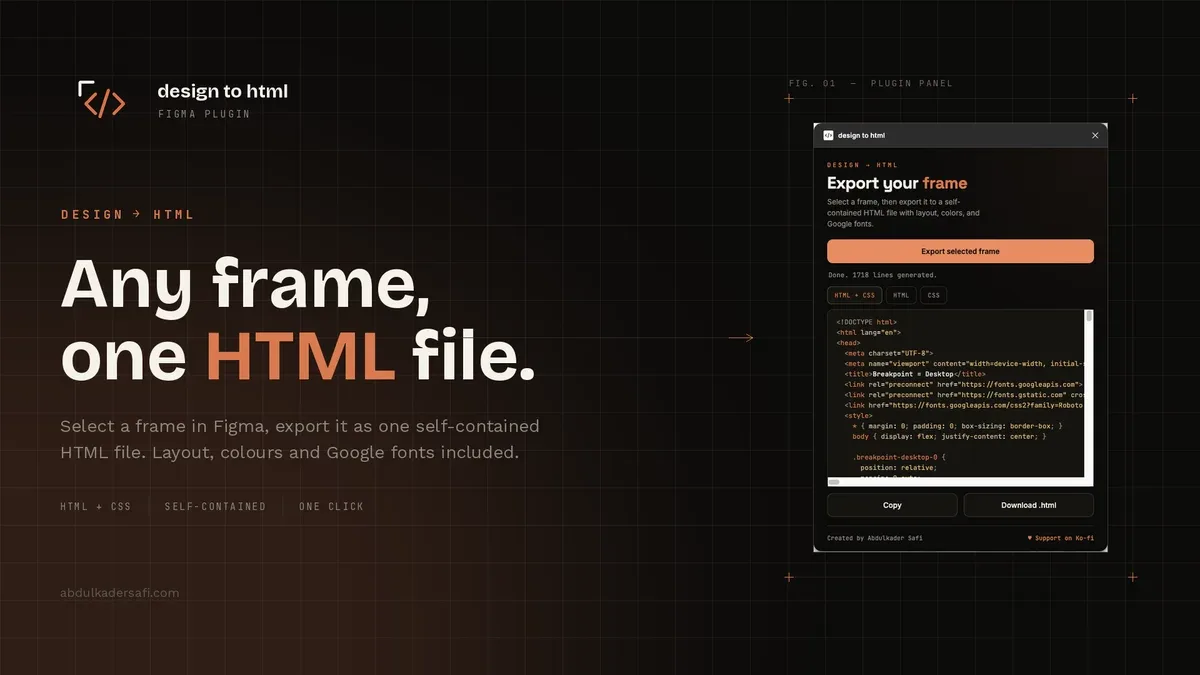
A Figma plugin that exports a selected frame to a single, self-contained HTML file. It maps auto-layout to flexbox, keeps colors, per-side borders, radius, and typography, inlines vectors as SVG, and adds a Google Fonts link for the fonts you used. The code preview is syntax highlighted, with three export modes: HTML and CSS together, HTML alone, or CSS alone. Built with TypeScript as a Figma plugin.

- Role
- Design and development
- Timeline
- July 2026
- Year
- 2026
- Status
- Completed
01
The overview
Design to HTML is a Figma plugin that exports a selected frame to a single, self-contained HTML file. It reads layout, colors, borders, radius, and typography from the node tree, inlines vectors as SVG, exports image fills as PNG, and adds a Google Fonts link for the fonts in use. The code preview is syntax highlighted, with three export modes: HTML and CSS together, HTML on its own, or CSS on its own.
02
The challenge
Turning a design into code usually means rebuilding the frame by hand and matching spacing, color, and fonts by eye. Figma's model does not map to CSS one to one either. Auto-layout, hug and fill sizing, per-side strokes, and mixed text styles all need careful translation, and a naive reading produces markup that looks close but not right.
03
The solution
I walk the selected node tree and translate each node to CSS with intent. Auto-layout becomes flexbox, static frames become absolutely positioned boxes, and Figma's sizing modes become fit-content, flex, or fixed widths. Strokes are read per side so a bottom-only rule does not become a full box. Fonts are collected and emitted as a single Google Fonts link. A small Node harness stubs the figma API and asserts the output so the mapping stays correct.
FAQ
About this project
What does the plugin export?
A single, self-contained HTML file with the layout, colors, per-side borders, radius, and typography of the selected frame, plus a Google Fonts link for the fonts you used. You can also export the HTML and CSS separately.
How does it handle layout?
Auto-layout frames become flexbox, with direction, gap, padding, and alignment mapped across. Frames or groups without auto-layout become a relative box with absolutely positioned children.
Does it need internet access?
Only the exported file loads Google Fonts in the browser. The plugin itself runs locally, and the syntax highlighting in the preview works offline.
Work with me
Got a product in your head? Let's put it on a screen.
Tell me what you're building, who it's for and when it has to be live. I'll reply with questions first, then a fixed quote.
Start a project