Zed 1.0 just shipped — a Rust-built, GPU-rendered editor with AI agents baked in. Here's what works, what doesn't, and whether it's time to ditch VS Code.
tl;dr
Zed 1.0 dropped after 5 years and 1M+ lines of Rust. It renders entirely on the GPU — no Electron, no web stack — and it shows the moment you open a 50k-line file. AI agents aren't bolted on; they're foundational, with the Agent Client Protocol letting Claude, Codex, and Cursor agents plug straight in. It's not perfect (extension ecosystem is thin, Windows is rough around the edges), but it's the first editor in a decade that feels structurally faster than VS Code.
I've been running Zed since the public beta in 2023. After three years of weekly releases, the team finally shipped 1.0 — and I've spent the last week beating on it across two production codebases to figure out if the hype matches reality.
Short answer: yeah, mostly.
Long answer is what this post is for.
What Zed 1.0 Actually Ships
Zed 1.0 isn't "VS Code but in Rust." It's a different bet entirely — the kind of bet you only make if you're willing to spend five years and over a million lines of code to prove a point.
Here's what landed in the 1.0 release:
- GPU-rendered UI through a custom Rust framework called GPUI — no Electron, no web stack, no Chromium baggage
- Agent Client Protocol — Claude Agent, Codex, OpenCode, and Cursor agents all plug in directly
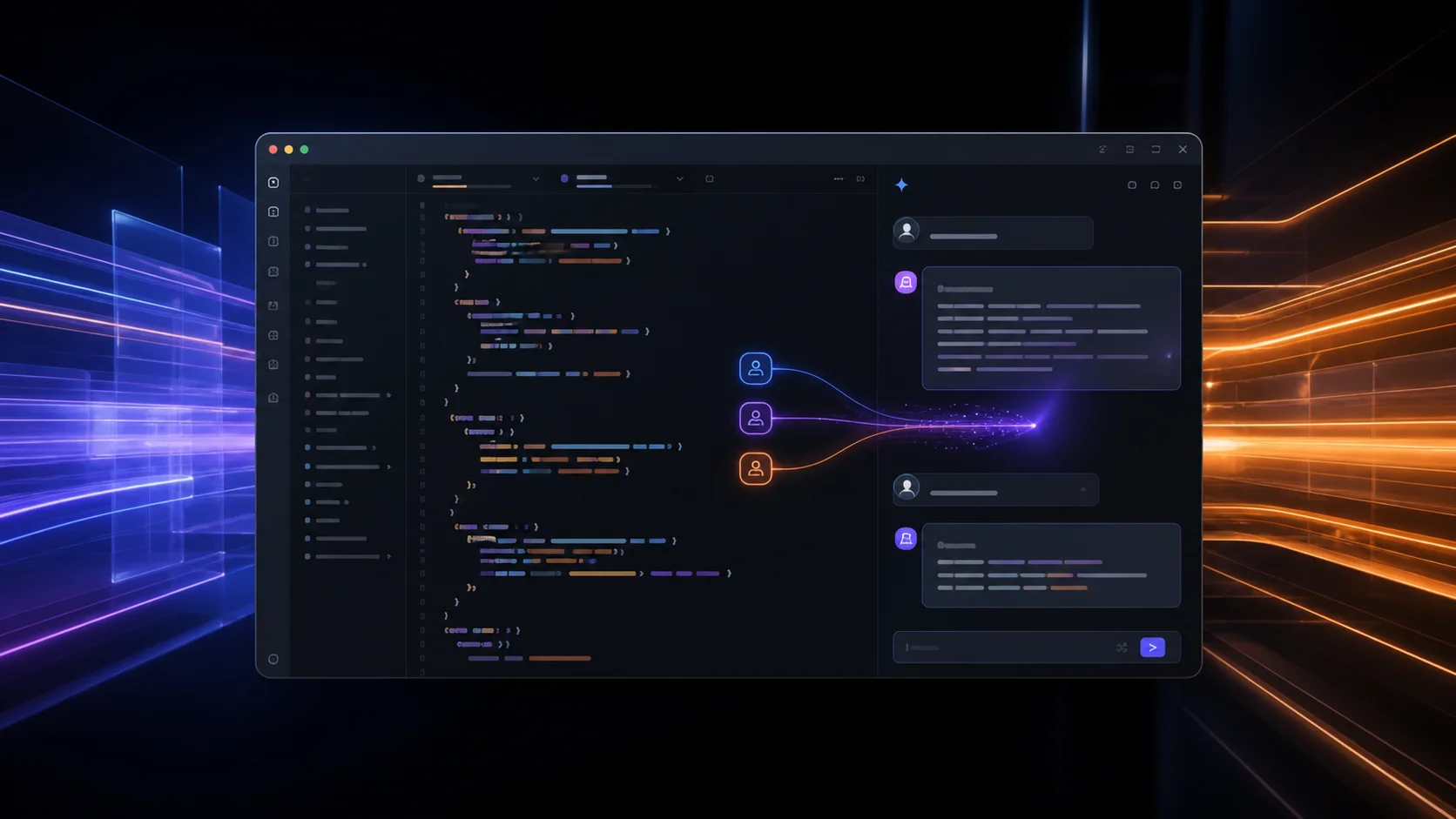
- Multi-agent parallel execution — run several AI agents on the same codebase simultaneously
- Edit prediction at keystroke granularity (not full-line completions like Copilot)
- Built-in debugger, Git, SSH remote development
- Cross-platform: macOS, Linux, Windows
- Zed for Business — centralized billing, RBAC, team management
That's a lot for a 1.0. Most editors hit 1.0 with a fraction of this surface area. Zed has been quietly shipping for years — over 1,000 versions before this milestone — and the team only labelled it 1.0 once they could honestly say "most developers can quickly feel at home" in it.
The GPU Thing — Why It Matters
Most editor reviews handwave performance with a "feels snappy" line. I want to be more concrete.
Open a 47,000-line TypeScript file in VS Code. Scroll to the bottom. Notice the half-second hitches. Now open the same file in Zed. The hitches disappear.
That's not me being a fanboy — that's a structural difference. VS Code renders text through the DOM. The DOM is great for documents, mediocre for editors. Every keystroke goes through layout, paint, and composite cycles that were designed for marketing pages. Zed skips all of that. The text grid is a shader. The cursor is a shader. The autocomplete popup is a shader. Your GPU was built for this — your CPU was not.
Nathan Sobo, Zed's co-founder, put it bluntly: "No matter how hard we worked, we couldn't make Atom better than the platform it was built on." Atom died from web-stack tax. VS Code is just a more polished version of the same approach. Zed walked away from the platform entirely.
The result on my M1 Pro: input latency under 8ms. On the same machine, VS Code sits between 30-60ms depending on extensions loaded. You feel the difference within an hour.
AI That Doesn't Feel Glued On
This is where Zed 1.0 actually surprised me.
I've used Cursor since it launched. I like it. But the AI in Cursor is fundamentally a chat panel that knows about your code — it sits next to the editor. Zed flipped this. The AI is inside the editor as a first-class participant, with one massive consequence: you can run multiple agents at once on the same codebase.
Here's what that looks like in practice. Last Tuesday I had three things to do:
- Refactor a database migration to add a new index
- Write tests for a payment webhook handler
- Document an internal API I'd been putting off for weeks
In Cursor, that's three sequential conversations. In Zed, I dispatched three agents in parallel — one Claude Sonnet on the migration, one Codex on the tests, one OpenCode on the docs. I went and made coffee. By the time I sat back down, all three had drafts ready for review.
That's not magic. That's the architectural payoff of building agent support into the editor instead of bolting a chat panel on the side.
The Agent Client Protocol is the underrated piece. It's an open spec — anyone building an agent can plug in. So when the next better agent ships in six months, you don't wait for Zed to integrate it. The agent vendor builds an ACP adapter and it works. This is the right design.
Edit Prediction vs. Copilot
Edit prediction is Zed's answer to GitHub Copilot, but it works differently.
Copilot suggests completions for the line you're typing. Edit prediction suggests the next change anywhere in the file — including changes that aren't completions. Rename a variable on line 12 and Zed predicts the same rename on line 47, line 89, and line 203. Tab to accept, escape to ignore.
The first time it worked, I sat there for a second trying to figure out how it knew. The model is reading the diff of what you just did and projecting the natural next move. It's right maybe 70% of the time, which sounds modest until you realize it's saving you the cognitive cost of remembering the other 13 places that variable lives.
I turned off Copilot two days into using Zed. Haven't missed it.
Where Zed Still Falls Short
Honesty time. Zed 1.0 is good. It's not perfect.
Extension ecosystem is thin. VS Code has 50,000+ extensions. Zed has hundreds. If your workflow depends on a niche language server, a custom debugger adapter, or a specific theme — check before switching. Most mainstream stuff is covered. The long tail isn't.
Windows is rough. macOS is the flagship and feels like it. Linux is solid. Windows shipped more recently and still has HiDPI quirks, occasional keyboard shortcut weirdness, and a few crash reports I've hit personally. Give it another release cycle if you're on Windows.
No Jupyter notebook support yet. Data scientists, you're staying in VS Code or JetBrains for now.
Vim mode is good, not great. If you're a 15-year vim user, you'll find edges. Most of them are fixable in config but expect to spend an afternoon tuning.
Documentation has gaps. The docs cover the happy path well. Power-user customization (custom keybindings for agent workflows, tasks system) requires reading the source occasionally. Community is helpful in their Discord.
The DeltaDB Bet
Zed's roadmap points at something called DeltaDB — a CRDT-based sync engine that tracks changes at character-level granularity. The pitch: multiple humans and multiple agents share a single consistent view of the codebase as it evolves.
This is a big swing. If it ships and works, it changes what "AI coding" means. Right now, agents work on snapshots — they read the code, plan, edit, and you merge. With DeltaDB, an agent and you and a teammate could be live-editing the same file with full provenance: who changed what, when, and why.
I'm cautious. CRDTs at code-edit scale are genuinely hard. But the team has shipped harder things. Worth watching.
Should You Switch?
Here's my actual recommendation, after a week of real work in Zed 1.0:
Switch now if:
- You work in Rust, TypeScript, Go, Python, or other mainstream languages
- You care about input latency and battery life on laptops
- You want first-class multi-agent AI workflows
- You're already on macOS or Linux
- VS Code feels sluggish on your machine
Stay on VS Code if:
- Your workflow depends on niche extensions
- You live in Jupyter notebooks
- You're on Windows and need rock-solid stability today
- You're happy with Cursor's AI flow and don't want to retrain muscle memory
Stay on JetBrains if:
- You need deep refactoring tools (Zed's are improving but not yet at IDEA level)
- You work in Java, Kotlin, or .NET ecosystems
I'm running Zed as my primary editor now. VS Code is open for two specific extensions I haven't found Zed equivalents for yet. That ratio will probably flip to zero in the next six months.
Next Steps
- Download Zed 1.0 from zed.dev — it's free and open source
- Import your VS Code keybindings — Settings → Import VS Code Settings (handles most of the muscle memory)
- Set up at least one AI agent — start with Claude through the Agent Client Protocol; pricing is your existing Anthropic key
- Try the parallel agent flow — pick three small tasks, dispatch three agents, see what comes back
- Give it a week before judging — first day feels weird; by day three the speed becomes the new baseline and going back to VS Code feels broken
If you've been waiting for a code editor that doesn't feel like a web app pretending to be a desktop app — this is it. The bet on owning the full stack from the GPU up is paying off in a way that's hard to appreciate until you feel it under your fingers.
I covered some of the broader thinking on building developer tools in Building VS Code Extensions in 2026: The Complete Modern Guide and the open-source starters in Open-Source VS Code Extension Starters: React and Svelte with Tailwind if you're thinking about the editor ecosystem more broadly.
Try it for a week. Tell me what breaks.