
Building SafiCSS: all of CSS in a JavaScript object
How I built SafiCSS, a tiny runtime CSS-in-JS library for plain HTML that turns a style object into a class name, with no build step.



The idea
I wanted to style a plain HTML page by writing my CSS as a JavaScript object, the way you do with React's style prop, and use normal JS variables inside it. No build tools, no framework. Just drop something in and go.
The first problem showed up fast. React's style={{ }} is JSX. A browser reading a plain HTML file treats style={{...}} as the string "{{...}}", not an object, so that syntax needs a compiler. And the one thing you can set from JavaScript with no build, the inline style, can't do :hover, media queries, or animations. So "write CSS as a JS object in plain HTML" and "reach all of CSS" fight each other, unless the tool does more than set an inline style.
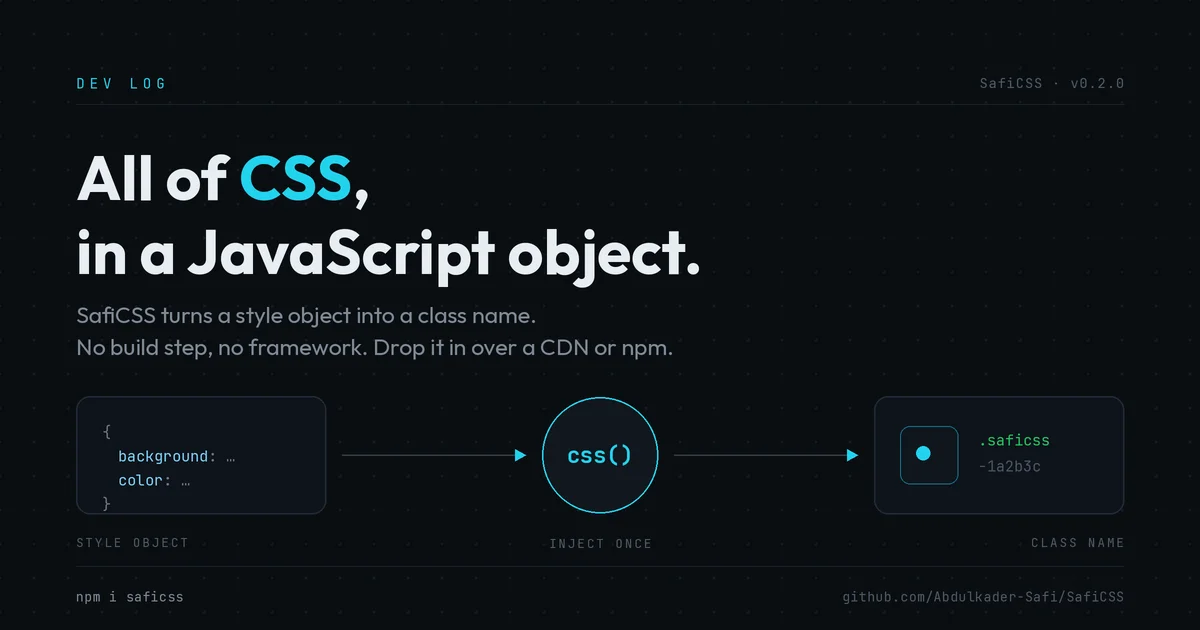
SafiCSS is the answer I landed on: a small runtime function that takes the object, generates a class, and injects a real stylesheet.
How it works
You call one function:
import { css } from "saficss";

const accent = "#22d3ee"; // a normal JS variable

el.className = css({
  background: "#0a0e12",
  color: accent,
  padding: 16,
  "&:hover": { color: "#22d3ee" },
  "@media (max-width: 600px)": { padding: 8 },
});
css(object) serializes the object into a stable string, hashes it into a class name, and injects the rules once into a single <style> tag. It remembers what it already wrote, so calling it again with the same object costs nothing and returns the same class. Because it injects a class instead of an inline style string, hover, media queries, and keyframes all work.
A few rules keep the object honest. camelCase keys become kebab-case. Numbers get px, except the properties that are unitless like opacity and zIndex. Custom properties (--foo) are left alone. An object value is a nested block: a key with & is the generated class ("&:hover", "& span"), and a key with @ is an at-rule ("@media"). That @ and & handling is what lets it reach all of CSS.
Three more functions round it out. keyframes() injects an @keyframes block and returns the animation name. injectGlobal() writes unscoped rules like resets and :root variables. setVars() sets CSS custom properties at runtime, so you define var(--accent) once and change it live with no re-injection.
The types are the linting
The style object is typed on top of csstype, the same base React uses. So property names autocomplete, and a mistake is a real error:
css({ borderColor: 42 });        // Error: number is not a color
css({ bacgroundColor: "#444" }); // Error: unknown property, the typo is caught
css({ "&:hover": { colr: "red" } }); // caught inside nested blocks too
That is the linting for anyone using SafiCSS. TypeScript is the linter here, no stylelint needed for the object API. The & and @ prefixes are also what let the compiler tell a real selector from a misspelled property, so typos show up as errors instead of silently producing dead CSS.
Packaging
It builds with tsup to three targets: an ES module, a CommonJS build, and an IIFE global for a plain script tag that exposes window.SafiCSS. It ships on npm as saficss and serves over a CDN, either from npm through esm.sh and jsDelivr, or straight from the GitHub repo through jsDelivr by pointing at a tag. It is about 1.3 KB gzipped with zero runtime dependencies.
Try it
npm i saficss
Or with no install at all:
<div id="box"></div>
<script type="module">
  import { css } from "https://esm.sh/saficss";
  document.getElementById("box").className = css({
    background: "#444", color: "#fff", padding: 16,
  });
</script>
Source is on GitHub at Abdulkader-Safi/SafiCSS, MIT licensed.
Last updated 17 Aug 2026 · filed under CSS, tools, frontend
