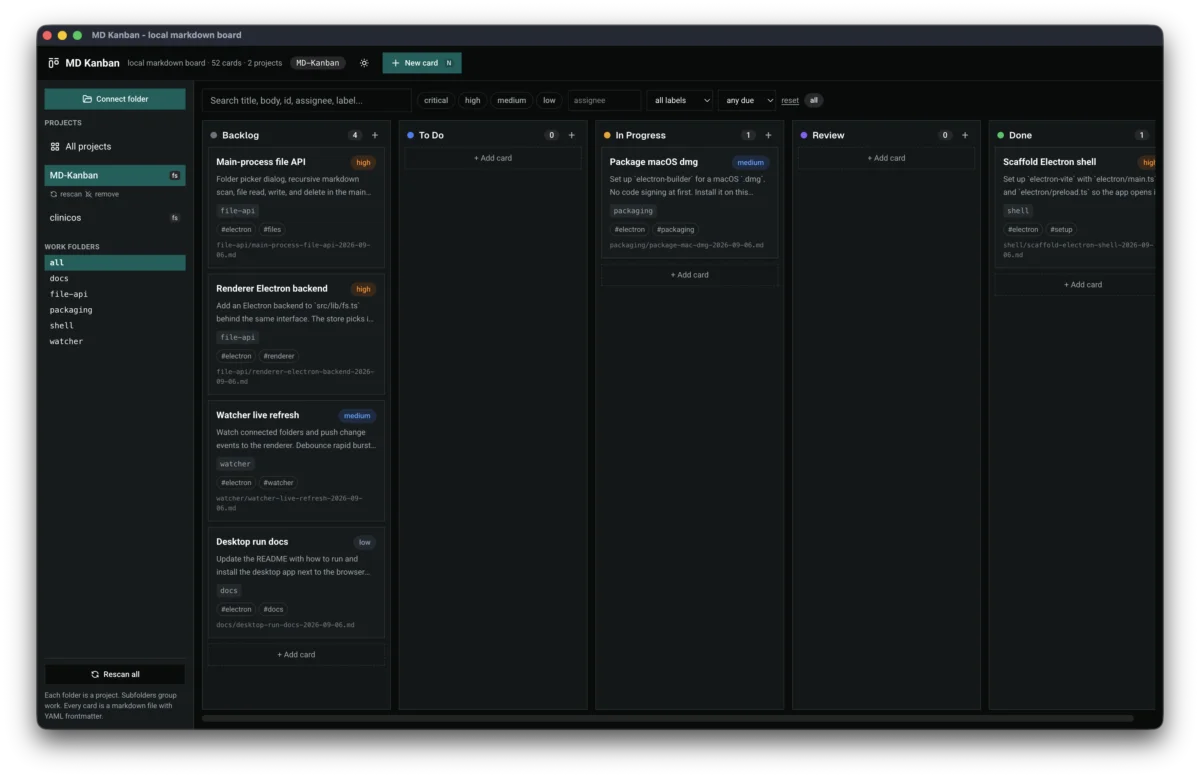
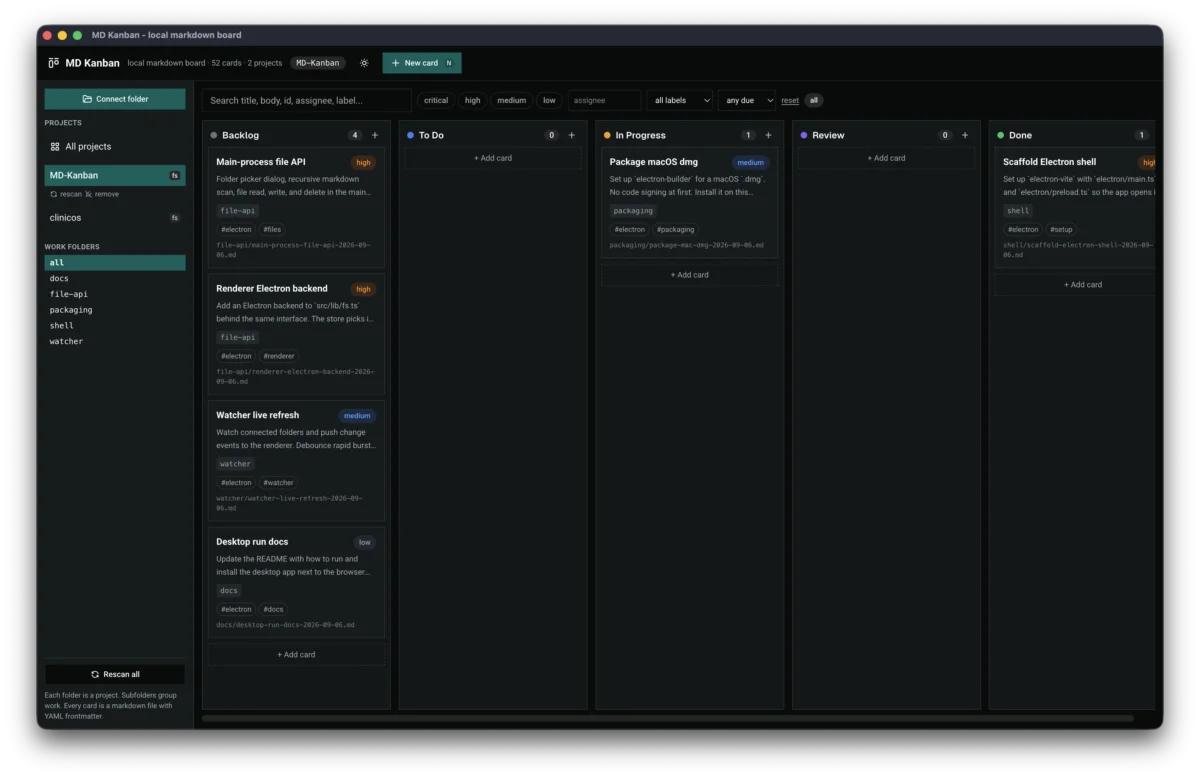
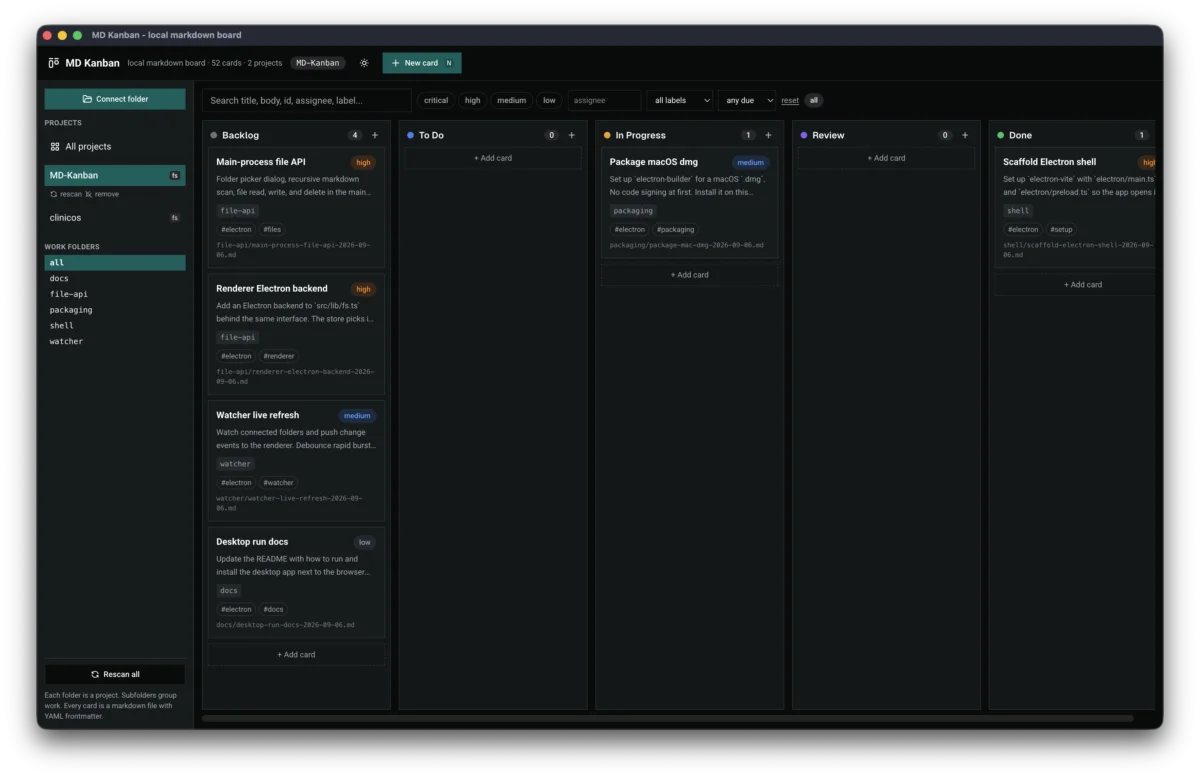
Reload wiped the board, so the board keeps a snapshot
Reloading wiped all tasks because lapsed folder permission made the scan return nothing, and the board saved that nothing. Snapshots plus a reconnect banner fixed it.

2 min read


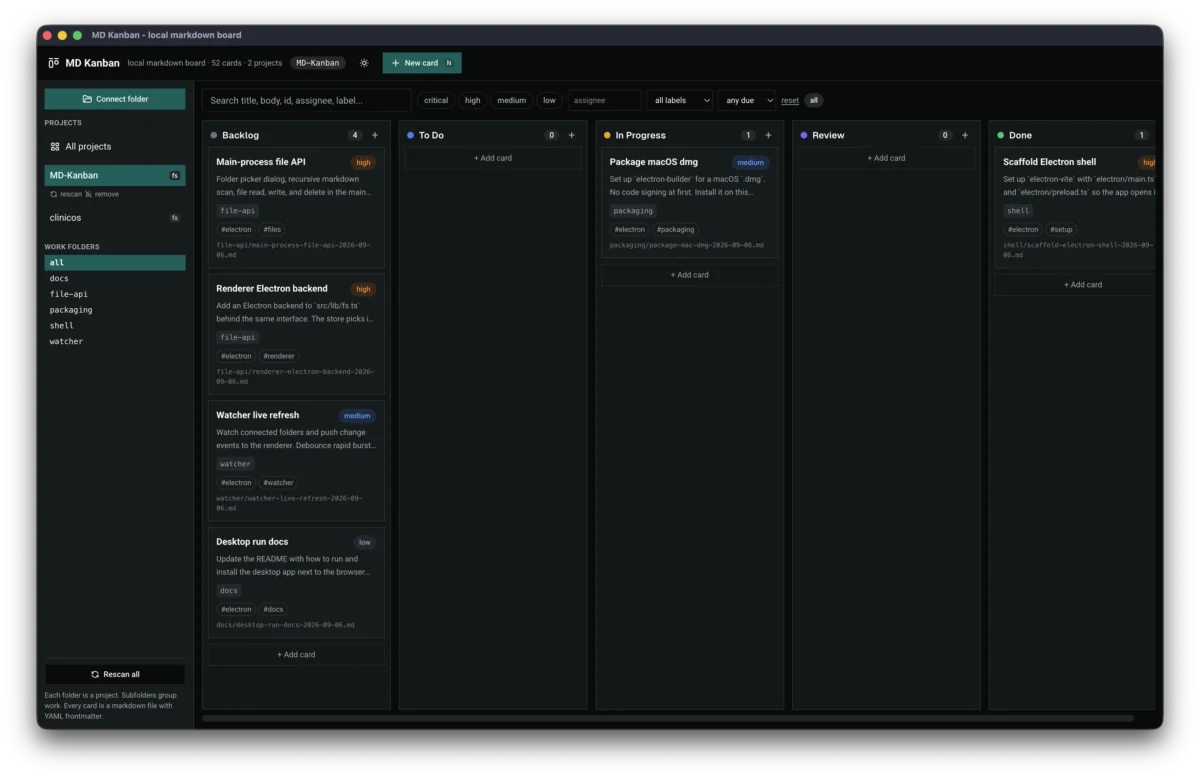
Reloading the app wiped the board. Projects still listed, tasks gone, and the only recovery was removing each project and reconnecting its folder. The cause was permission, not data: on reload the browser drops folder access, the scan returns nothing, and the old code replaced the task list with that emptiness.
Never replace with nothing
The first half of the fix is a rule: a failed scan must never overwrite good state. Both rescan paths now keep existing tasks when a read comes back empty or throws, in every mode, quiet or manual. That single invariant ends the entire class of disappearing-board bugs regardless of what caused the failed read.
The snapshot
The second half accepts that reloads start with an empty memory. Every successful folder read now saves a snapshot of the tasks to browser storage. On startup the board renders the snapshot instantly, then attempts a quiet live scan in the background. When permission lapsed, the cards stay visible and a banner names the folders needing one rescan click, which carries the user gesture the permission prompt requires.
Polling until the watcher lands
The browser cannot watch a folder, so the board re-reads connected folders every five seconds instead. It skips hidden tabs, never triggers permission popups on its own, and stamps a checked time in the sidebar so the background work is visible. Selection survives restarts too, restored from saved prefs when the project still exists.
Where it stands
Ctrl+R keeps every card on screen now, live or stale-but-visible with a reconnect prompt. The polling and the snapshot are scaffolding with an expiry date: the desktop file watcher replaces both once the main-process side is done, and none of the snapshot code will be missed.
Last updated 6 Sep 2026 · filed under Tools, vue, web application, claude code, agents, ai agent