If a Component System Can't Build Its Own Docs, It Can't Build Your App
The dogfooding test for any UI library: I built LaralCN-UI's docs with LaralCN-UI. Here's why that matters for your Laravel app.

7 min read


tl;dr: A component system that can't build its own documentation site has never been stress-tested. LaralCN-UI is a shadcn-style, copy-and-own installer for Laravel + Blade + Tailwind v4 — the CLI drops the source into your app so you own every line. The proof it works: the docs site is built entirely from its own components.
Here's a test most UI libraries quietly fail.
Open the docs site of any component library. Now ask: did they build that site with their own components? Or did they reach for something else — a marketing theme, a different framework, a pile of custom CSS that never ships to you?
You'd be surprised how often the answer is "something else." The library that's supposed to build your app couldn't build the one site its makers care about most. That tells you everything.
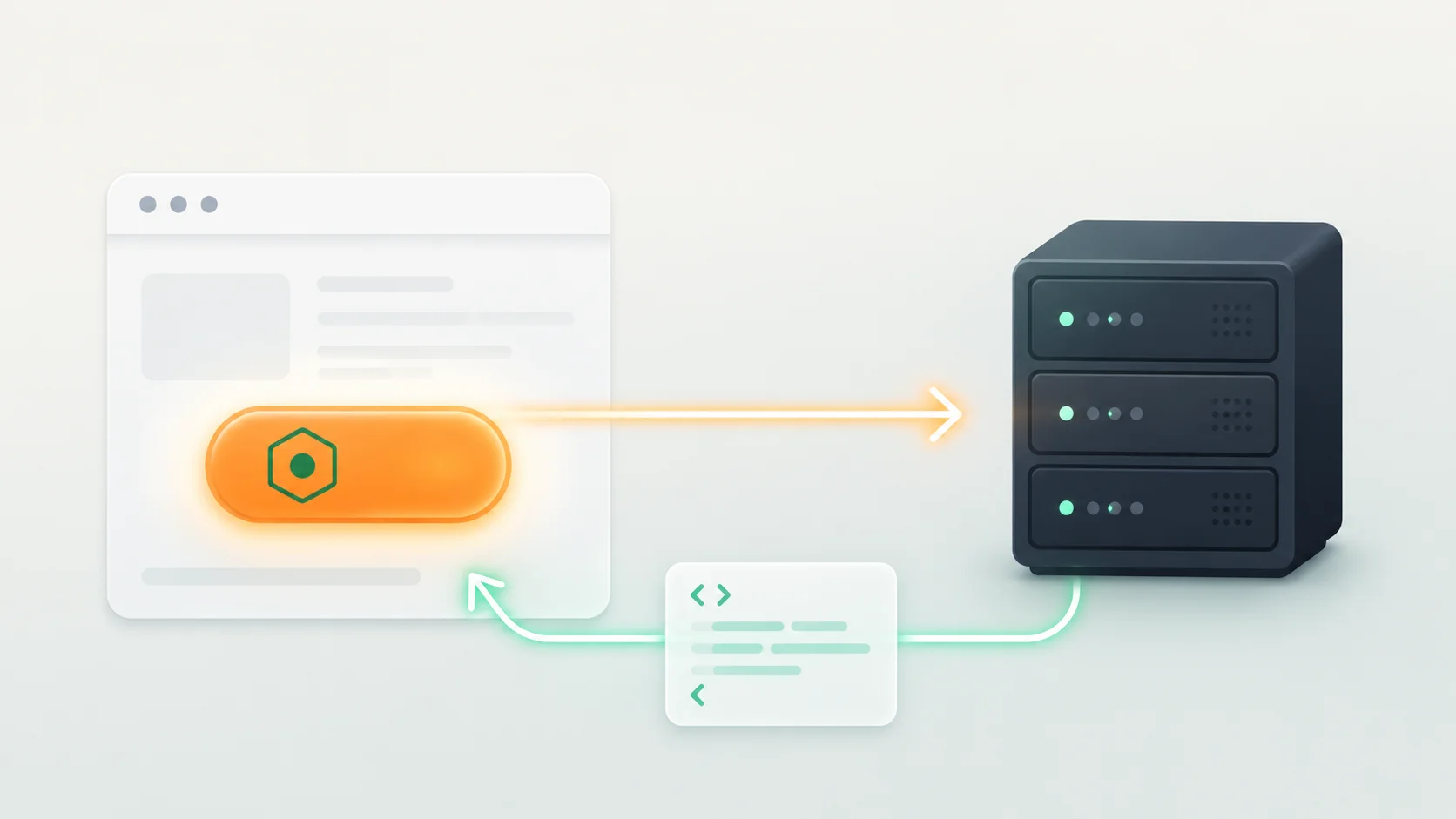
I built LaralCN-UI the other way around. The docs site you land on is made entirely from LaralCN-UI components. Same buttons, same cards, same dialogs, same tabs you'd drop into your own Laravel app. If a component felt clunky building the docs, I felt it first. So I fixed it before you ever saw it.
This post is about why that constraint matters — and what it means for the code you'll actually own.
What LaralCN-UI Actually Is
Think shadcn/ui, but for Laravel and Blade.
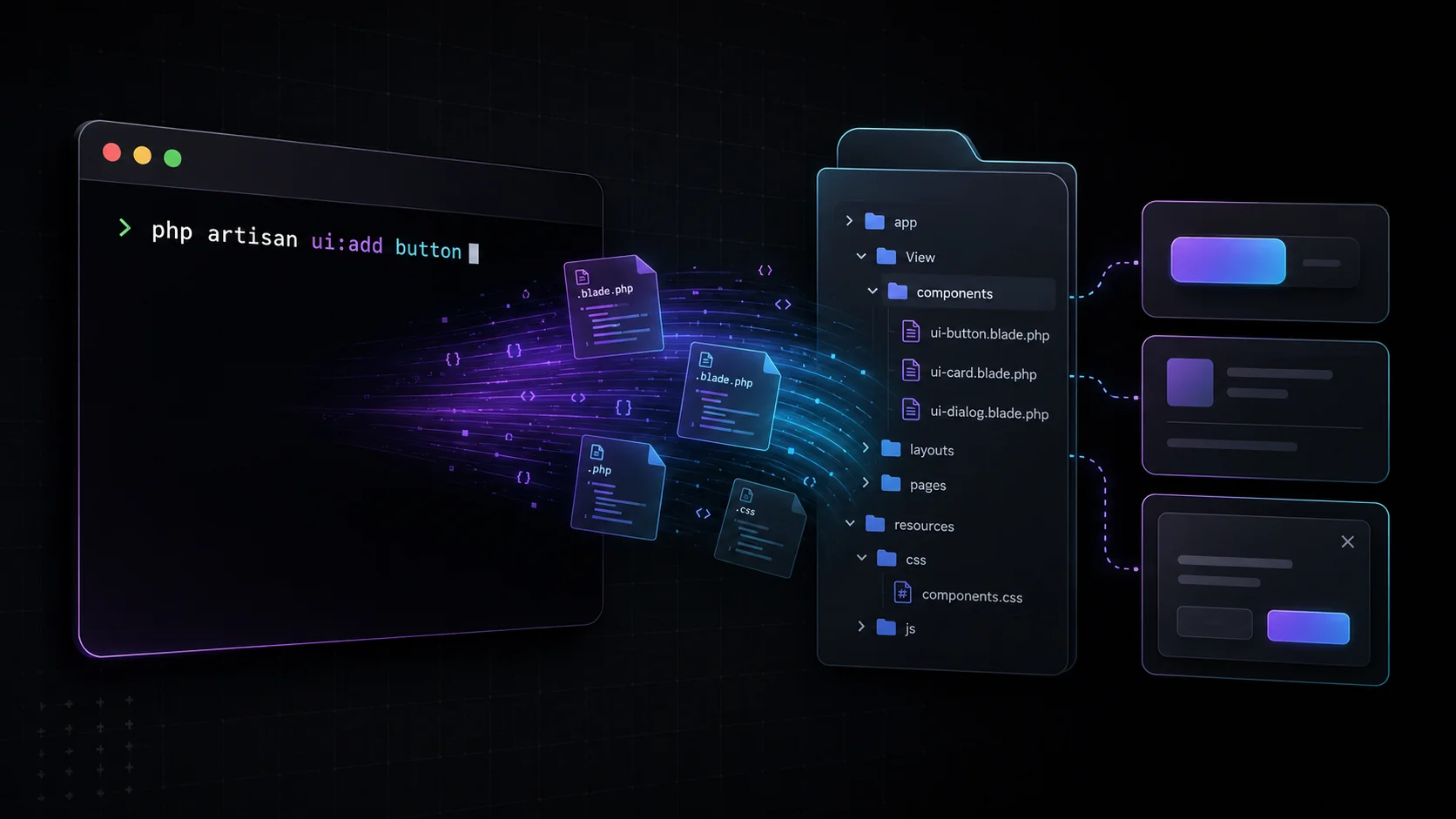
It's a CLI that fetches component source into your project. Not a runtime package you require and pray about — the components become your files, sitting in your codebase, yours to edit, break, theme, and ship.
The stack:
- Blade templates — no React, no Vue, no build-step gymnastics
- Tailwind CSS v4 with CSS-first
@themetokens (you don't even need atailwind.config.js) - Alpine.js — but only on the components that genuinely need interactivity. Static stuff stays static.
Three commands and you're running:
composer require --dev safi/laralcn-ui
php artisan ui:init
php artisan ui:add button
Notice the --dev flag. The installer is a dev dependency. Once it copies the component in, it has no business living in your production runtime. Your app ships with Blade files, not with my package riding along.
If you've used shadcn in React land, this will feel like coming home. If you haven't, here's the mental model I keep coming back to: why developers choose shadcn/ui over Radix UI — the same logic applies, just translated to Blade.
Why "Copy-and-Own" Beats a Dependency
Most Laravel UI kits give you a package. You install it, you get components, and the day you need a button that doesn't match their button — you fight the package. Override CSS. Wrap it. Hack around the API. Pray the next version doesn't break your override.
Copy-and-own flips that. The CLI drops the actual source into your app. Want to change how the dialog animates? Open the file. Change it. Done. There's no abstraction layer between you and the markup because you own the markup.
This is the part people underestimate. When the component is yours:
- You're never blocked by an upstream maintainer's roadmap → if you need it changed, you change it tonight
- There's no version-lock anxiety. The code doesn't move unless you move it
- Your
composer.lockstays lean — static components pull zero runtime deps - You can read every line. No black box. No "what is this package doing in my request lifecycle"
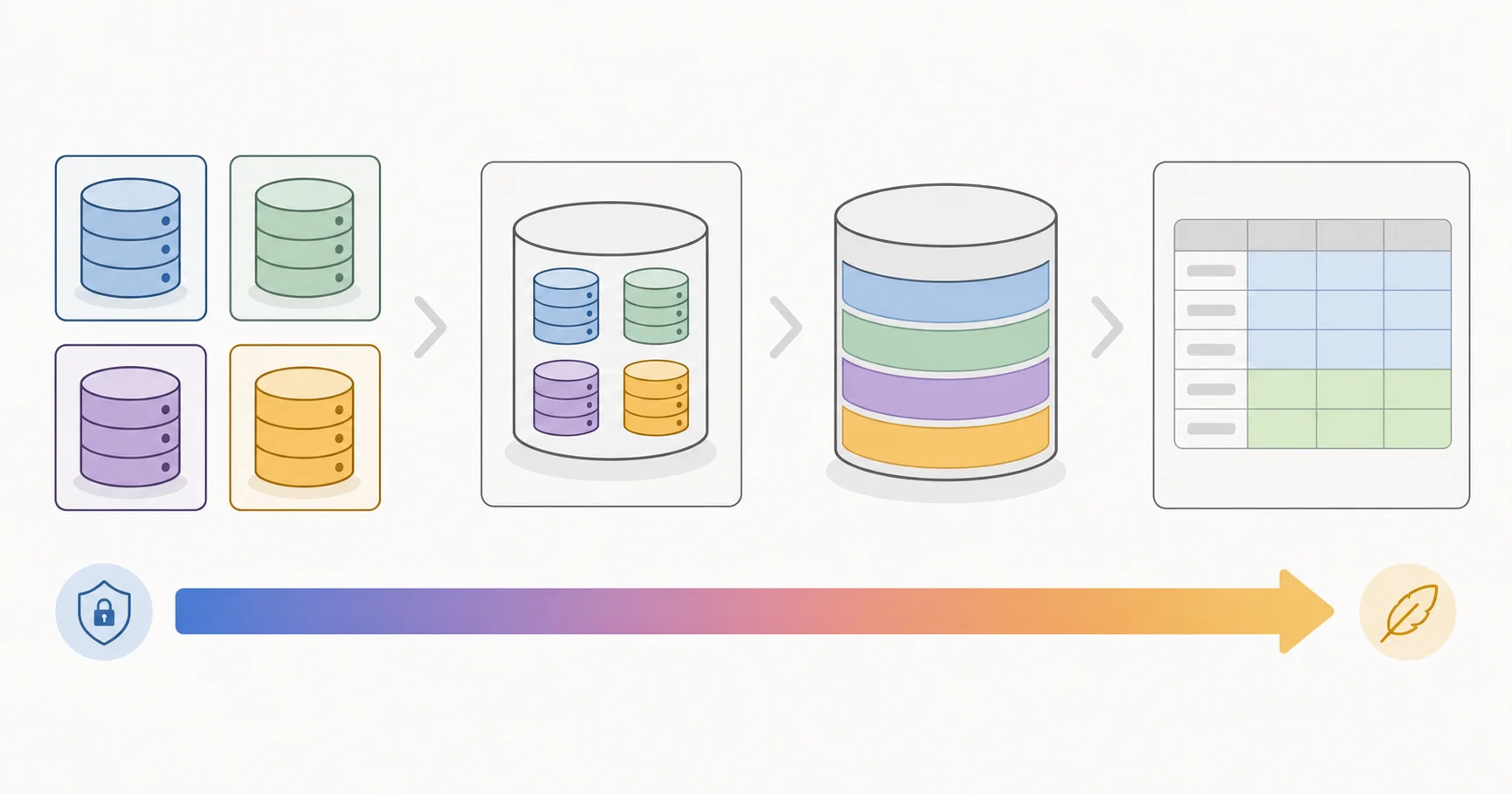
There's a dependency resolver baked in too. Run ui:add sidebar and it walks the component graph — pulls in whatever that component needs (other components, Composer packages) and nothing it doesn't. You get the full thing working without manually chasing imports.
I've shipped enough Laravel projects to know the real cost isn't writing the first version of a component. It's maintaining a component someone else wrote, in a package you don't control, six months later. Copy-and-own kills that cost at the root.
The Dogfooding Test Nobody Talks About
Back to the docs site, because this is the whole point.
When you build a library's documentation with the library itself, every weak spot surfaces immediately. The first time I built the docs nav with the tabs component, the focus states felt off on keyboard navigation. I didn't read that in a bug report. I hit it myself, on the second day, building my own site.
That's the loop. Build the docs → feel the friction → fix the component → ship the fix to everyone. The docs aren't a brochure. They're the longest-running integration test the library has.
A component system that outsources its own docs has never run that loop. The components might look fine in isolated little demo cards. But "looks fine in a demo" and "holds up across 30 pages of real layout, real content, real responsive breakpoints" are different planets. The gap between them is exactly the gap that bites you three weeks into a project.
So my rule, and I'd argue it should be yours when you're evaluating any UI kit:
If the makers won't build their own site with it, why would you build yours?
It's not a gotcha. It's the cheapest signal you have for whether a library survives contact with reality.
What You Get Out of the Box
There are 25 components today, grouped the way you'd actually reach for them:
- Forms → button, input, label, checkbox, radio, select, switch, textarea
- Overlays → dialog, dropdown-menu, sheet, tooltip
- Layout → card, collapsible, separator, sidebar
- Navigation → accordion, breadcrumb, tabs
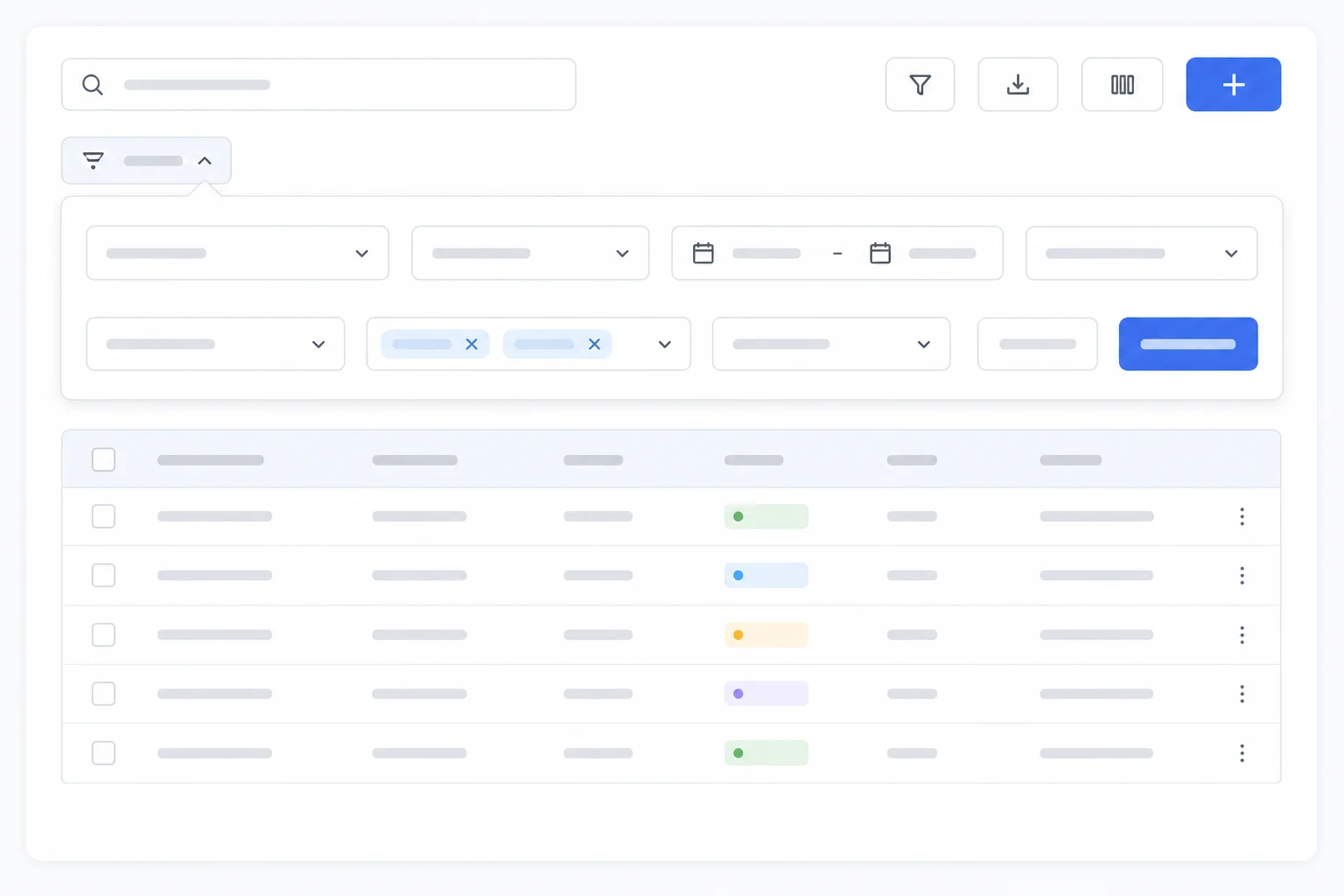
- Data display → avatar, badge, table
- Feedback → alert, skeleton, toast
The ones that need JavaScript lean on Alpine.js and they're marked as such. Everything else is pure Blade and Tailwind — it renders, it's done, no hydration, no client cost.
The theming is where Tailwind v4 earns its keep. Components read from @theme tokens instead of hardcoding colors. Change your token, every component shifts with it. No find-and-replace across 25 files. If design tokens are new to you, Design Systems Explained: Atoms, Molecules, Organisms covers the thinking that makes a token-driven system click.
How to Actually Start (5 Minutes)
Here's the real path, not a hello-world:
- Install the CLI as a dev dependency.
composer require --dev safi/laralcn-ui— it's PHP 8.2+ and Laravel 11, 12, or 13. - Initialize.
php artisan ui:initsets up your theme tokens and the base structure. CSS-first, so no config file to babysit. - Add what you need, when you need it.
php artisan ui:add button card dialog— the resolver handles the dependency graph for you. - Open the files and make them yours. They're sitting in your app now. Rename the variant. Tweak the padding. Rip out the parts you don't use. This is the whole point — go crazy.
- Ship. No runtime package, no version lock, no surprises in production.
That's it. The library gets out of your way the moment it's done its job.
For the wider context of where this fits, I keep a running map of the tools I reach for in Exploring the Laravel Ecosystem — LaralCN-UI is the piece I was missing on the Blade-native UI side.
What to Do Now
If you run Laravel and you've been hand-rolling the same button and dialog markup on every project — stop. Run the three commands, copy in a component, and open the file. Spend five minutes editing it however you like. That moment, where you realize the code is genuinely yours and nothing's stopping you, is the whole pitch.
Then do the test I'd do on any library you're about to commit to: ask whether the people who made it would build their own site with it. With LaralCN-UI, I already did. The docs site is the proof, and it's open for you to poke at right now.
It's v0.1.0 and MIT licensed. Early, honest, and getting better every time I build something real with it. Try it, break it, and tell me where it bends — that's how the next version gets sharper.
Last updated 28 May 2026 · filed under Laravel, blade, tailwindcss, shadcn, alpinejs, frontend, ui