A developer built a read-only AI code reviewer from scratch in minutes. The real lesson is the harness: model, context, guardrails, tools. Here is why you should build your own.
I watched a developer build a working version of Claude Code in an afternoon. Read-only, focused on one job, running in his terminal. It reviewed its own code while I watched.
The build is not the interesting part. The interesting part is what it tells you about the AI tools you already pay for, and why you can probably build a better one for your specific job.
Here is the takeaway up front: the model is the cheap part now. The value is in the harness you wrap around it, and that harness is small enough to build yourself.
What he actually built
A CLI tool with a short name, cr. You run it inside a folder and it becomes a read-only code reviewer. It reads files, runs a git diff to see what you changed, and tells you what it thinks. It cannot write a single file. Not because someone told it not to, but because it was never given a write tool in the first place.
The system prompt is one line: "You are CR, a meticulous senior software engineer doing focused code review." That one line is why, when he typed "hello, how are you," the model answered and then immediately offered to review his code. The harness pulls the model toward one job.
He ran it on Baidu's CodeBuddy model. More on that below, but the short version: it is cheap, it is built for coding, and it speaks the same API format as everything else, so swapping it in took minutes.
The four parts of any AI harness
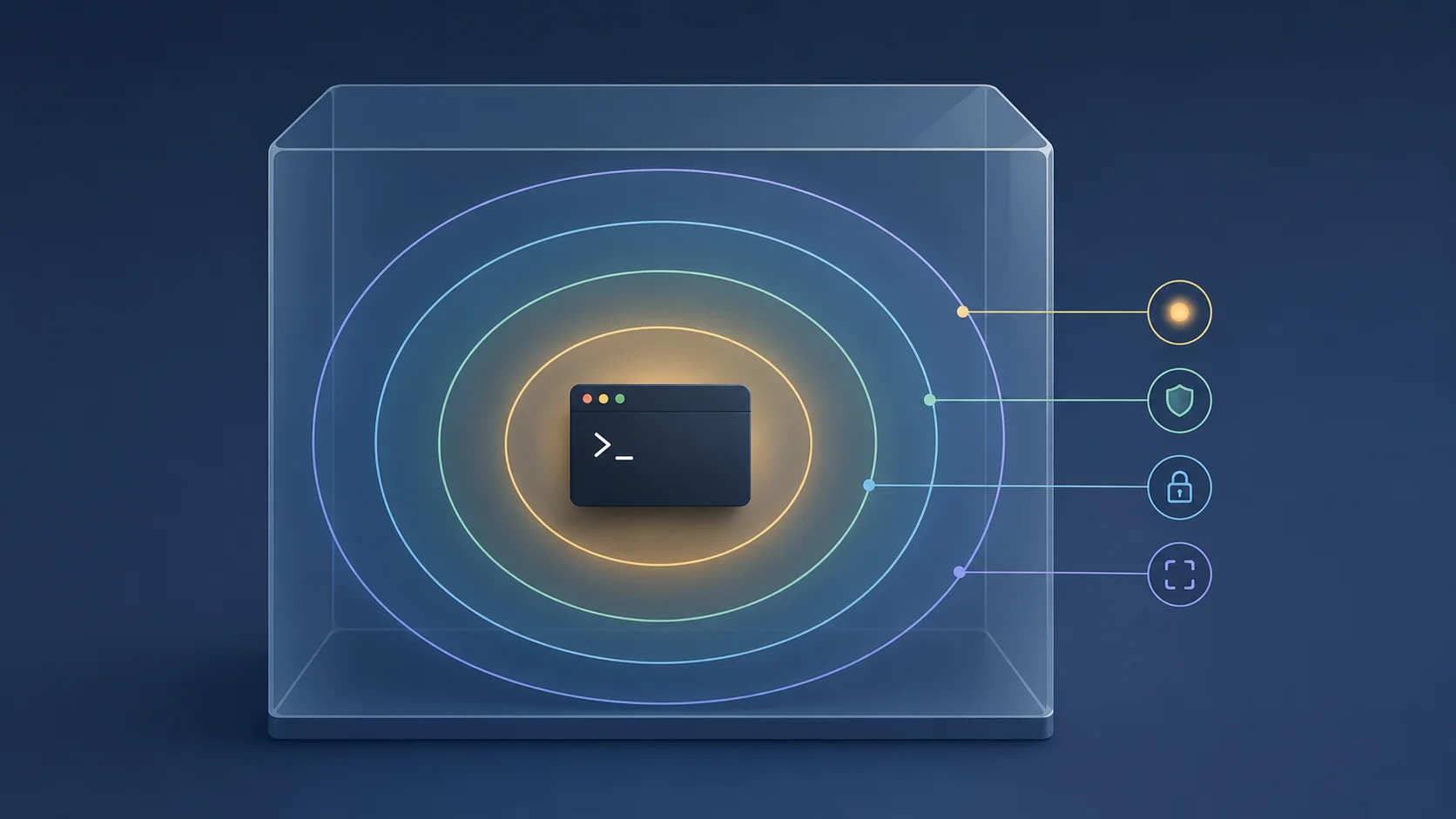
This is the part worth keeping. Every AI tool you use, Claude Code, Codex, Cursor, ChatGPT, is the same two things: a smart model, and a harness around it. The harness has four parts.
The model. The raw intelligence. It can be almost anything as long as it is smart enough and has a big enough context window, a few hundred thousand tokens. The model makes the decisions. It does not, on its own, touch your files or your network.
Context management. What happens when the conversation gets longer than the model's context window? How do you compress it, trim it, summarise the old parts? This is plumbing, but it is the difference between an agent that holds a long task together and one that forgets what it was doing.
Guardrails. What the model is allowed to do. Permissions, limits, safety rules. Claude Code has a guardrail you have probably hit: it will not write to a file until it has read that file first. That is not the model being careful. That is the harness refusing the write. You can add the same kind of rule to your own.
Tools. The hands. Read files, write files, search the web, query a database, hit an API. The model can only act on the real world through the tools you hand it. Give it a read-file tool and nothing else, and you have a read-only reviewer by construction.
If MCP is how you plug standard tools into an existing agent, the harness is the layer underneath: you decide what tools exist at all.
Why guardrails matter more than the system prompt
People reach for the system prompt to control an AI. It helps, but it is a suggestion, not a fence. The model can ignore a prompt. It cannot use a tool you never gave it.
That is the real lesson in the read-only reviewer. He did not write "please do not edit my files" and hope. He gave the agent a single read-file tool with a path prefix, so the set of things it can do does not include writing. The guardrail is structural. There is no prompt-injection trick that hands the model a write tool it does not have.
This is the same thinking behind the read-before-write rule in Claude Code. The harness enforces order so the model cannot blindly overwrite. When you build your own, you choose these rules. Cap the number of tool calls so it cannot loop forever. Restrict file paths so it stays in one folder. Each guardrail is a few lines, and each one removes a category of damage.
The model is the cheap part now
He used CodeBuddy from Baidu, available through Baidu's Qianfan platform. It has a 128,000-token input window, text output, and is tuned for coding and agent work with very low latency. You create an API key and call it. It follows the OpenAI chat format, so if you already use any OpenAI-compatible model, swapping CodeBuddy in is a config change, not a rewrite.
That last point is the one to sit with. The model is now a commodity you slot in. A code reviewer does not need a frontier model. It needs something competent and cheap, because it is going to run on every pull request, all day. Picking a smaller, cheaper model for a narrow job is not a compromise. It is the correct call. I made a similar argument about running LLMs locally with Ollama and LM Studio: match the model to the job, do not reach for the biggest one out of habit.
Where this gets useful at work
A read-only reviewer is a neat demo. Here is where the idea earns its keep.
Drop a custom reviewer into your CI so it runs on every pull request. It can read the diff and comment, but it has no write access to anything, so the worst case is a bad comment, never a bad commit. Cheap model, runs constantly, costs little.
Or flip it the other way. Say you run a SaaS product and each customer has their own isolated instance. You could build a harness that lets your sales or marketing people make safe edits to a demo site through plain instructions, with the write tools scoped to that one site and a log of who changed what. No engineer in the loop for a copy tweak.
The point is that these are narrow, internal jobs where you want exact control over what the agent can touch. A general tool like Claude Code is built to do everything. Your harness is built to do one thing and refuse the rest. For internal tooling, that refusal is the feature.
What to do now
Build a small one. Start with a CLI, because it is the simplest shell to get running. Pick an OpenAI-compatible model. Write a one-line system prompt for a single job. Give the agent exactly one read-only tool. Then loop: send the prompt, run whatever tool calls the model asks for, feed the results back, repeat until it is done.
Get that working and the rest is addition. Another tool. A tighter guardrail. A GUI if your teammates need one. You will also understand the AI tools you already use far better, because you will have built the thing they are made of.
If you want the bigger picture on getting real work out of these agents, my guide on how to use Claude Code right covers the workflow side, and the vibe-coding lie is worth reading on the difference between gluing tools together and actually owning the foundation. Building your own harness is how you cross from the first to the second.