One process, one SQLite file
The GitBasedDocs deploy is one Node process and one SQLite file on a volume. Why it has to be a single instance, how migrations run on the first database call, and why the build never opens the database.

5 min read


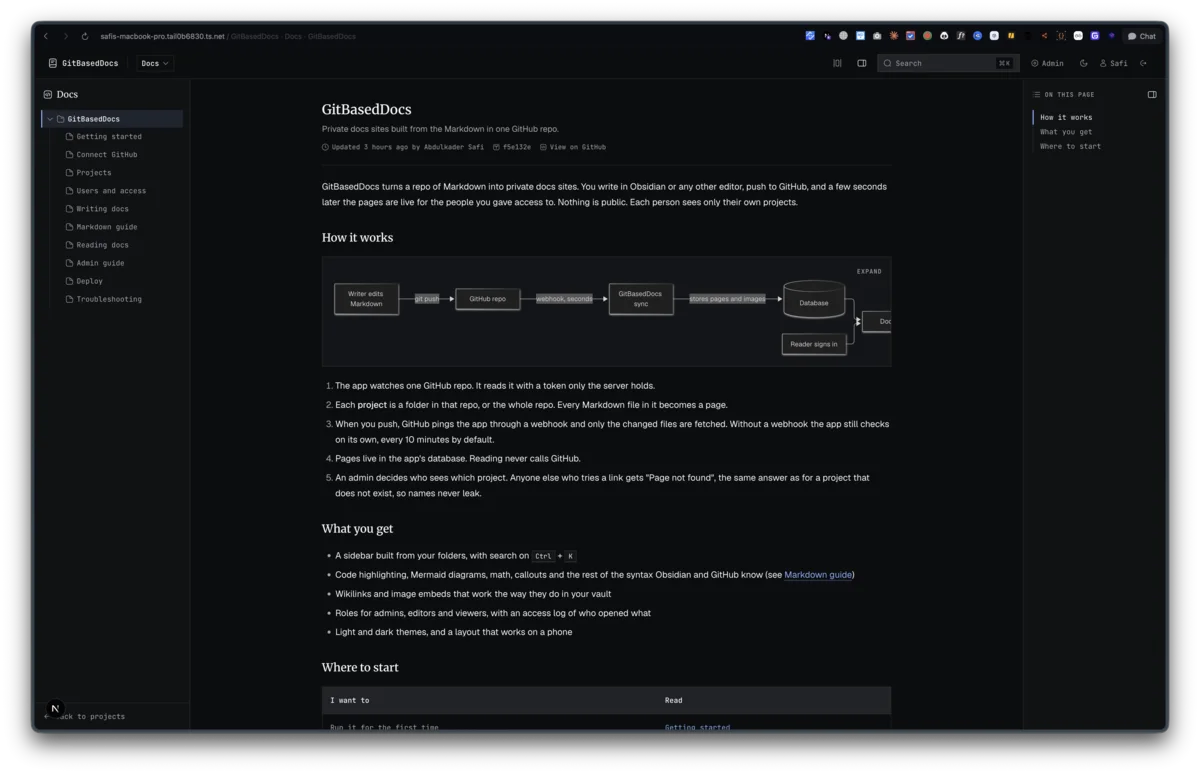
The feature spec for GitBasedDocs planned two deploy shapes: SQLite for a local self host, Postgres for a real deploy, and drizzle-kit migrate run on boot. What shipped is smaller. One Node process, one SQLite file, and migrations that run themselves. This post is about why that holds up, and where it stops.
The whole deploy
From the dashboard/ folder:
bun install --frozen-lockfile
bun run build
bun run start          # port 3000
Everything the app writes lives in data/: the SQLite file and the cached images and PDFs. Put that folder on a persistent volume, back up both together, and put a TLS proxy in front (Caddy, nginx or Tailscale serve). There is no worker, no queue and no migrate step.
Why exactly one instance
Four pieces of state live in the process's memory, and each one has a comment saying so.
The sync lock is a module-level promise. A second sync request gets the run already in flight instead of starting another. The timed recheck is a setTimeout loop, started once and guarded by a flag on globalThis. The rendered HTML cache is a Map of up to 300 pages, keyed by a pipeline version, the page id and the blob sha. The webhook keeps the last 500 delivery ids so it can skip repeats.
Run two instances and each one gets its own lock and its own timer. Both would sync on every tick, and each would keep its own render cache. The comments name the upgrade path for when that matters: a database advisory lock for sync, a platform cron hitting a sync route instead of the timer, and a table for the delivery ids. None of that is built. The lock's comment states the v1 deploy shape as one app instance, and everything else follows from it.
The render cache sits on globalThis for a second reason:
// On globalThis so every route bundle shares one cache, and "clear cache"
// from an API route empties the one the page routes read.
const g = globalThis as { __renderCache?: Map<string, string> }
Next can load the same module more than once across route bundles. Without the global, the danger zone's Clear cache button would empty a different copy of the map than the one the pages read.
Starting the timer
Next calls register() in instrumentation.ts once when the server boots. That is where the recheck starts:
export async function register() {
  if (process.env.NEXT_RUNTIME !== "nodejs") return
  if (process.env.NEXT_PHASE === "phase-production-build") return
  if (process.env.SYNC_SCHEDULE === "off") return
  // ...
  startSyncSchedule(interval)
}
The first two guards matter. The sync code needs Node for libsql and crypto, so the edge runtime is skipped. And next build loads this file too, so without the phase check every build would start the recheck timer. SYNC_SCHEDULE=off is there for hosts where a webhook and the Sync now button are enough.
A database the build never opens
The database client connects on first use:
// Lazy connect so `next build` never needs a live DB.
// First call opens the file and runs pending migrations.
export async function getDb() {
  if (!db) {
    const url = process.env.DATABASE_URL ?? "file:./data/app.db"
    const client = createClient({ url })
    db = drizzle(client, { schema })
    await migrate(db, { migrationsFolder: "./drizzle" })
  }
  return db
}
That gives two things. The build runs anywhere, with no volume mounted and no database file present. And a new release carries its own migrations: ship the drizzle/ folder with the build, start the server, and the first request brings the schema up to date. The one rule it adds is that the server has to start from dashboard/, because both paths are relative.
Migrations can also fix data, not only schema. When images joined the sync, installs already at the repo head would stop on "unchanged" and never download them. Migration 0004_backfill_assets.sql is one UPDATE that clears the stored sha, so the next run diffs once and backfills the files.
The same folder needed one early fix for drizzle-kit, which points at ./data/app.db: drizzle.config.ts now creates the folder with mkdirSync("./data", { recursive: true }) before anything else.
Cookies behind a proxy
NEXTAUTH_URL decides the cookie name. With an https address, next-auth sets __Secure-next-auth.session-token instead of next-auth.session-token. proxy.ts, the cookie gate in front of every page, checks for both. Otherwise a deploy behind TLS would redirect every signed-in user back to /login.
Developing on the tailnet
I ran the dev server behind Tailscale, so the app had a real https hostname while I built it, and GitHub could deliver webhooks to my laptop. Next blocks cross-origin requests to its dev-only assets and endpoints by default, so that hostname sits in allowedDevOrigins in next.config.ts. The connection page builds the webhook URL it shows from the x-forwarded-host and x-forwarded-proto headers, so behind Tailscale it prints the tailnet address instead of localhost.
Where it stops
Postgres is not supported. The schema is SQLite only, and the README says so. Serverless hosts are out for the same reasons as a second instance: the timer needs a long-running process, and the SQLite file needs a disk that outlives a request.
Last updated 10 Sep 2026 · filed under Typescript, nextjs, bun, vps, hosting