10,000 fake GitHub repos are pushing malware. Here's how to spot one
A June 2026 campaign cloned 10,000 GitHub repos with real commit history and contributor names, then hid malware behind a README download link. Here's how it works and how to not get burned.



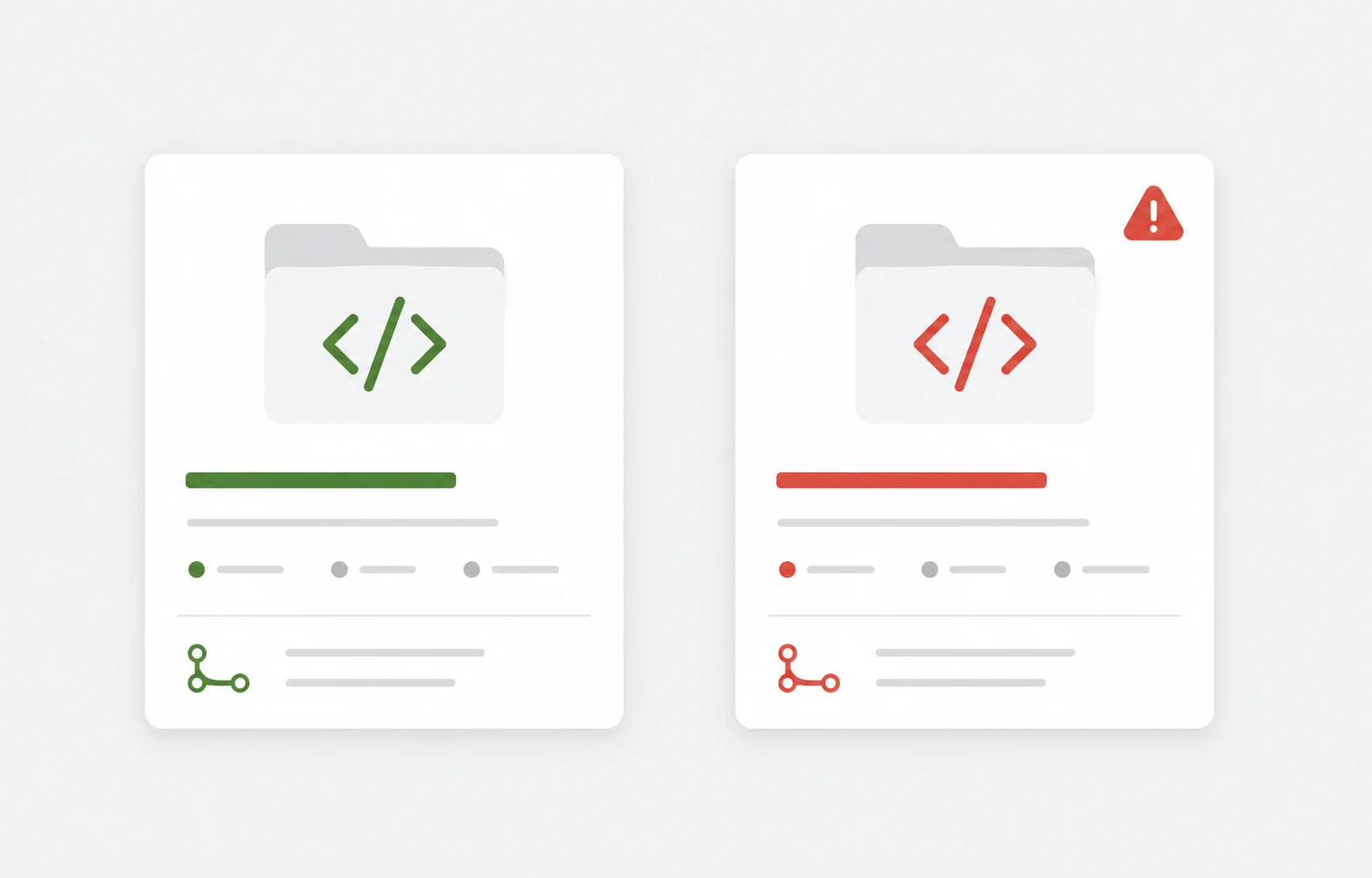
A repo with months of commit history, real contributor names, and a clean README is not automatically safe. In June 2026 someone proved that at scale: 10,000 GitHub repositories, all clones, all built to look legitimate, all pushing malware.
Here's what happened, why the usual "check the repo looks active" gut check failed, and the few habits that actually protect you.
How they got caught
A researcher at OrchidFiles found a cloned copy of their own repo ranking in search results. Same metadata. Same commit history. Same contributor names. The one difference: a fresh link in the README pointing to an external ZIP file.
That ZIP was the payload.
Once they started digging, the single clone turned into a pattern. Thousands of repos, all built the same way. Not forks. Independent clones with copied commit histories and contributor profiles, engineered to look like the real thing and dodge the "this looks abandoned" instinct we all rely on.
The activity was first spotted on June 18, 2026.
The automation tell
The attackers ran this like a job, not a one-off.
Every few hours, a repo would delete its previous commits and re-push identical ones. Each push rewrote the README to include the ZIP link again. The commit messages were always something generic like "Update README.md." No human commits that way on a loop, every few hours, across thousands of repos. That rhythm is the fingerprint.
The ZIP itself followed a fixed recipe. Four files almost every time:
- a command script, like
Application.cmd - a loader executable, like
loader.exeorluajit.exe - a second file with a random name
- a
lua51.dlllibrary
Run the script, the loader fires, and you're compromised.
Why your scanner said "clean"
This is the part worth sitting with.
When researchers submitted the download URL to scanners like VirusTotal, it came back clean. No detections. But when they uploaded the actual ZIP file, it lit up with Trojan alerts.
So the link looks safe and the file is not. The attackers built it that way on purpose, to beat URL-based scanning. If your only check is "does this URL look flagged," you'd wave it straight through.
The lesson: scan the artifact, not the link to it. A green checkmark on a URL tells you nothing about what's inside the file it points to.
How they made fakes outrank the real thing
The clever bit isn't the malware. It's the distribution.
The attackers combined SEO abuse with social engineering. They cloned new or low-visibility repos, tagged them well, and let search engines do the promotion. A developer Googles a library, finds the clone near the top, sees real commit history and real contributor names, and trusts it. The fake commit history is the credibility hack. It's the thing that turns "random repo" into "looks fine, I'll grab it."
If you've spent any time on real-world SEO, you know how much ranking comes down to signals that are easy to fake in bulk. This is that, turned into an attack. (I've written before about the core on-page SEO elements that actually move rankings, and the uncomfortable part is that most of them can be gamed by a script.)
How big, and how persistent
The researcher built a detection script using GitHub event data from GH Archive, instead of trying to scan all 500 million-plus repos directly.
Starting from 16 million commit events over five days, filtering for repos with frequent, suspiciously timed commits cut it to about 3,000. Tighter heuristics (non-bot commits, irregular gaps between pushes, multiple contributors) widened the net again as they tuned it. The final pass flagged around 40,000 suspicious repos, of which exactly 10,000 matched the malware pattern.
And here's the depressing detail: many had been sitting there for months without being caught. Removals only happened after someone explicitly reported them, and new malicious repos kept appearing right after takedowns. The operators were actively restocking. Reactive cleanup against an automated supply line is a losing game.
The payloads haven't been fully reverse-engineered, but the techniques line up with loaders like SmartLoader and stealers like StealC. Translation: this is built for credential theft and system compromise, not pranks.
What to actually do
You can't fix GitHub's detection. You can change how you pull code.
- Treat any download link in a README as guilty until proven innocent, especially if it points to an external ZIP and was added in a recent commit. That timing is the whole attack.
- Scan the file, not the URL. Download to a sandbox or an isolated VM, then run the actual artifact through a scanner. A clean URL means nothing here.
- Check the commit rhythm, not just the count. Real projects have messy, human-paced history. Identical commits re-pushed every few hours with "Update README.md" messages is a screaming red flag.
- Go to the source, not the search result. Find the project's real home (its official site, its package registry page, the maintainer's verified account) and follow links from there. Don't trust the top search hit just because it has stars and history.
- Never run loose executables from a repo. A
loader.exeplus a.cmdplus a stray DLL is not how legitimate open-source ships. Real projects build from source or distribute through signed, verifiable channels. - Verify before you execute. Check hashes against the official release when one exists. Two minutes of checking beats a day of incident response.
If you run your own servers or self-host anything that pulls from public repos, this is a good prompt to tighten the rest of your chain too. My self-hosted security checklist covers the basics most people skip, and the safer Composer workflow applies the same "don't blindly pull" thinking to your dependency manager.
The takeaway
The old heuristics are dead. "Has commit history," "has contributors," "looks active," "ranks well in search," none of those survive an attacker who can clone and automate at scale. Stars and history are now things to verify, not reasons to trust.
Pull from sources you can confirm. Scan the file, not the link. And if a README is quietly nudging you toward an external ZIP, walk away.
Last updated 29 Jun 2026 · filed under Tools, seo