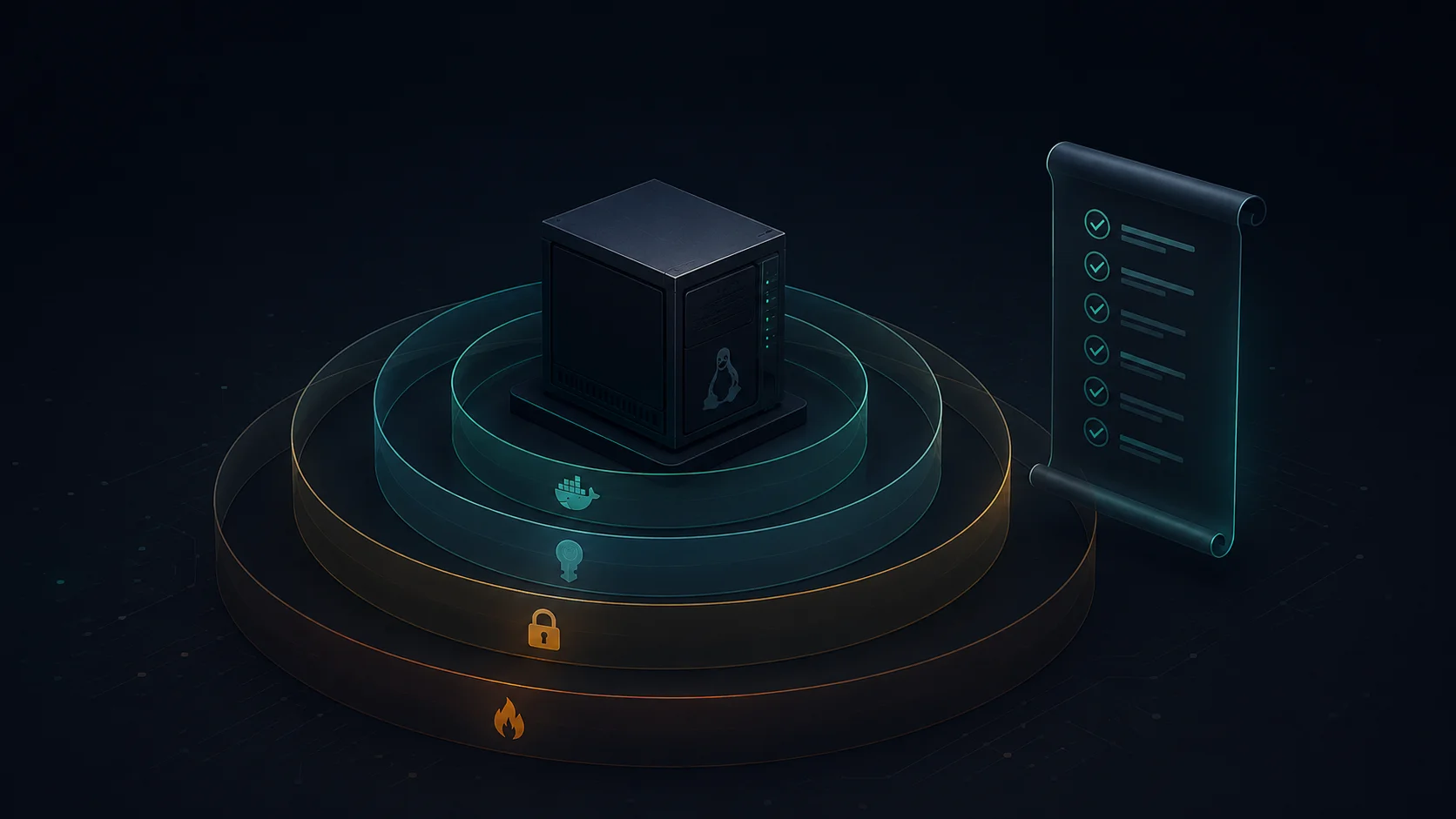
A practical, no-fluff security checklist for self-hosters. Covers firewall, SSH, containers, secrets, backups — the stuff that actually keeps you from waking up to a ransom note.
The first server I ever owned got popped in 11 days. Default Ubuntu image, root SSH with a password I thought was clever, port 22 wide open to the internet. Came back from a weekend trip to find my CPU pinned at 100%, a stranger's Monero miner happily eating my credits, and /var/log/auth.log reading like a phone book of failed logins followed by one very successful one.
I'd love to say I was the only person who's done this. I'm not. I've audited servers for 4 clients in the past year — every single one had at least three of the issues on this list. Two of them had databases bound to 0.0.0.0 with no auth. One had the Docker socket mounted into a public-facing container. None of them knew.
Here's the thing about self-hosting: the difference between "my homelab" and "an attacker's free crypto miner" is usually about 17 boring config decisions. Below is the checklist I run on every server I touch — mine, my clients', and the side projects I keep meaning to delete. No theory. Just the stuff that actually matters.
Your firewall isn't optional, and your cloud security group doesn't count
The first mistake I see constantly: people trust AWS security groups or DigitalOcean firewalls and skip the host-level firewall entirely. Don't. Cloud network controls and host firewalls solve different problems — and one of them lives inside your machine where the malware does.
Default-deny everything inbound. Allow only what you need. On Ubuntu/Debian:
sudo ufw default deny incoming
sudo ufw default allow outgoing
sudo ufw allow 22/tcp
sudo ufw allow 443/tcp
sudo ufw enable
Then stop binding your databases to the world. If you're running Postgres or Redis, bind to 127.0.0.1 or a private network — never 0.0.0.0. I've found Redis instances on the open internet with zero auth more times than I can count. They're free RCE for anyone with a port scanner.
Add fail2ban while you're there. SSH brute-force is constant background noise on the public internet — fail2ban turns it from "a million attempts per day" into "five and they're banned for an hour."
SSH defaults will get you owned — fix them in 90 seconds
The default SSH config on most cloud images allows root login with a password. That's how my first server got popped. Don't be me.
Edit /etc/ssh/sshd_config:
PermitRootLogin no
PasswordAuthentication no
PubkeyAuthentication yes
MaxAuthTries 3
LoginGraceTime 20
Use ed25519 keys, not RSA. Smaller, faster, more secure. Generate one with ssh-keygen -t ed25519 -C "your-comment" and never look back.
If you must allow password auth for some reason, don't. Seriously. Use a key. If your laptop got stolen and you're worried, use a hardware key (YubiKey + sk-ed25519). It takes 4 minutes to set up.
Don't run anything as root — including yourself
Every service should run as a dedicated, non-privileged user with no shell. Postgres runs as postgres. Your app runs as app. Nginx as www-data. None of them log in.
Your deploy user shouldn't be root either. And before you write deploy ALL=(ALL) NOPASSWD: ALL in sudoers — stop. That nukes the entire point of having a separate user. Whitelist the specific commands you need:
deploy ALL=(ALL) NOPASSWD: /bin/systemctl restart myapp, /usr/bin/docker compose pull
Now even if someone steals your deploy SSH key, they can restart your service. They can't rm -rf / or install a rootkit.
Patch like your job depends on it (it does)
Unattended-upgrades exists. Use it.
sudo apt install unattended-upgrades
sudo dpkg-reconfigure -plow unattended-upgrades
That handles security updates. Kernel patches still need a reboot — schedule one weekly or use livepatch if you can't take downtime. For dependency-level vulnerabilities, scan your container images with Trivy:
trivy image yourapp:latest
You'll find a horror show. I scanned a client's "production" image last month — 47 high-severity CVEs, half of them in base layers they hadn't rebuilt in two years. Fix → rebuild → push → done. Took 20 minutes.
Containers don't isolate by default — make them
Most people think docker run gives them isolation. It doesn't. By default, containers run as root, can write everywhere, and have every Linux capability enabled.
Lock them down. In your compose file:
services:
  app:
    image: yourapp@sha256:abc123...
    user: "1000:1000"
    read_only: true
    tmpfs:
      - /tmp
      - /var/run
    cap_drop:
      - ALL
    cap_add:
      - NET_BIND_SERVICE
    security_opt:
      - no-new-privileges:true
Three things to internalize:
→ Pin to digests, not tags. :latest is a moving target. @sha256:... is reproducible.
→ Drop all capabilities, add back only what you need. Most apps need zero.
→ Never mount the Docker socket into a container that processes untrusted input. That socket is effective root on the host. I once found a client mounting /var/run/docker.sock into a public webhook receiver. We had a long conversation.
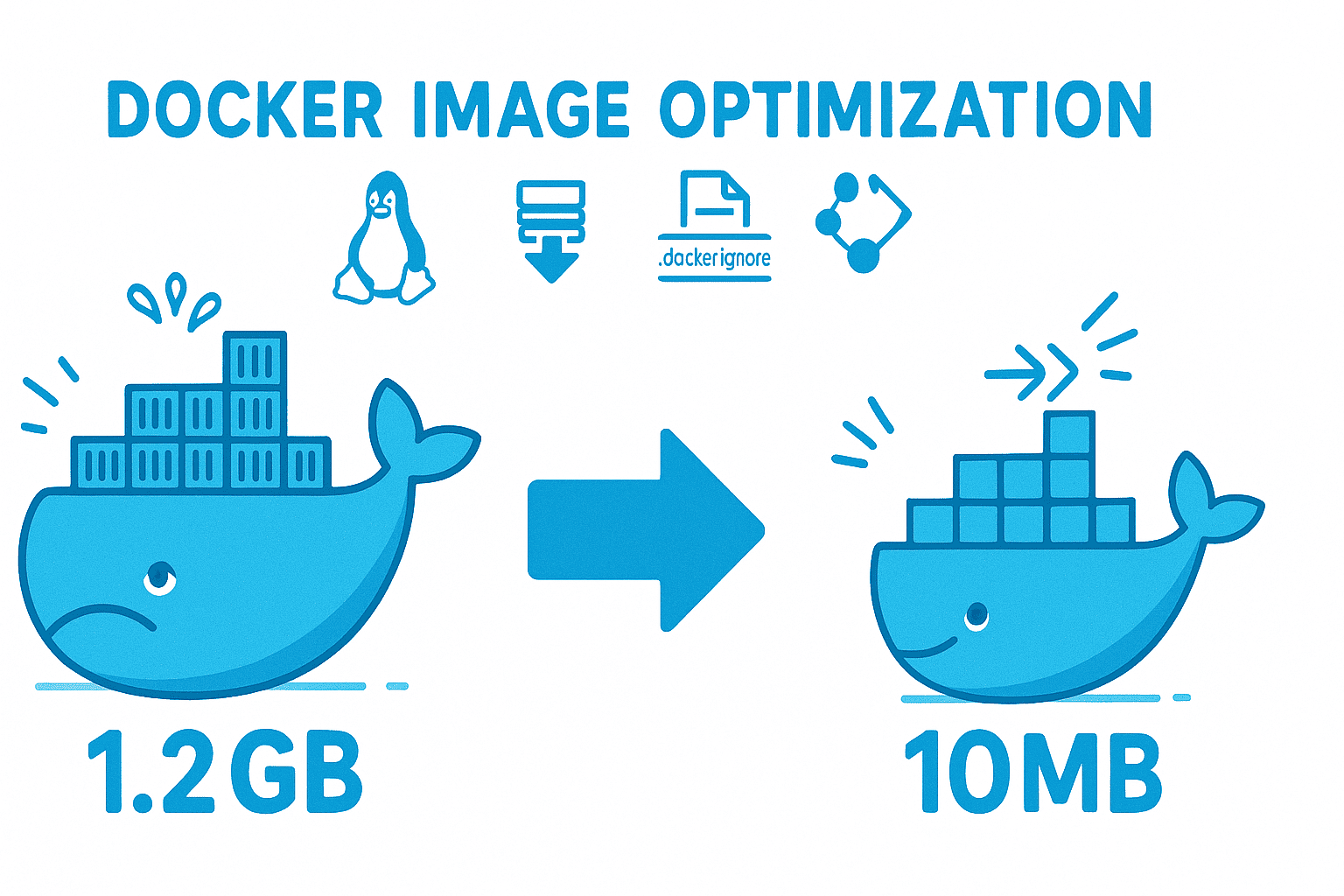
If you're running containers in production, containerizing your app properly is its own discipline — and once you've nailed it, shrink the image so there's less attack surface to begin with.
TLS everywhere — yes, even on your "internal" network
"It's behind the firewall" is not a security model. It's a wish.
Use TLS for every service-to-service call. Even Postgres → app traffic on the same host. Lateral movement is how attackers go from "compromised one container" to "owned the whole cluster," and unencrypted internal traffic is how they map your network on the way through.
Caddy, Traefik, or nginx with Let's Encrypt make this trivial. If you're new to reverse proxies, I wrote a beginner's guide to reverse proxy servers that covers the basics.
While you're at it, set HSTS:
Strict-Transport-Security: max-age=31536000; includeSubDomains; preload
That tells browsers "never speak HTTP to this domain again." One header, one minute, big win.
Stop putting secrets in env files
I know. Everyone does it. docker-compose.yml with DB_PASSWORD=hunter2 right there in the YAML. It's in your git history. It's in your shell history. It's in docker inspect output. It's in process environment variables that any process on the host can read.
Better options, in order of effort:
- Docker Swarm secrets or Kubernetes secrets — mounted as files, not env vars
- systemd
LoadCredential=— for services not in containers - HashiCorp Vault — when you need dynamic, short-lived credentials
- SOPS + age — encrypted secrets in git that decrypt at deploy time
Pick one. Migrate. Stop committing .env files. (Yes, even to private repos.)
Logs that live only on the box are no logs at all
When an attacker gets root, the first thing they do is wipe logs. If your logs only live on the compromised host, you have nothing — no forensics, no detection, no idea what happened.
Ship logs off-host immediately. Options:
- Loki + Promtail — cheap, simple, self-hosted
- Grafana Cloud's free tier — 50GB/month, zero setup
- Papertrail / Better Stack — managed, dead simple
- A second VPS running rsyslog — janky but works
What to actually watch for:
- SSH auth failures spiking (brute force in progress)
- Sudo invocations from unexpected users
- New listening ports appearing
- Disk filling up (often a symptom of crypto miner logs)
- Outbound connections to weird IPs (your server shouldn't be calling Russia)
Set alerts. Real ones. Pager goes off at 3am ones — not "email I'll read on Monday."
The 3-2-1 backup rule isn't optional
Three copies. Two different media. One offsite. Encrypted. Tested.
The "tested" part is where everyone fails. A backup you've never restored from is an assumption, not a guarantee. I've seen clients run nightly backups for two years, then discover during an actual incident that the database dumps were 0 bytes because someone's password rotated and the cron job had been silently failing since week three.
My setup:
→ Nightly restic snapshots to a Backblaze B2 bucket (write-only API key — even if my server is owned, attackers can't delete the backups) → Weekly snapshot to a different region → Monthly restore drill — pull last week's backup to a fresh box, boot it, run smoke tests, kill it
If you're moving files between hosts as part of your backup or deploy flow, rsync is still the move — fast, encrypted over SSH, and incremental.
The 17-point baseline checklist
Print this. Tape it to your monitor. Run it on every new server before exposing it to the internet.
- Default-deny inbound firewall (UFW or nftables)
- Fail2ban configured for SSH
- SSH: no root, no passwords, ed25519 keys only
- Non-root users for every service, no shell
- Sudo whitelisted to specific commands
- Unattended security updates enabled
- Container scanning in CI (Trivy or similar)
- Containers run as non-root, read-only, capabilities dropped
- Docker socket never mounted into application containers
- TLS on every service, including internal
- HSTS enabled with preload
- Secrets stored in a secret manager — never env files in git
- Logs shipped off-host within 60 seconds
- Alerts on auth failures, sudo, new ports, disk
- Backups follow 3-2-1 with append-only credentials
- Restore tested in the last 30 days
- An intrusion detection tool (AIDE, Wazuh, or even tripwire) checking file integrity
If you can tick all 17, you're ahead of 95% of self-hosted setups I've audited. If you can tick 12, you're already harder to own than a typical VPS.
What to do now
Pick the lowest item on the 17-point list you haven't done. Do it today. Not "this sprint." Today.
If you've done all 17 and want to go further, the next move is threat modeling your specific stack — figuring out where the actual blast radius lives. That's where auth design starts to matter a lot more, because once your perimeter is solid, the next attacker target is your application itself.
Most servers don't get owned by zero-days. They get owned by the same six mistakes everyone makes. Fix the mistakes. The zero-days you'll handle when you have to.