How I Run Claude Cowork and Obsidian as My Second Brain
My real setup for turning Claude Cowork plus an Obsidian vault into a working second brain: how I capture project ideas, keep notes that the AI actually reads, and never repeat myself across sessions.

10 min read


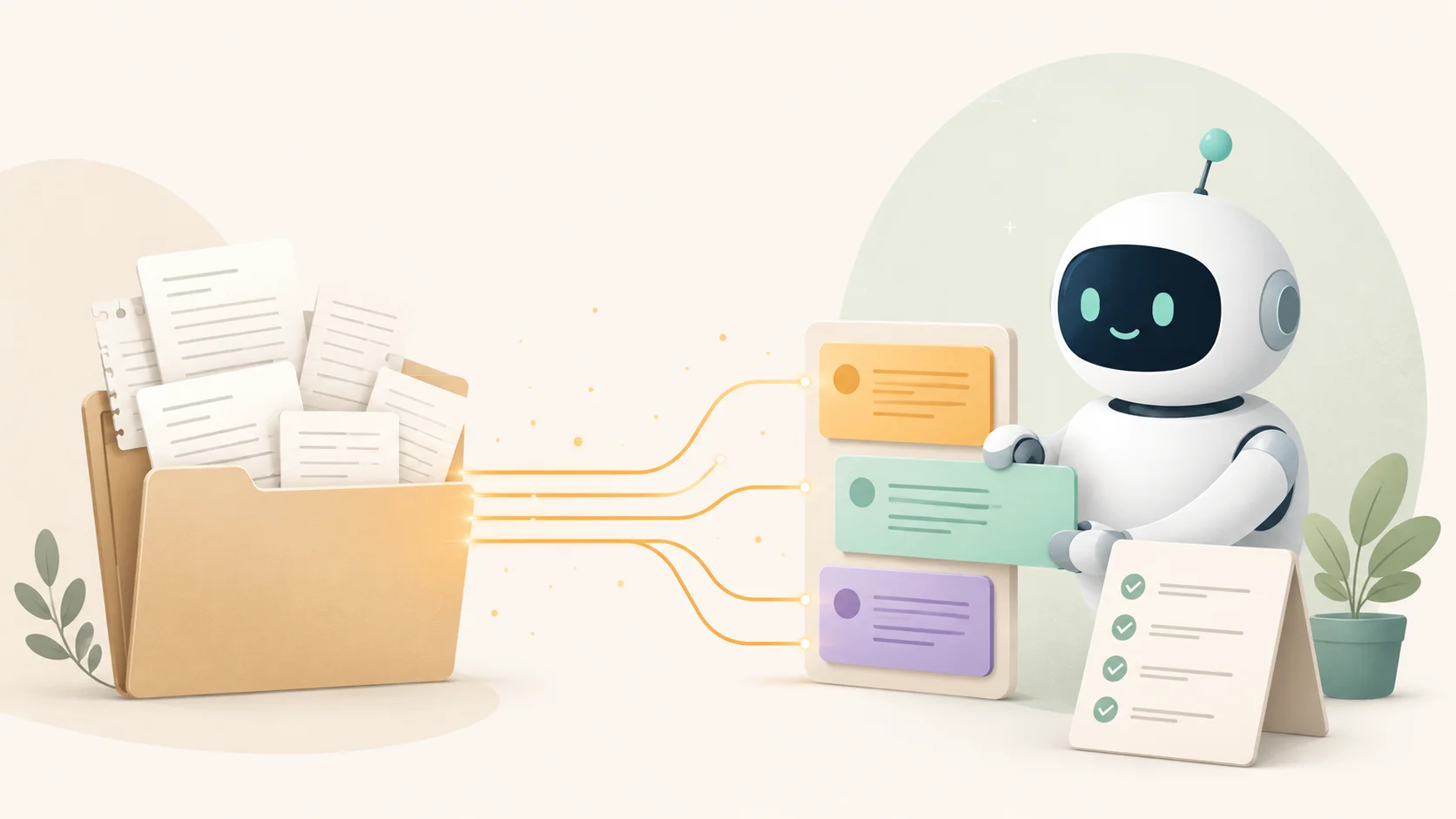
Most people open an AI chat, explain who they are, explain the project, get one good answer, then close the tab. Next day, same thing. They re-explain everything from scratch.
I stopped doing that about a month ago. Now Claude knows who I am, what I'm building, where every project lives, and how I want things written, before I type a single word. It reads all of that from a folder of plain text notes on my own machine.
The folder is an Obsidian vault. The assistant is Claude Cowork. The two together have quietly become the closest thing I have to a second brain. Not in the woo sense. In the boring, practical sense: it remembers so I don't have to.
Here's exactly how I run it. If you're technical, you can copy the whole thing. If you're not, the idea still holds, and I'll keep the jargon out of it as I go.
The problem with every AI chat: it forgets you the moment you leave
The dirty secret of AI assistants is that they have no memory between conversations. Each chat starts blank. That's fine for one-off questions. It's miserable for real work.
I'm a lead engineer at dsrpt. On any given week I'm juggling a dozen projects: client websites, my own open-source tools, SEO work, a couple of half-formed ideas. If I have to brief the AI on all of that every single time, the briefing costs more than the help is worth. So I'd give up and just do it myself.
The fix isn't a smarter model. It's giving the model a place to read from and write to that survives between sessions. A memory it owns. That's what the vault is.
Two things make this work, and they're both unglamorous:
- A set of notes the AI reads at the start of every session, so it knows the context before I ask.
- A running memory file it updates as we work, so today's decisions are there tomorrow.
Keep those two going and the assistant stops being a clever stranger and starts being a colleague who's been on the team a while.
Why Obsidian, not Notion or a database
Quick definition for anyone who hasn't used it: Obsidian is a notes app where every note is a plain .md text file in a folder on your computer. No cloud lock-in, no proprietary format. You own the files.
That last part is the whole reason I use it for this. Because the notes are plain text files in a normal folder, an AI tool can read them and write to them directly, the same way it reads code. I don't have to export anything or wire up an API. I point Claude Cowork at the folder and it just works.
I've used Notion. I still rate it for some things. But its content lives behind an API, not as files I can hand to an AI in one move. For a second brain that an assistant reads and edits all day, plain files win. (I went deeper on the trade-offs in my breakdown of project management tools.)
So the stack is: Obsidian vault for the notes, Claude Cowork as the assistant that lives inside that vault. Cowork can read my files, write new ones, run commands, and pull from connected tools like my email and calendar. The vault is its working memory.
The startup gate: three files it must read before answering
This is the part that changed everything, and it took me about ten minutes to set up.
Cowork supports a file called CLAUDE.md (a plain markdown file). Whatever you put in it, the assistant reads at the start of a session. Think of it as the standing orders. Mine has one hard rule at the top, in capital letters, that says: before you answer my first message, read these three files, every time, no exceptions.
The three files:
about-me.mdis the day-one briefing. Who I am, what dsrpt does, my two audiences, the tools I use, the list of current projects. The stuff a new teammate would need on their first morning.writing-rules.mdis how I want things written. Plain English, no filler, a banned-words list, no em-dashes. So everything it drafts for me already sounds like me, not like a generic AI.memory.mdis the running log of where every project stands.
I even make it print a one-line confirmation naming all three files, so I can tell at a glance the gate actually ran. If that line's missing, I know it skipped the briefing and I pull it up on it.
The effect is hard to overstate. I open a session, type "draft the next steps email for the clinic SEO job," and it already knows which client, who manages it, what stage we're at, and the tone I write in. No briefing. It just goes.
If you build coding agents, this will feel familiar. Your context files are the real product now, not the prompt. I wrote about that idea on its own in your docs are now infrastructure for AI coding agents.
The memory file: how it stops repeating itself
memory.md is the single most useful file in the vault. It has two parts.
The first is live status: one entry per active project, kept current. When something changes, the assistant edits that entry in place so it always reflects where we are right now. The second is a dated log at the bottom, append-only. Every time something worth remembering happens, a decision, a result, a thing I told it, a finished task, it adds a dated line and never overwrites the old ones.
So the status answers "where are we?" and the log answers "how did we get here?"
Here's the shape of it, simplified:
## Live status

### Active projects
- **Dictation tool:** free, private speech-to-text app, English + Arabic.
  Decision: fine-tune Whisper, don't build from scratch. Build guide written.
- **Component library:** copy-and-own Blade components for Laravel.
  Live docs site, in progress.

## Log
### 2026-06-22
- Chose the warm paper palette over the dark theme for the studio site.
- Flagged that one positioning line was too narrow; rewrote it.
The rule I gave it: keep each entry to a line or two, don't record anything sensitive, and if a project finishes, move it to a "done" section instead of deleting it. It's a memory aid, not a diary.
What this buys me: I can come back to a project I haven't touched in three weeks and the assistant picks up the thread instantly. It knows we already decided against multi-tenant architecture, it knows the price on that quote was a placeholder, it knows the logo reads slightly like a "5" and I might want it fixed. I didn't have to remember any of that. The file did.
How project ideation actually works
This is where the second brain earns its keep. When I get a new idea, I don't open a blank doc and stare at it. I tell Cowork the idea in a sentence or two, and a few things happen automatically because my standing orders tell them to.
It creates a folder for the project inside my Projects/ folder, named in a tidy lowercase-with-hyphens style. Everything for that project goes in there: the overview, research, notes, drafts. One project, one folder, no mess.
It adds the project to a master index file so I can always find it. It logs it in memory.md. And if it's an actual build, not just an idea, it follows a rule I set called a build protocol: write a short planning doc first (the problem, what success looks like, what's in scope, the open questions), and get my sign-off before writing any code. No charging ahead. (I lean on the same discipline I described in how to write a PRD with AI tools.)
The part I didn't expect to value so much: it pushes back. I told it to, in writing. If my idea is too broad, or I'm overcomplicating something, or two of my instructions contradict each other, it says so before acting instead of quietly building the wrong thing. A few weeks ago I wanted to position a new brand as "dev tools for agencies" and it flagged that the buyers for my three products don't actually overlap. It was right. That one note saved me a month of building toward a muddle.
So ideation isn't "AI, give me ideas." It's a structured back-and-forth where the assistant holds the context, challenges the weak parts, files the result where I'll find it, and remembers the decision. That's the whole loop.
Notes that render, because the vault is Obsidian
One detail that matters if you go this route. Obsidian has plugins that turn special markdown into real things: task lists with due dates, kanban boards, calendars, tables, diagrams. Generic markdown won't trigger them.
So I keep a file documenting exactly which plugins I have and the precise syntax each one needs. The assistant reads it before it builds any to-do or board or calendar entry, and writes the right syntax the first time. The result renders natively in Obsidian instead of sitting there as dead text. Small thing, big quality-of-life difference.
I run a small CRM inside the same vault the same way: clients, deals, and projects are all just markdown notes following a fixed shape, and the assistant reads a contract file that tells it that shape before it touches anything. Same pattern, different domain. The vault is plain files all the way down, so everything composes.
The safety rule I will not skip
One non-negotiable, and you should copy this exactly: never delete, send, or publish anything without checking first.
It's written into my standing orders. Before the assistant deletes a file, sends an email, publishes a post, or does anything it can't undo, it stops, shows me the plan, and waits for my OK. For deletes it lists precisely what would go, then asks. This isn't paranoia. An assistant that can edit your whole vault and send email on your behalf needs a hard brake, and "ask before anything irreversible" is that brake.
Give the AI real power, then fence the irreversible parts. Both halves matter.
What to do now
You don't need my exact setup to get most of the benefit. Start with the two files that do the heavy lifting:
- Make a
CLAUDE.mdwith one rule: read my about-me and memory files before answering. - Make an
about-me.md(who you are, what you're working on) and amemory.md(a running log the AI updates as you work).
That's it. Point Cowork at the folder and use it for a week. The first time you come back to an old project and the assistant already knows where you left off, you'll get why I stopped re-explaining myself.
If you want to go further, add a writing-rules file so everything it drafts sounds like you, and a project-folder rule so ideas get filed instead of lost. Build it up one file at a time. The vault grows with you.
I build tools and websites for a living, and I'm always happy to talk shop. If you want to see what I'm shipping, my projects are here, and if you've got work in mind, reach out.
Last updated 30 Jun 2026 · filed under Tools, ai, claude, agents, obsidian