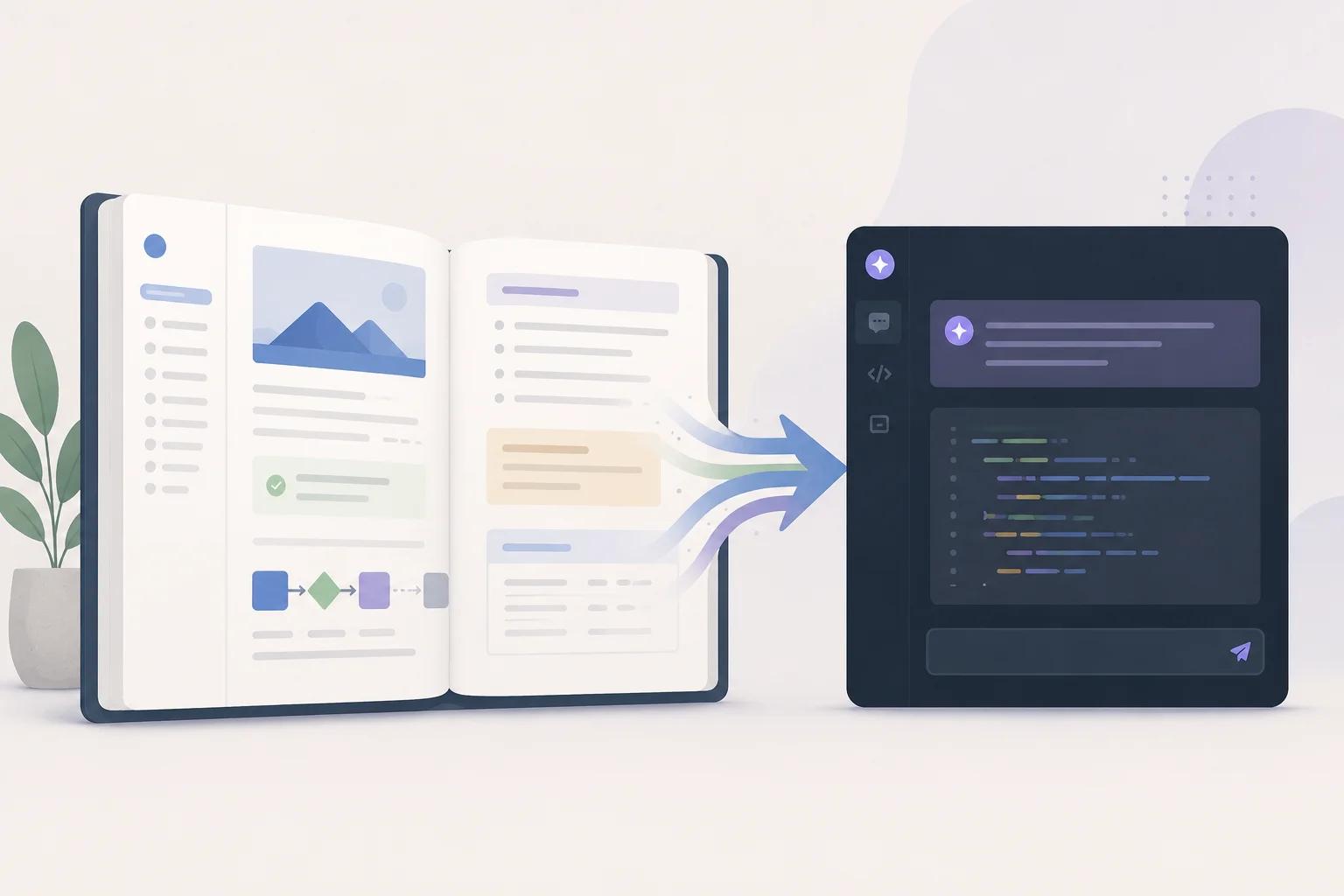
Documentation used to be for the next developer. Now it is what every AI coding agent reads before it touches your code. Here is what to write and why.
I once spent two days reading a codebase before I dared change one line. No docs. No README worth the name. Just a Slack channel and a login, handed over by an agency that had already moved on.
That used to be a people problem. One slow week for the next developer, then they figured it out. Now it is a machine problem too, and the machine never figures it out. It just guesses, confidently, and ships the guess.
Here is the shift: documentation is no longer a courtesy for the next human. It is the context layer every AI coding agent reads before it writes a line in your repo. Get it right and the agent moves with your patterns. Get it wrong, or skip it, and you pay for the guesses forever.
What "documented" actually means
Most people hear "documentation" and picture a setup file. Run these commands, set these variables, you're good. That's table stakes. It is not the thing.
Real documentation is a set of living files that explain the whole system, written while you build, not bolted on at the end. The end never comes. You know this.
Here's what I keep for any project worth keeping:
- Architecture. How the pieces fit. The database schema, the API shape, and the part everyone skips: why it was built this way. The reason a decision was made is worth more than the decision.
- Setup. A new dev (or me, six months from now) running locally in under an hour. Every dependency, every env var, no tribal knowledge.
- Deployment. How a change ships. Where it's hosted. What to watch after it goes out.
- Operations. The boring stuff you actually get paged about. Reset a password, update content, handle the weird edge case the client hits every quarter.
- Troubleshooting. The errors that already bit someone, and the fix. This file saves more hours than any other.
If you write all of that at the end, you won't. So write it as you go. The doc is a byproduct of building, not a phase after it.
The thing that changed: agents read your repo now
Everything above has been good practice for years. Good engineers documented. Lazy ones didn't. The work limped on either way.
Then coding agents showed up. Claude Code, Cursor, Copilot. They read your codebase and build inside it. They write features, fix bugs, refactor, answer questions about how the thing works. I review their pull requests every week, and the pattern is brutal and consistent: an agent is exactly as good as the context it has.
Point one at an undocumented repo and it's a guessing game. It doesn't know why you chose that pattern. It doesn't know your deploy process. It doesn't know the one convention your team treats as law. So it invents something plausible, breaks an existing pattern, and now you're cleaning up after a tool that was supposed to save you time. I've watched a "quick" AI change turn into a half-day untangle because nobody told the agent how auth actually flowed.
This is the same trap weak engineers fall into, and I've written before about how AI raises the floor for weak engineers, then comes for their job. An agent with no context is a junior with no onboarding. It's not the tool's fault. You didn't give it the map.
Agent skills: documentation written for the machine
So now I write a second layer, on purpose, for the agents. Some people call them agent skills. In practice they're a CLAUDE.md, a .cursorrules, or a small skills/ folder: structured instructions that tell the agent how this specific codebase works.
Think onboarding doc, but the reader is a model. It covers three things:
- The rules. Stack, file layout, naming, the patterns you always use and the ones you never do.
- The recipes. Step-by-step for the jobs that repeat. How to add an API endpoint here. How to add a table. How to write a blog post in your CMS. The agent follows the steps instead of improvising.
- The why. Which libraries you picked and what you traded away. The architectural calls that should not get reversed by a confident refactor at 2am.
A human reading these gets productive in a day. An agent reading them produces pattern-following code on the first try instead of the third. Same file, two readers, double the payoff.
Here's a trimmed CLAUDE.md from a Laravel project, so it's not abstract:
# Project: client-portal

## Stack
- Laravel 11, Livewire 3, Tailwind v4, MySQL.
- No Inertia, no Vue. If you reach for a SPA pattern, stop.

## Conventions
- Actions live in app/Actions, one class per action, invoke via __invoke.
- Never put business logic in controllers. Controllers call actions.
- Form requests for all validation. No inline validate() in controllers.
- Money is stored in cents as integers. Never floats.

## How to add a feature
1. Migration in database/migrations, then run `php artisan migrate`.
2. Model in app/Models with the relationship + casts.
3. Action in app/Actions for the write path.
4. Livewire component for the UI. Tailwind only, no custom CSS files.

## Do not
- Do not edit files in vendor/.
- Do not change the auth flow. It is custom. Ask first.
- Do not add a package without checking composer.json for an existing one.
That's it. A real engineer could read it and not make a mess. An agent reads the same file and stops trying to add Vue to a Livewire app. The "never use floats for money" line alone has saved me from bugs I'd rather not name.
If you want to go deeper on getting agents to behave, I wrote a full guide on how to use Claude Code right, and a separate one on Claude skills, the 8 markdown files that quietly replaced my npm scripts. The skills idea is the same muscle: write the instructions once, let the agent run them every time.
Why context beats clever prompts
People obsess over the perfect prompt. The bigger lever is the context you hand the model before the prompt ever lands. A mediocre prompt against a well-documented repo beats a brilliant prompt against a black box. Every time.
I went deep on this split in prompt vs context engineering. The short version: prompting is what you say in the moment. Context engineering is the standing information the model gets for free. Your docs and your agent skills are that context. They're the part you can build once and reuse on every task, by every human and every tool that touches the code.
Why most teams still skip it
Documentation takes time. Agent skills take more. And neither shows up in a demo. The screens look right, the client's happy, everyone moves on. What happens six months later isn't the builder's problem.
Except it's yours. It's your problem when the next dev can't find the deploy steps, when the agent keeps generating code that breaks your patterns, when a one-line change costs three days because the auth flow lives only in someone's head.
Undocumented code isn't cheaper. It's deferred cost, and the interest is vicious. I've made the same argument about the invisible kind of debt in what is technical debt. Missing docs are technical debt you can't even see on a dashboard.
There's also a hiring angle. If you're choosing who builds your product, ask what you get at handoff. A login and a Slack invite, or a knowledge base plus agent skills you own. I unpack the wider version of that question in how to choose the right web development partner. The answer tells you whether you're buying an asset or renting a dependency.
What to do this week
You don't need a documentation project. You need to start the file and let it grow.
Open the repo you're in right now and add a CLAUDE.md at the root. Four sections: stack, conventions, how to add a feature, and a short "do not" list. Ten minutes. Then every time the agent does something dumb, don't just fix it, add the line that would have stopped it. The file teaches itself over a couple of weeks.
You own the code. You should understand the code. And now, so should every tool helping you build it. The best time to write the docs is while you build. The second best time is never, which is exactly when most teams do it.
Frequently asked questions
What is a CLAUDE.md file and do I need one?
A CLAUDE.md is a plain markdown file at the root of your repo that tells an AI coding agent how your codebase works: the stack, the conventions, how to add a feature, and what never to touch. You need one as soon as you let any agent (Claude Code, Cursor, Copilot) work in your repo. Without it the agent guesses your patterns and often breaks them. It takes ten minutes to start and pays back on the first task.
What's the difference between documentation and agent skills?
Documentation is written for humans: architecture, setup, deployment, troubleshooting. Agent skills are written for AI tools: structured rules, step-by-step recipes, and decision context the model reads before it writes code. They overlap a lot. The same "why we chose this" note helps a new hire and an agent equally. The practical move is to keep human docs and add a CLAUDE.md or .cursorrules so agents get the machine-readable version too.
Will AI coding agents write my documentation for me? Partly. An agent can draft a README or summarize a module, but it can't know why you made a trade-off unless you tell it. The decision context, the "do not reverse this," the reason behind a pattern, that comes from you. Let the agent draft the mechanical parts and you write the reasoning. That split is the fastest way to get docs that are actually useful.
Is documentation still worth it for a small project?
Yes, and it's cheaper than you think. You don't need a full knowledge base for a side project. A single CLAUDE.md with your stack, conventions, and a "do not" list covers most of the value. The cost of skipping it shows up the moment you (or an agent) come back after a month and can't remember how anything connects.
How do I start documenting an existing undocumented codebase?
Don't try to document everything at once. Add a CLAUDE.md at the root with four sections: stack, conventions, how to add a feature, and a "do not" list. Then grow it reactively. Every time an agent or a teammate gets something wrong, add the one line that would have prevented it. In a couple of weeks the file becomes genuinely useful without a dedicated documentation sprint.