Should You Build a Desktop App with Godot? An Honest Take
Is a game engine a sane choice for a desktop app? I dug into Godot for non-game tools — where it wins, where it bites, and the projects that prove it works.

8 min read


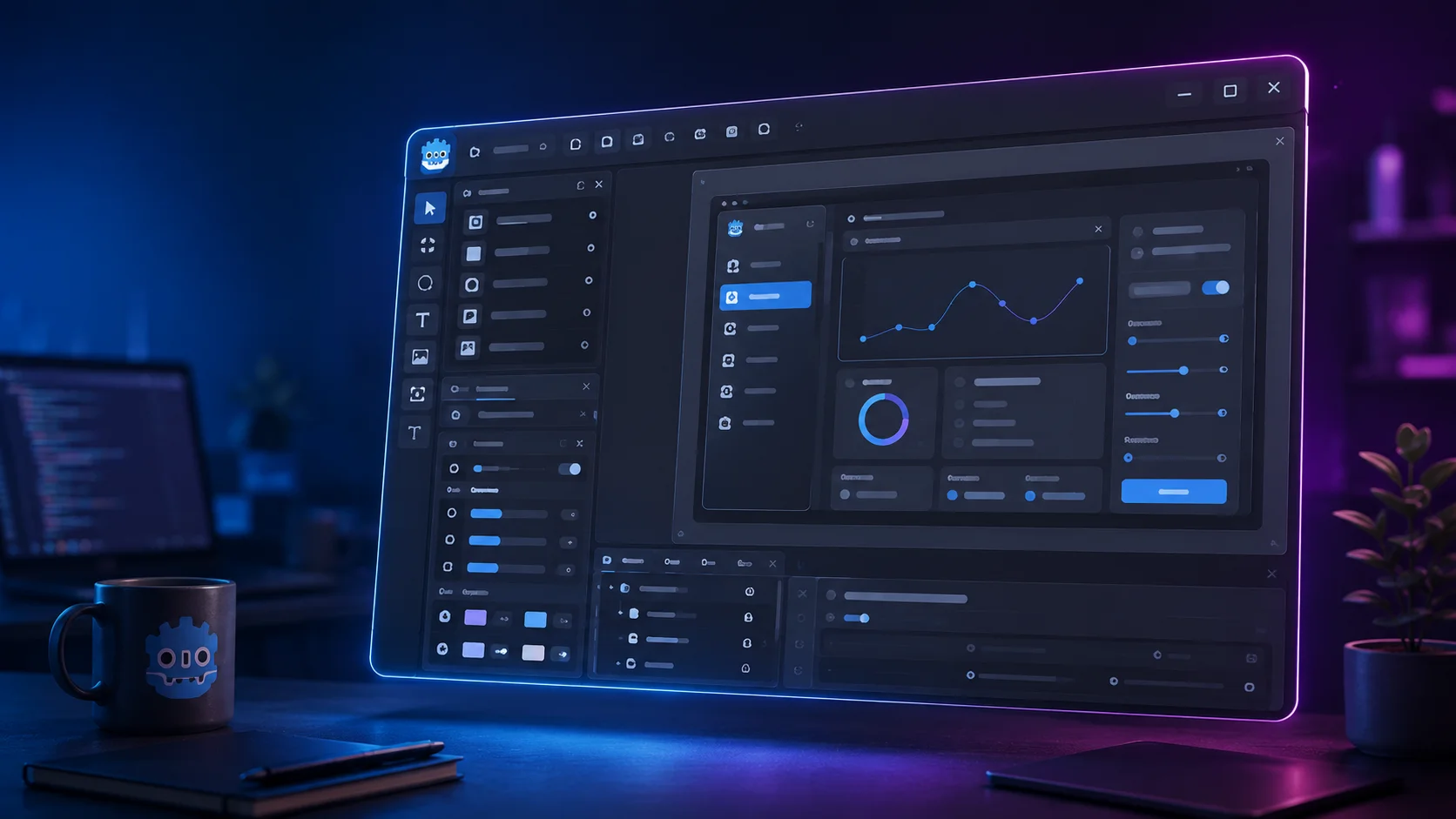
A game engine to build a desktop app sounds like using a chainsaw to butter toast. It isn't.
I went down this rabbit hole recently, and the short answer is: yes, Godot can build a genuine desktop application — but only for the right kind of app. Get the match right and it's a joy. Get it wrong and you'll fight the engine for months. This post is the filter I wish I'd had before starting.
Here's the promise: by the end, you'll know exactly when Godot is the smart pick for a desktop tool, when it's a trap, and you'll have seen real projects that prove the case either way.
Godot Already Ships Real Desktop Software
Let's kill the theory with a fact. Pixelorama is a full-featured pixel-art editor — layers, animation timeline with onion skinning, tilemaps, 3D layers, command-line batch export, the works. It runs on Windows, macOS, Linux, and the web. It has 9.6k stars on GitHub and ships on Steam, Itch, Flathub, and the Snap Store.
It's built entirely in Godot. Roughly 92% of the codebase is GDScript. (Pixelorama on GitHub, pixelorama.org)
That's not a tech demo. That's a real product people pay for and use daily. So the question was never "can Godot do it?" — it's "is your app the kind Godot does well?"
There's a second proof I keep coming back to: Godot's own editor is a Godot app. The thing you build games in is itself built with the engine's UI system. When a tool dogfoods itself that hard, you know the UI layer can carry serious weight. (I made the same argument about component systems in If a Component System Can't Build Its Own Docs, It Can't Build Your App — dogfooding is the realest stress test there is.)
Why Reach for a Game Engine at All
Fair question. You've got Electron, Tauri, Qt, .NET MAUI, Flutter. Why a game engine?
A few reasons that actually matter:
- You get a real-time render loop for free. Game engines redraw the screen 60 times a second by default. For anything with live preview, dragging, zooming, or animation, that's the hard part already solved.
- The 2D and 3D pipeline is built in. Need to render a 3D model, run a shader, or push thousands of sprites? That's the engine's home turf, not a bolted-on library.
- One codebase, every desktop OS, plus web. Godot exports the same project to Windows, macOS, Linux, and HTML5/WebAssembly. Pixelorama runs in a browser tab from the same source.
- Small footprint. No bundled Chromium. A Godot binary is a fraction of an Electron app's size and memory — which is exactly the gripe I had in Electron vs Tauri. Godot quietly sidesteps that whole debate.
- GDScript is fast to write. It's Python-flavored, hot-reloads, and gets out of your way. You prototype a panel in minutes.
The pattern is simple. If your app's core is a canvas — something you draw, manipulate, and watch change in real time — a game engine isn't overkill. It's a head start.
I Built One — Here's What It Felt Like
A while back I made a small Godot tool: godot-model-preview-and-animation-test. It loads .gltf/.glb 3D models, lists every animation baked into them, and plays them back with an orbit camera you can rotate, pan, and zoom. It keeps a persistent model library between sessions and locks root motion so the model stays centered while it animates.
It's a developer utility, not a game. But look at what it leans on: the 3D viewport, the AnimationPlayer node, file dialogs, resizable UI panels, and saving data to the user directory. Every one of those is a desktop-app concern — and Godot handed me all of them out of the box.
The thing that struck me: I spent zero time on "how do I render a 3D model in a window." That's a multi-week problem in most desktop stacks. In Godot it was a node I dragged in. The whole tool is 100% GDScript, and I had a working viewer in an afternoon.
That's the tell. When your tool needs the things a game engine is already great at, the engine stops being weird and starts being obvious.
A Tiny Taste of the UI Code
People assume game-engine UI means wrestling with pixels. It doesn't. Godot's Control nodes are a proper layout system. Here's a button wired to an action — this is the whole thing:
extends Control

@onready var open_button: Button = $VBoxContainer/OpenButton
@onready var status_label: Label = $VBoxContainer/StatusLabel

func _ready() -> void:
    open_button.pressed.connect(_on_open_pressed)

func _on_open_pressed() -> void:
    var dialog := FileDialog.new()
    dialog.file_mode = FileDialog.FILE_MODE_OPEN_FILE
    dialog.add_filter("*.glb, *.gltf", "3D Models")
    dialog.file_selected.connect(func(path): status_label.text = "Loaded: " + path)
    add_child(dialog)
    dialog.popup_centered(Vector2i(800, 600))
Signals, containers, a native-ish file picker. If you've touched any UI framework, you can read that. No shader math, no manual redraw calls.
Where Godot Will Absolutely Bite You
Now the honest part — because I'd rather you bail early than rage-quit in month three.
- It never looks 100% native. Godot draws its own widgets. On macOS especially, sharp-eyed users feel that it's not a Cocoa app. For a creative tool nobody cares. For a polished consumer utility, it can read as "off."
- Accessibility is weak. Screen-reader support, OS-level text scaling, high-contrast modes — these are thin or missing. If accessibility is a requirement (and for many products it legally is), this is close to a dealbreaker.
- Text editing is shallow. The built-in text fields are fine for short input. Build a serious rich-text editor or word processor and you'll be reimplementing things native frameworks give you free.
- Native OS integration takes work. System tray, native menu bars, proper file associations, notifications — all doable, but you're often writing platform glue or pulling in plugins, not flipping a switch.
- The default mental model is a game, not a document. The docs, tutorials, and community examples assume you're making a game. You'll translate "scene" and "node" into "window" and "widget" in your head constantly.
See the pattern? Every weakness is about looking and behaving like a standard OS app. Godot trades native polish for rendering power. That's the whole deal in one sentence.
The Decision Rule I'd Actually Use
Forget feature checklists. Ask one question:
Is the UI the product, or is the UI a window onto a database?
- UI is the product → image editors, level designers, node graphs, data-viz tools, music apps, 3D viewers, diagramming, anything with a custom canvas. → Godot is a strong, maybe excellent, choice.
- UI is a window onto data → CRMs, admin panels, dashboards, form-heavy line-of-business apps, anything that should match the OS. → Skip Godot. Reach for Tauri, Electron, Qt, or .NET. I built an AI image-renamer in Python and tkinter for exactly this reason — boring forms want a boring, native toolkit.
Pixelorama sits dead-center in the first bucket. So did my model viewer. That's not a coincidence — it's the rule working.
How This Compares to Rolling Your Own
If you've ever thought about going lower-level, don't underestimate what the engine is doing for you. I once built a game engine from scratch in C# and C++ with a Vulkan renderer, and the amount of plumbing between "blank window" and "thing on screen" is brutal — surfaces, swapchains, render passes, the lot.
Godot hands you all of that, plus an editor, plus an asset pipeline, plus cross-platform export. For a desktop tool, building that yourself is almost never the move. Use the engine. The exception is highly specialized rendering or production environments where the team I work with at DSRPT tends to weigh a fully custom stack — but that's a deliberate trade for very specific needs, not a default.
What to Do Now
If your idea is a visual tool — a viewer, an editor, a canvas of any kind — here's the move:
- Download Godot (it's free, MIT-licensed, no strings).
- Open Pixelorama's source and read how a real desktop app is structured in it. It's the best free tutorial you'll find.
- Clone my model-preview repo and poke at how the panels, file dialogs, and persistence fit together.
- Build the smallest possible version of your tool in a weekend. You'll know within days whether the engine fits your app — that's faster than any blog post can tell you.
And if your idea is a form-heavy business app? Save yourself the pain and go native. Godot is a fantastic tool. It's just not that tool.
Building something visual and not sure which stack fits? That's exactly the kind of call I help founders and teams make — reach out and tell me what you're building.
Last updated 30 May 2026 · filed under godot, gdscript, game development, 3d, desktop, game engine