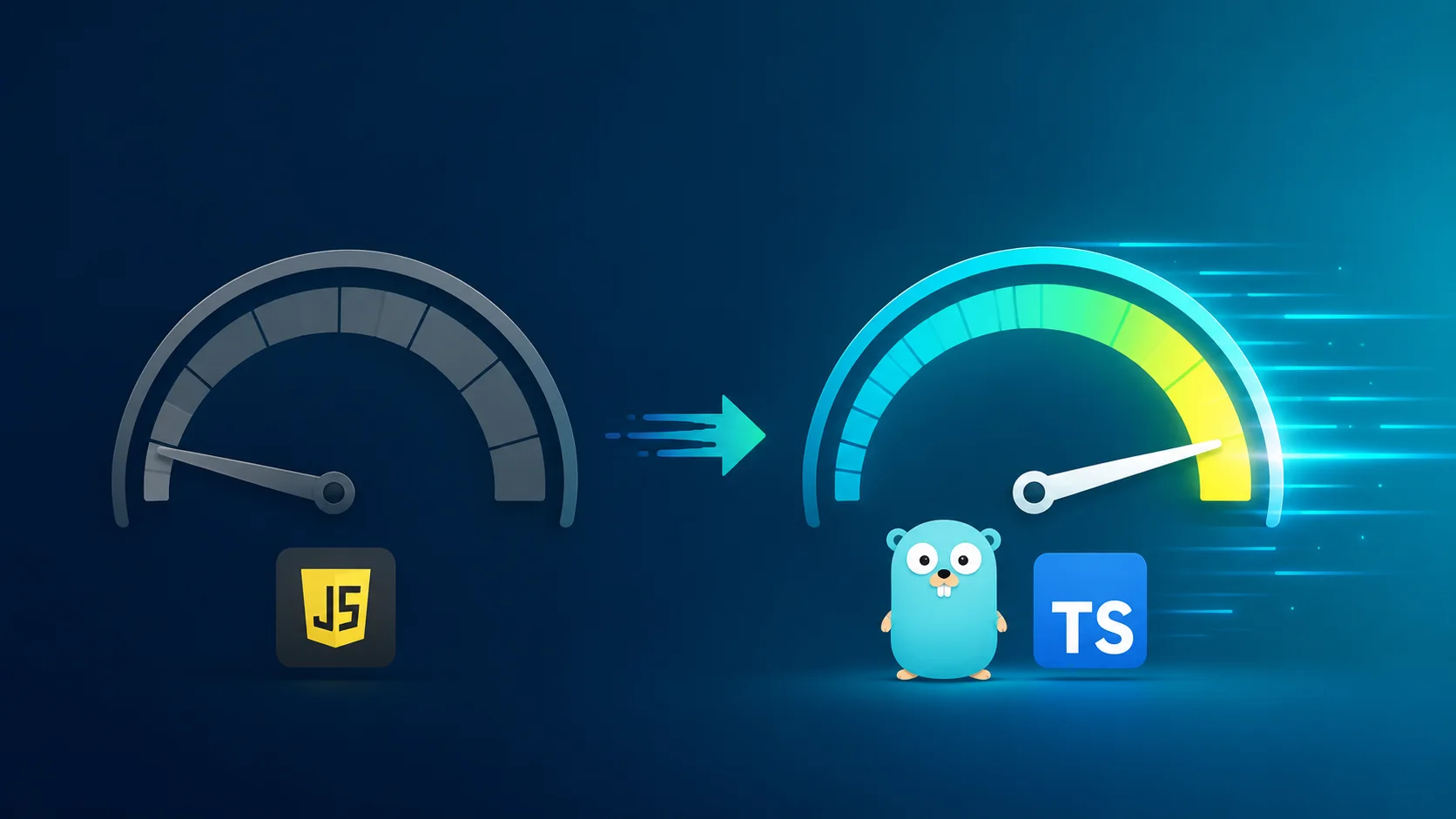
TypeScript 7.0 RC is here, rewritten in Go and about 10x faster than 6.0. What's actually new, whether you should upgrade, and the one migration gotcha to plan for.
TypeScript just stopped being written in TypeScript.
Version 7.0 hit release candidate on 18 June 2026, and the headline is wild: Microsoft rebuilt the whole compiler in Go, and it runs about 10 times faster than 6.0. Same type checking. Same errors. Same rules you already know. Just a lot quicker.
I have been waiting for this one. If you have ever sat watching tsc chew through a big repo, or felt your editor lag while it caught up with your types, this release is aimed straight at you. Here is what actually changed, whether it is worth touching yet, and the one migration step that will trip people up.
Why they rewrote it in Go
Short version: JavaScript was never built for the kind of work a type checker does.
Type checking is heavy, CPU-bound work. The old compiler was TypeScript compiling down to JavaScript, running on a single thread. That is fine for small projects and painful for large ones. So over the past year the team ported the compiler to Go.
Two things make Go faster here. It compiles to native machine code, which is just quicker than JavaScript for this job. And it can spread the work across multiple CPU cores at once. The old compiler did everything on one core. The new one parses, checks, and emits in parallel.
Worth being clear on how they did it. This was a port, not a fresh rewrite. They moved the existing code over to Go piece by piece, so the type-checking logic is structurally the same as 6.0. That is the part that matters for you: it enforces the exact same rules, so your types behave identically. Microsoft already ran it against a decade of test cases and on multi-million-line codebases inside and outside the company before shipping the RC.
If the "why not just write it in a faster language" instinct rings a bell, it is the same shift I wrote about in the vibe-coding lie: wrapper tools vs foundation tools. The teams owning the foundation get to make moves like this. Everyone downstream just gets the speed.
What "10x faster" actually looks like
Numbers from a real repo make this land better than any benchmark chart.
Take a large codebase: roughly 1,400 files, half a million lines. On the old compiler, a full type check runs around 6 seconds. On TypeScript 7, same command, same files, same flags: about 0.87 seconds. It finds the exact same errors. Nothing changes except the wait.
Microsoft says teams at Figma, Slack, Notion, Linear, Vercel and others ran pre-release builds and reported similar results, with a big chunk of their build times disappearing. The feedback was strong enough that they shipped the RC with confidence.
The speed is not only on the command line. Your editor uses the same engine, so hovers, auto-imports and error squiggles all get quicker too. On a big project, that is the difference you feel every minute, not just in CI.
The new flags worth knowing
Most people will never touch these. But if you run big builds or a monorepo, two flags are going to matter.
--checkers sets how many type-checker workers run in parallel. It defaults to 4. Bump it up on a machine with lots of cores and big builds get faster, but you pay for it in memory. On a small CI runner, you might turn it down to avoid overhead.
--builders is the monorepo one. It controls how many separate projects build at once. Handy when you have a stack of project references that used to build one after another.
Here is the catch: these multiply. Setting --checkers 4 --builders 4 means you can have up to 16 type checkers running at the same time. That can flatten a laptop. Find the balance for your machine rather than cranking both.
# install the release candidate
npm install -D typescript@rc

# confirm you're on 7
npx tsc --version
# Version 7.0.1-rc

# big monorepo, lots of cores
npx tsc --build --checkers 8 --builders 4

# debugging or a tiny CI box: force one thread
npx tsc --singleThreaded
That last one, --singleThreaded, forces everything onto one thread. Useful for debugging, for comparing 6 vs 7 fairly, or for running on a box with almost no resources. Even single-threaded, the check above still came in around 2 seconds, three times faster than the old compiler. Native code wins even before parallelism shows up.
The migration trap nobody mentions
Here is the part to read twice.
Going from 6 to 7 is basically painless. Your TypeScript code that compiles cleanly on 6.0 compiles the same on 7.0. The rules did not change.
Going from 5 to 7 is where people will get burned, and it has nothing to do with your code. It is your tsconfig. TypeScript 7 takes all the options that 6.0 deprecated and turns them into hard errors. The big ones:
target: es5is gone. So isdownlevelIteration.baseUrlis gone. Move yourpathsto be relative to the project root instead.- The old module formats
amd,umd,systemjsandnoneare gone. Useesnextorpreservewith a bundler. moduleResolution: node,node10andclassicare gone, replaced bynodenextorbundler.- A few defaults flipped:
strictis on by default,moduledefaults toesnext, andtypesnow defaults to[]instead of pulling in everything innode_modules/@types.
That last default change is the sneaky one. If your project relied on global types from packages like node or jest showing up automatically, you now have to list them:
  {
      "compilerOptions": {
+         "types": ["node", "jest"]
      }
  }
The clean path is the one Microsoft recommends: get to 6.0 first, fix every deprecation warning there, then jump to 7. Do not try to leap from 5 straight to 7 and debug a wall of config errors at once. If your project has been carrying old config for years, this is also a decent moment to think about what else is quietly costing you, which is the whole point of what technical debt actually is.
The one language change
For all the engineering under the hood, there is almost nothing new in the TypeScript language itself. One change, and it is niche.
Template literal types now split on whole Unicode characters instead of UTF-16 code units. Before, if you fed an emoji into a template literal type, TypeScript would slice it in half and hand you two broken halves of a surrogate pair. Now it keeps the emoji whole.
type HeadTail<S> = S extends `${infer Head}${infer Tail}` ? [Head, Tail] : never;

type Result = HeadTail<"😀abc">;
// TypeScript 7:  ["😀", "abc"]
// Before:        ["\ud83d", "\ude00abc"]
If you have ever hit this, I would be genuinely surprised. It is the kind of fix that matters to maybe a dozen library authors and nobody else. The whole story of 7.0 is speed, not new syntax.
So, should you upgrade?
Try it now. Switch in production a bit later.
Install the RC on a branch and run your test suite and CI against it. Install the TypeScript Native Preview extension in VS Code and feel the editor speed for a day. There is almost no downside to testing, because the type checking is identical to 6.0.
One real reason to wait before going all-in: the stable programmatic API, the thing your build tools and plugins hook into, does not land until TypeScript 7.1, a few months after the stable 7.0. Until then, some of your tooling will still expect 6.0. That is exactly why Microsoft shipped a compatibility package, @typescript/typescript6, so you can run both side by side without a fight over which tsc is which.
{
  "devDependencies": {
    "typescript": "npm:@typescript/typescript6@^6.0.0",
    "typescript-7": "npm:typescript@rc"
  }
}
This is part of a bigger pattern. Native-speed dev tooling is eating the JavaScript world: Go for the TypeScript compiler, Rust for bundlers and linters, and Anthropic buying Bun to do the same for the runtime. The slow, JavaScript-on-JavaScript era of build tools is closing.
The stable release is expected within about a month of the RC. If your tsconfig is already clean on 6.0, you are basically one npm install away from making your whole stack feel faster. If you want to write better types while you are in there, the Rust-inspired TypeScript habits post is a good companion, and if you are still hand-writing API types, OpenAPI TypeScript will save you a different kind of headache.