A script in three layouts is a contract nobody signed
The editor's preview needed a few lines of JavaScript in the page it renders. I put them in the shipped layout, then copied them into two more. Anyone writing their own layout had to copy them too, and missing them broke half the editor with no error at all.

4 min read


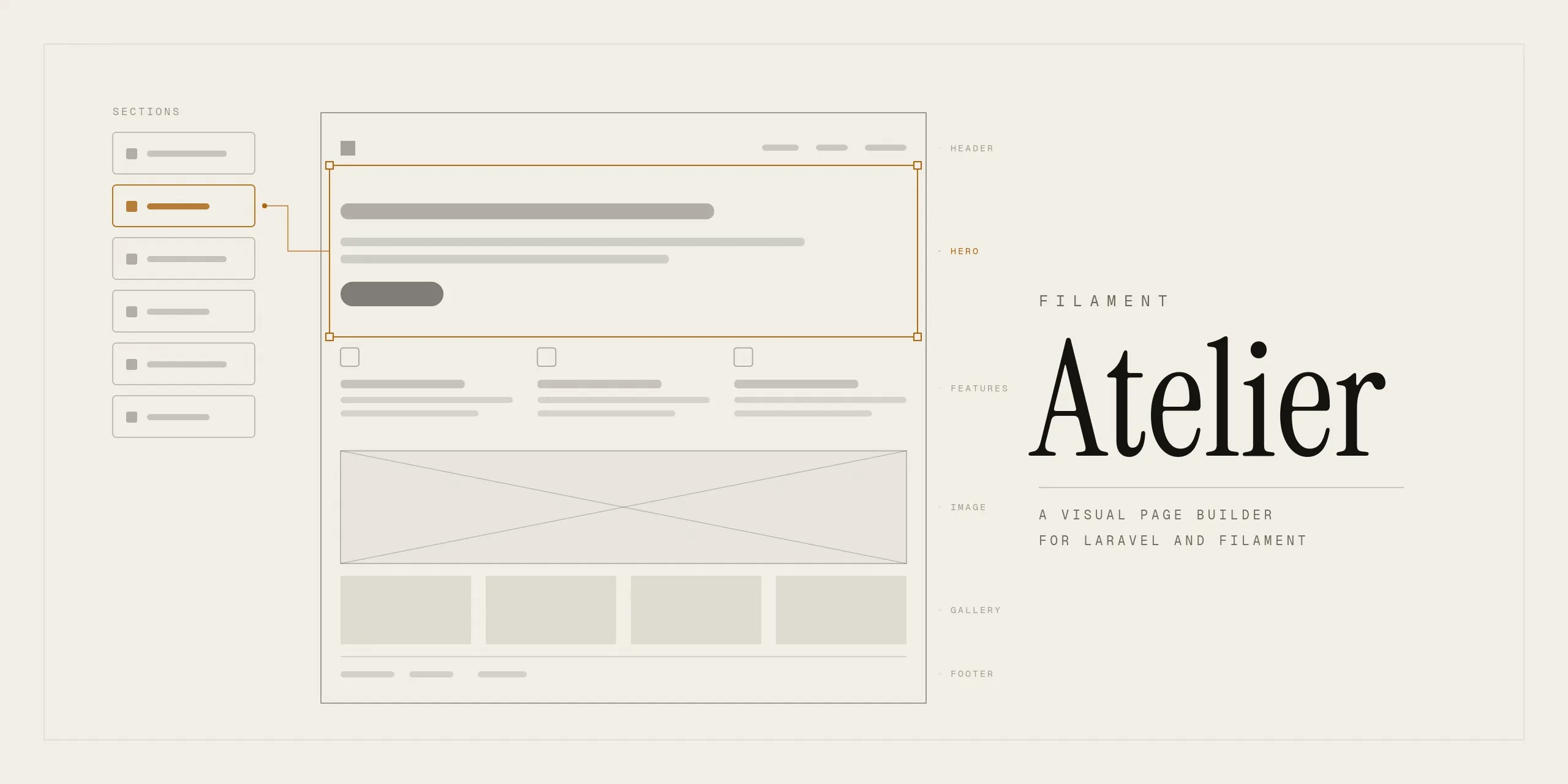
Atelier's preview renders the real page through the real layout. That is the point: a preview through a different shell is a preview of a page that does not exist.
But the editor needs a little JavaScript inside that page. Clicking a section in the preview selects it in the sidebar, which means a click handler in the iframe posting a message up to the parent.
I put it in the shipped layout:
@if ($isPreview)
    <script>
        document.addEventListener('click', (e) => {
            const section = e.target.closest('[data-atelier-block]')
            if (!section) return
            e.preventDefault()
            parent.postMessage({ atelier: 'select', id: section.dataset.atelierBlock }, '*')
        })
    </script>
@endif
Fine, until layouts became a feature.
What that quietly created
A site picks its own shell. Marketing pages want a navbar, documentation wants a sidebar, a landing page wants neither, and the whole point of the layouts feature is that you write those yourself.
So the requirement became: copy this script into every layout you write, or clicking a section in the preview does nothing.
Nothing errors. The page renders correctly, the preview updates as you type, the section list works. One interaction is just dead, on that one layout, and the only way to know is to have used the other layout first and noticed the difference.
By the time I looked, the same script existed in three places: the package's layout and both layouts in the example app. Three copies of a contract the documentation never mentioned.
The fix is where it should have been
The preview has its own controller. It renders the layout and returns a response. So it injects the script into that response:
protected function withEditorScript(string $html): string
{
    $script = view('atelier::partials.preview-script')->render();

    $position = strripos($html, '</body>');

    return $position === false
        ? $html.$script
        : substr($html, 0, $position).$script.substr($html, $position);
}
String surgery on rendered HTML, which is not elegant. It is correct, though: the editor's plumbing belongs to the editor, not to a file in somebody else's application. A layout now carries one attribute, data-atelier-canvas, and nothing else.
The fallback for a fragment with no </body> matters more than it looks. A layout is a host app's file, and requiring a closing body tag is another unwritten contract.
What that made possible immediately
Once the script was one file instead of three, adding to it stopped being a three-file change. So it grew two things in the same release:
Link handling. Clicking a link in the preview now tells the editor where it points, instead of navigating the iframe to a live page.
Blocked form submissions. A form in a block posted for real from inside the editor. On the demo site that meant a booking request from a draft page arriving as a genuine lead. Nobody had reported it because nobody had built a form block yet.
Neither of those would have been worth doing while it meant editing three layouts and asking every consumer to update theirs.
The general shape
A framework that needs code inside the consumer's file has two options. Document it and accept that some people will miss it, or inject it and accept that you are modifying output you did not fully write.
I took the second, and the deciding factor was the failure mode. Missing the script fails silently, on one layout, in one interaction. Injecting fails loudly if it fails at all, and it cannot be forgotten.
Where it stands
Shipped in v1.0.0. The layout contract is two head partials and one attribute, and the documentation says so in one place instead of implying it in three. If you already copied the script, delete it: it will only run twice.
Last updated 13 Sep 2026 · filed under Laravel, blade, filamentphp, plugin, tools, web application