Listed on the Filament directory, and the checkbox I did not tick
Atelier is approved and live on the Filament plugin directory. The submission form turned out to be a set of public claims rather than a form, and one of the boxes I was tempted to tick would have been a lie by a technicality.

5 min read


Atelier is approved and live:
https://filamentphp.com/plugins/abdulkader-safi-filament-atelier
Which is the nice part. The more useful part is what filling in the submission form made me confront, because it is not really a form. It is a list of claims that go on a public directory with my name on them, and other people make install decisions from them.
Three of those claims were worth thinking about for longer than they looked.
Translation support: unticked, and it was tempting
There is a checkbox for translation support. Atelier is bilingual. English and Arabic, one block tree, per-locale values, mirrored with dir="rtl". Ticking it felt obviously correct for about two seconds.
It would have been false.
That checkbox means the plugin's own interface can be translated. Lang files, publishable, so a Spanish team gets a Spanish admin panel. Atelier has none. Every label in the builder is a hardcoded English string: "Add section", "Sections", "Publish", "Edit page content".
What Atelier translates is the content the client writes. Those are different features that happen to share a word. Someone filtering the directory for translation support is looking for the first one, and would install this expecting a translatable admin and find English.
So it stays unticked until there are lang files, which is now on the list. The gap between "my plugin does multilingual things" and "my plugin's UI is translatable" is exactly the kind of gap that is invisible from inside the project and obvious to the person who installed it on a French client's site.
Versions: v5 only
The form asks which Filament major versions the plugin supports. composer.json says ^5.0, so that is what I ticked, and nothing else.
Ticking v4 would have been optimistic rather than dishonest. It might work. I have not run it once, so the only thing I would be doing is inviting bug reports from a configuration I cannot reproduce, for a version I made no decision to support. The composer constraint is the real answer and the checkbox should match it.
Widening a constraint later is a patch release. Narrowing one after people have installed on that version is a breaking change. Start narrow.
The image spec caught me out
16:9, at least 2560×1440, and a note preferring a light theme for screenshots.
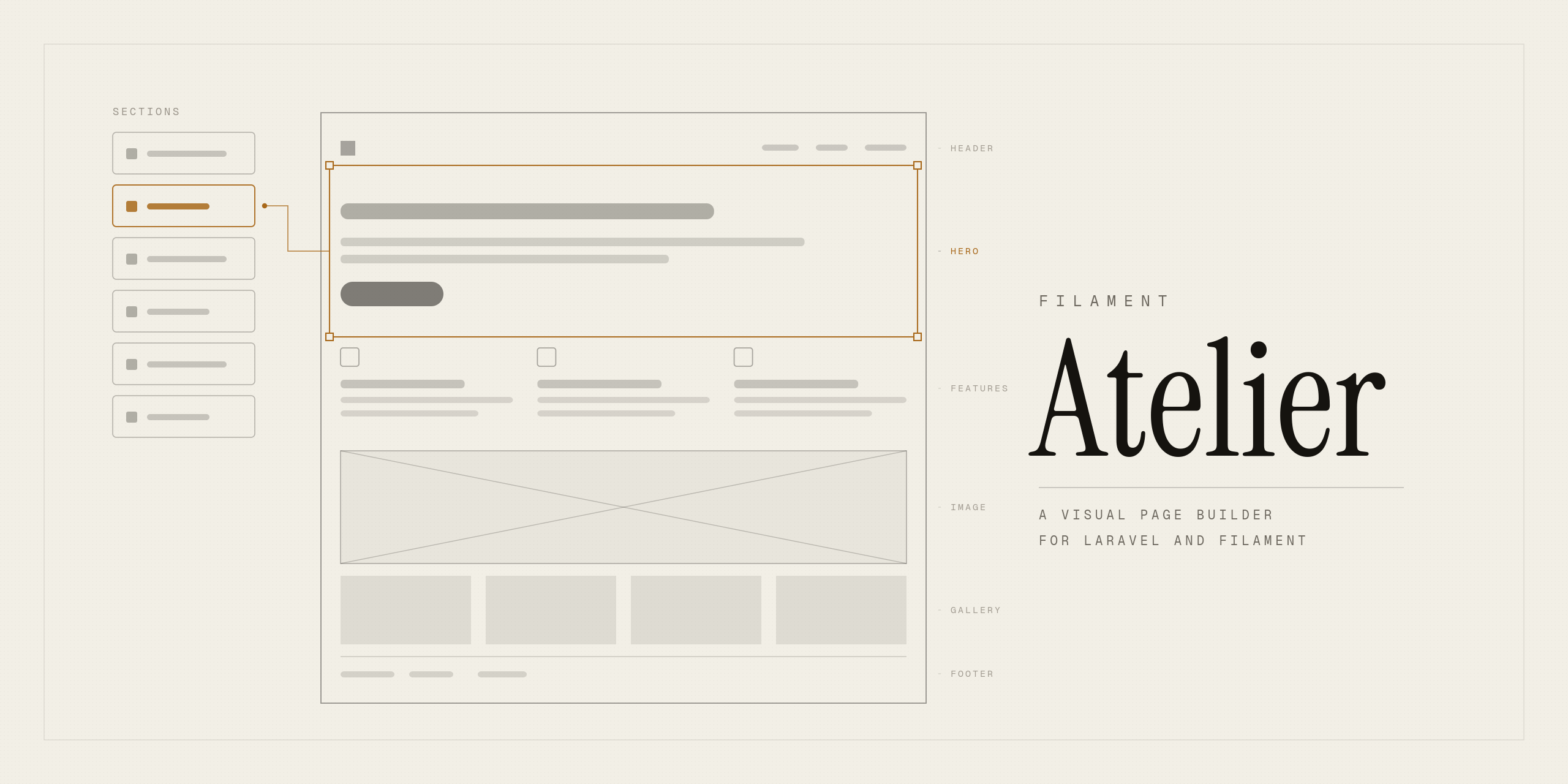
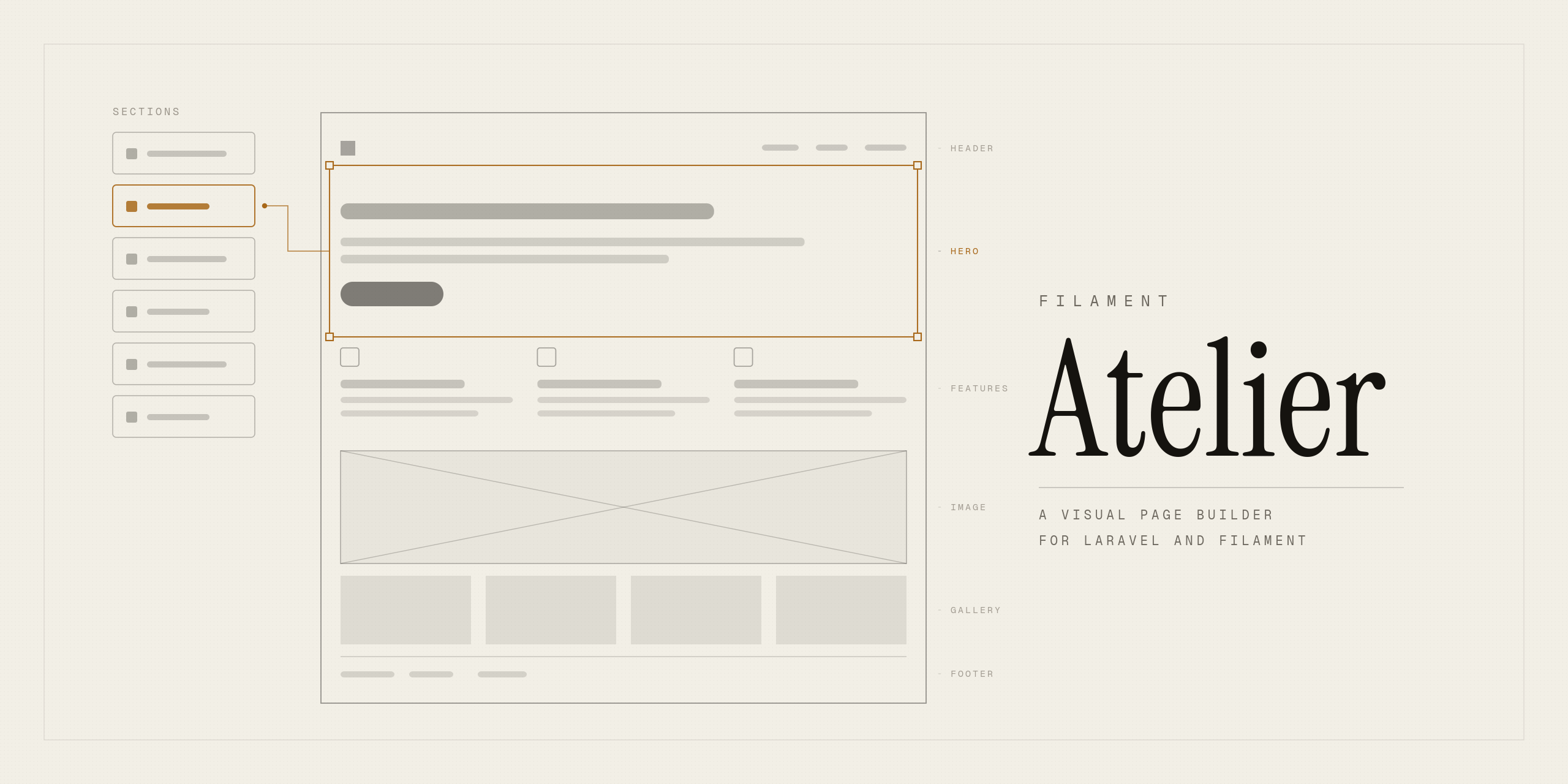
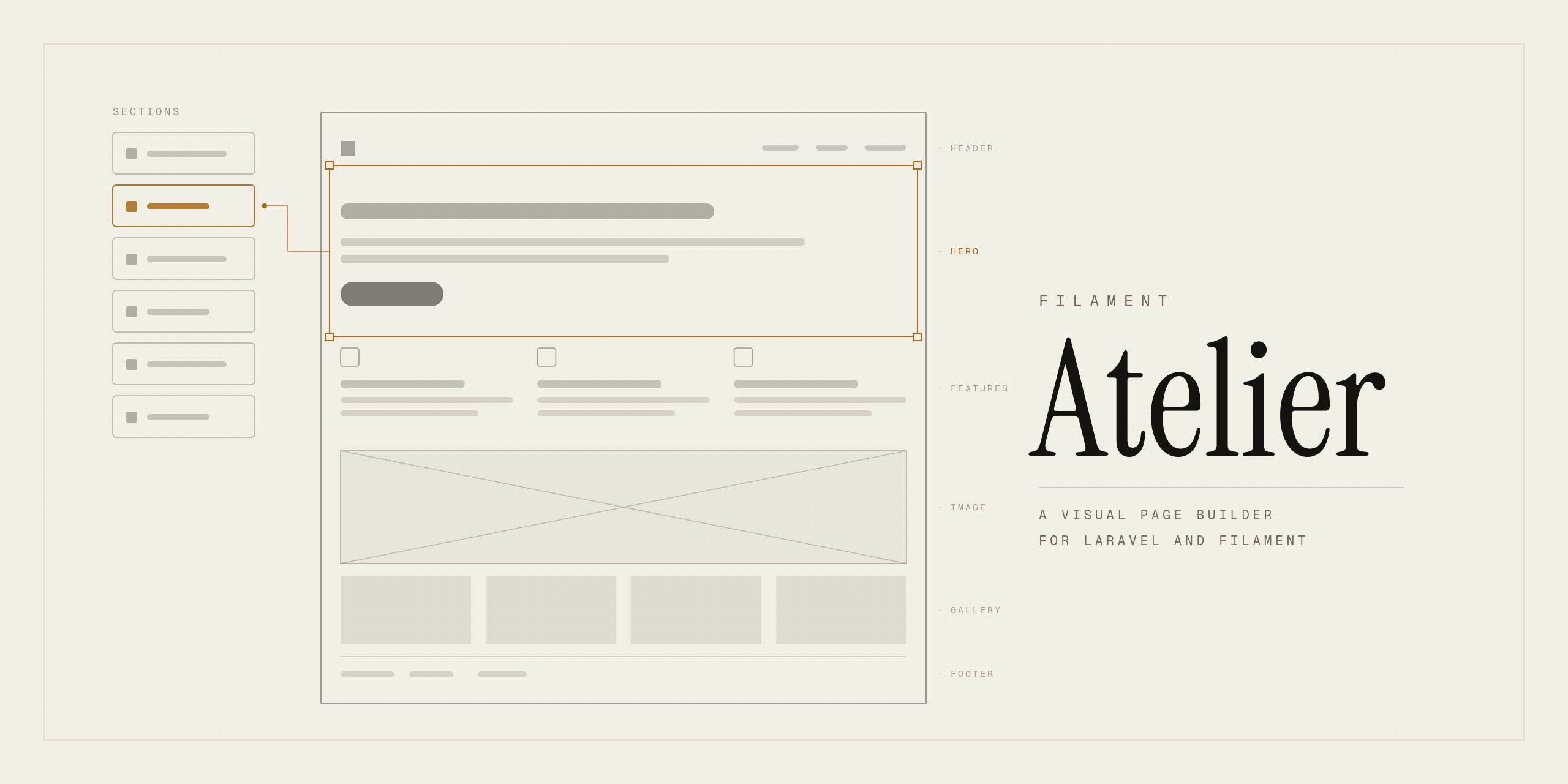
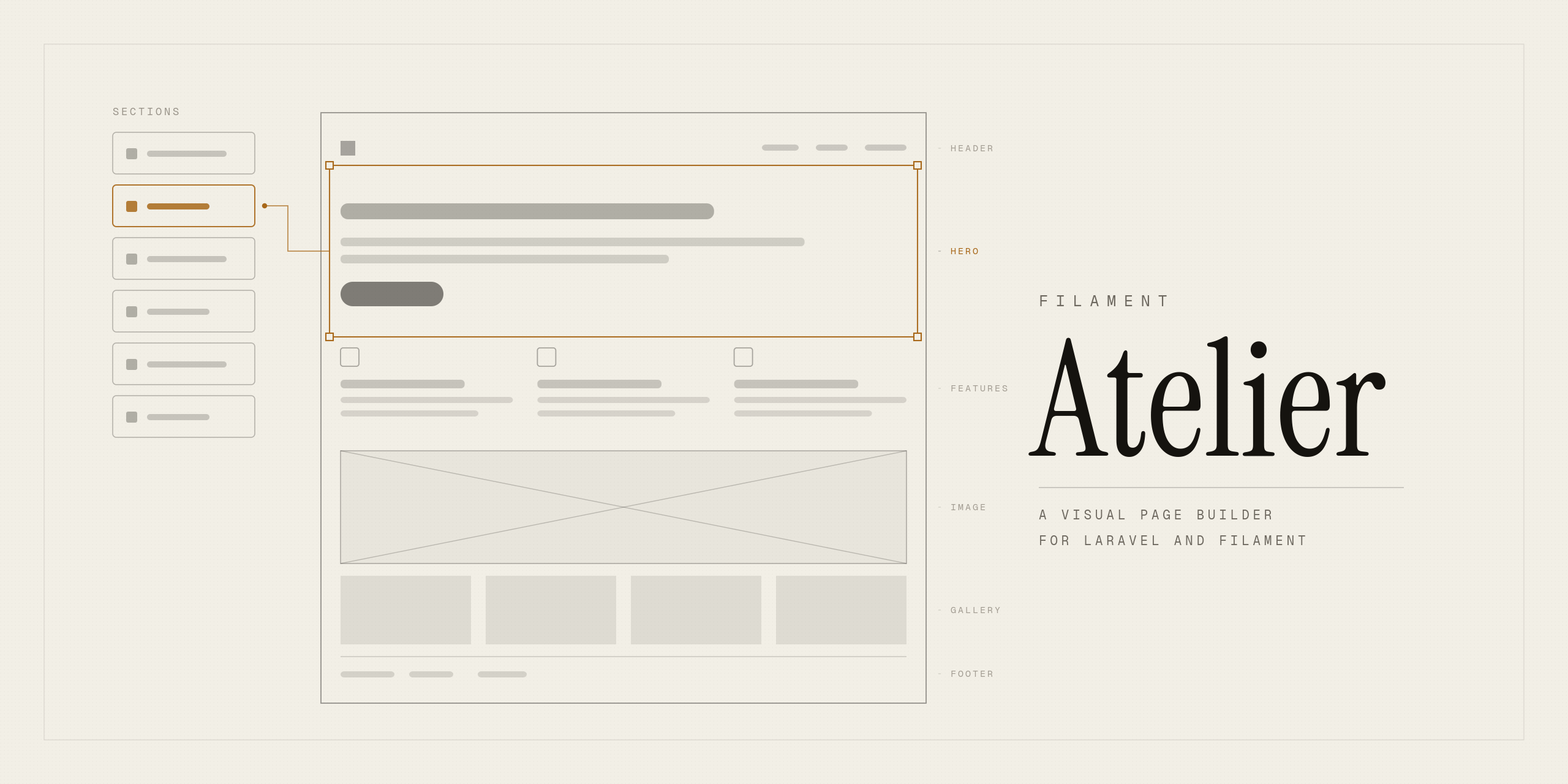
My artwork was 2560×1280, which is 2:1, because I had built it for GitHub's social preview card and never questioned the ratio when reusing it. Two different platforms, two different crops, and the second one would have letterboxed or chopped the composition.
The light theme note is the more interesting instruction. It tells you what a plugin directory expects on that card: the plugin actually running, not branding. An abstract plate is a nice repository header and a weak directory listing, because someone scrolling a directory is asking "what does this look like to use" and a screenshot answers that in one glance.
One relative path, three renderers
The documentation URL points at the raw README, which means that file now renders in three places that treat it differently.
On GitHub, a relative image path like ./art/atelier.png resolves against the repository. On Packagist and on filamentphp.com, the same markdown is pulled as a raw file and rendered somewhere else, so a relative path resolves against nothing and the image is broken.
This bit me twice in one week and in opposite directions. I originally used the absolute raw URL, changed it to relative because the image was not loading, and the relative version then only works in the one place the file lives.
The rule I should have started with: any markdown that will be rendered off-site needs absolute URLs for everything. The demo video thumbnail in the README is an absolute YouTube URL, so that one renders everywhere without any thought. The image I made myself is the one that broke.
There is a related trap in the packaging. /art is export-ignored in .gitattributes so consumers do not download 128 KB of artwork with the package, which is correct, and also means a path relative to the installed package would not resolve either.
What changes now that it is listed
Nothing technically. Practically, quite a lot, because up to this point every install was mine.
Two things suddenly carry more weight. The install guide has two steps that fail silently: the Tailwind @source line, without which every block renders unstyled with no error anywhere, and storage:link, without which every uploaded image is broken. Both are documented in bold. A stranger who hits either one and does not find the answer does not open an issue, they uninstall.
And the known-limits list at the bottom of the install guide stops being a note to myself. Reordering is arrow buttons rather than drag. There is no revisions UI. The contact block is presentational. Someone will now read that list before deciding whether to use this on a client project, which is exactly what it is for, and it needs to stay honest as the gaps close.
Where it stands
v0.1.1, MIT, ten block types, 28 tests. On Packagist, on GitHub, and now on the Filament directory.
Still 0.x deliberately, because the block contract can still change and I would rather that be a minor bump than a lie about stability. Which is the same instinct as the unticked checkbox, applied to a version number.
Last updated 18 Aug 2026 · filed under Laravel, filamentphp, plugin, tools, web application