Moving cards without the mouse
Keyboard drag, a Cmd K palette, undo after a drop, subtask counts and a list view for MD Kanban, plus a scroll bug fixed with one CSS class.

3 min read


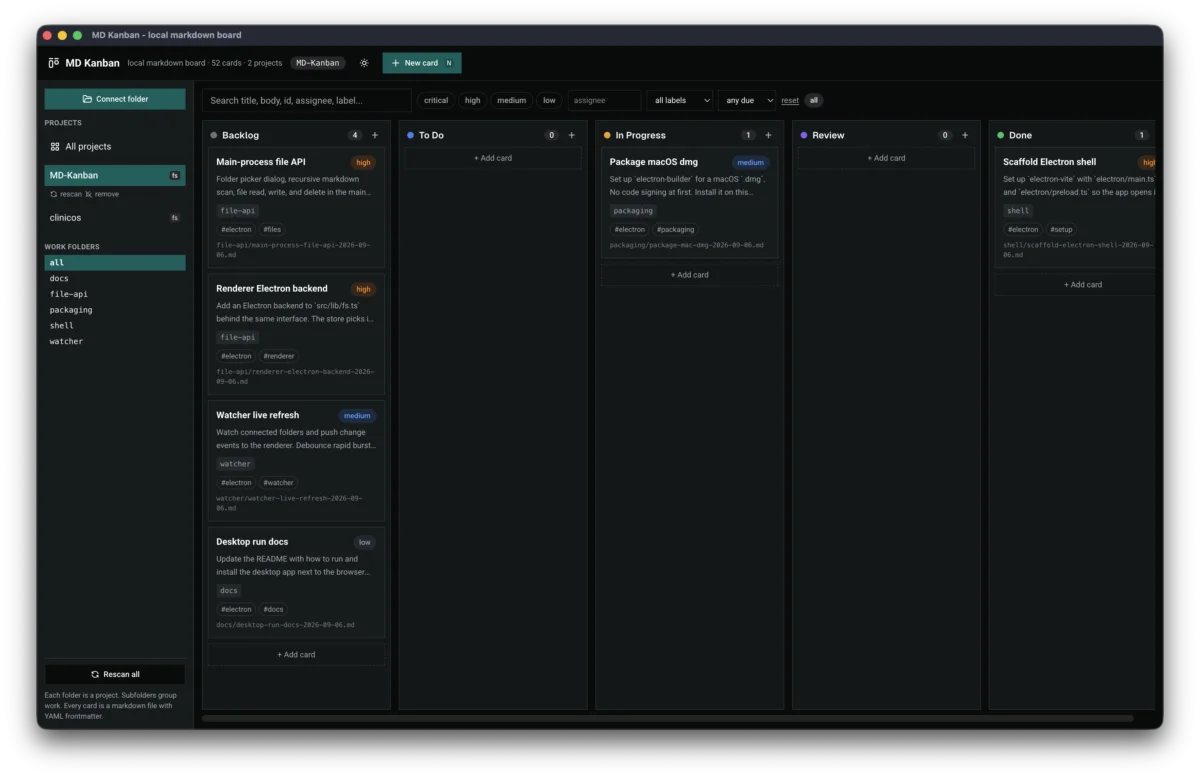
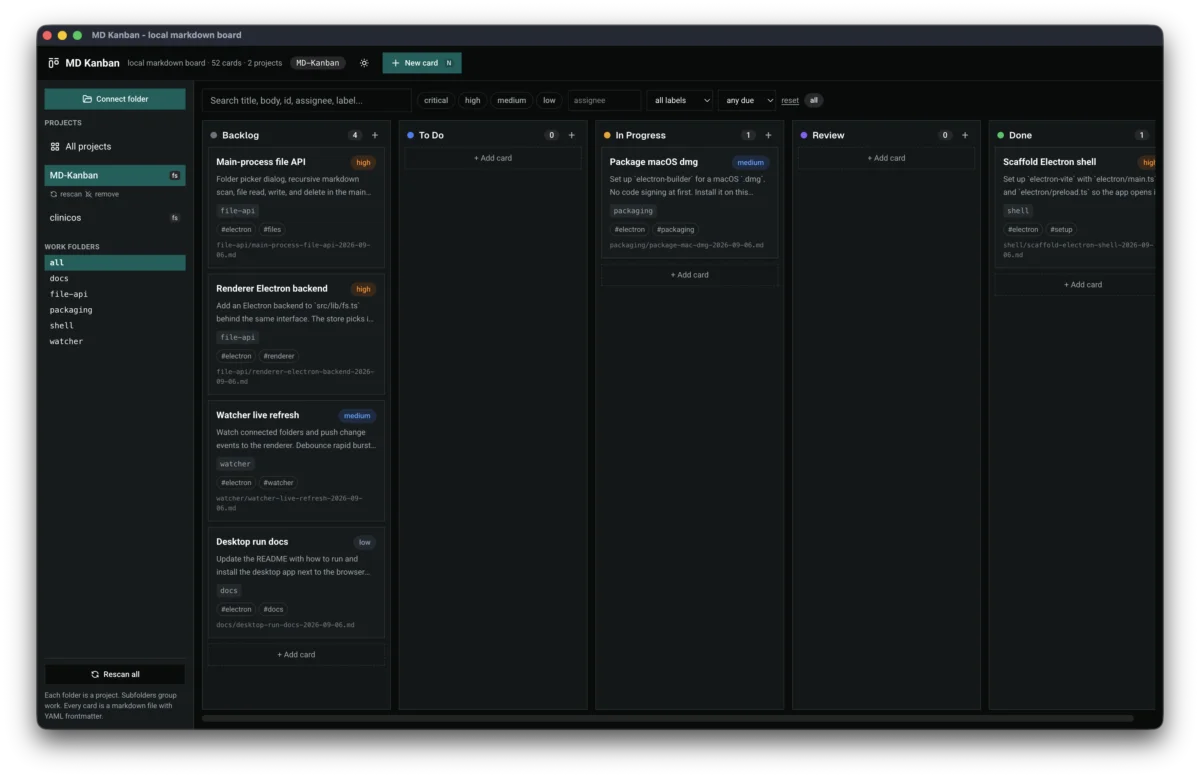
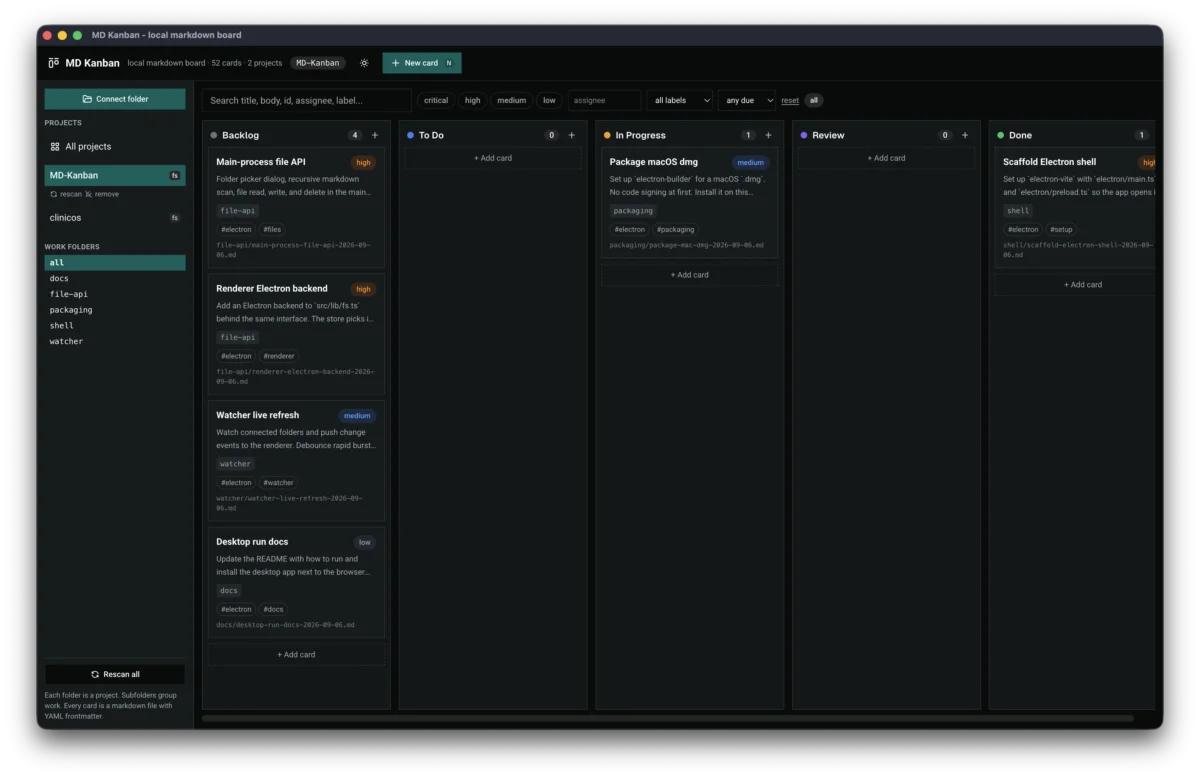
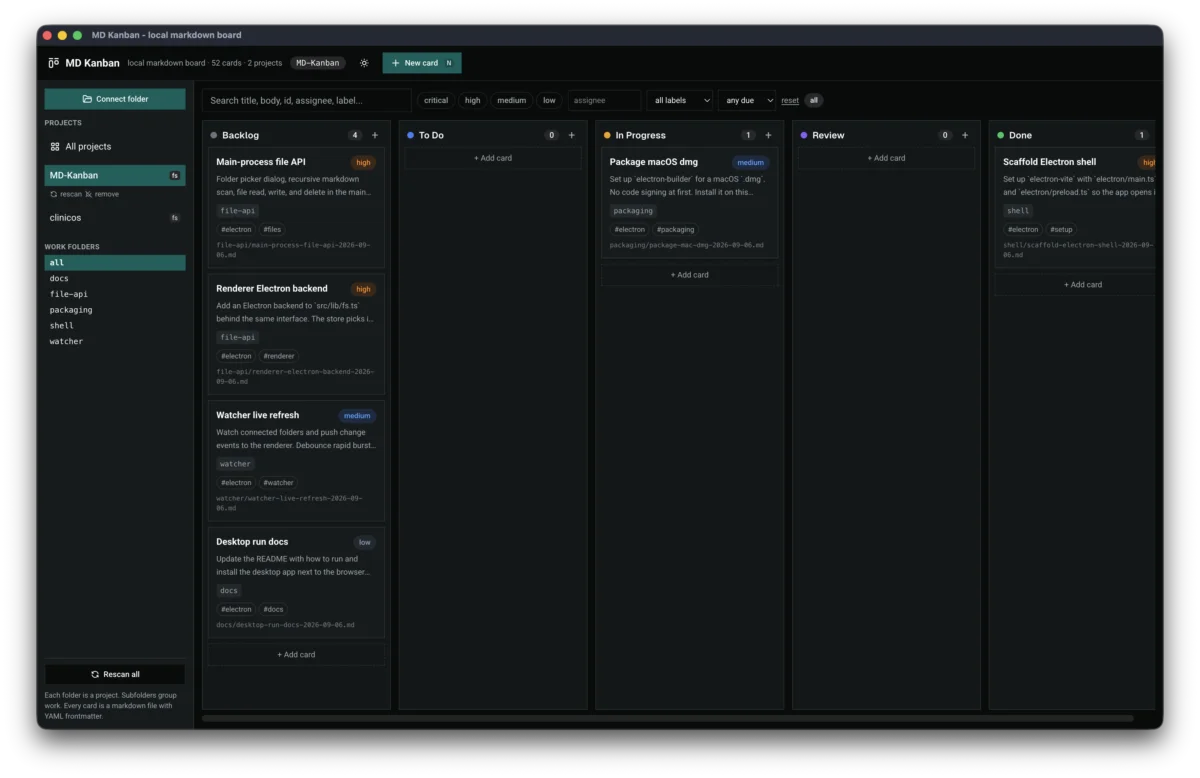
On September 7 I wrote eleven task files into the board's own folder, one per feature I wanted next, and started working through them. This entry covers the first batch, shipped over September 7 and 8. Most of it is about moving cards faster, with or without a mouse.
Cmd K
A command palette opens over the board on Cmd+K or Ctrl+K. It searches title, body, id, assignee and labels. From it you can open a card, create one, or move the open card to another status. Kandown and Cairn both treat a palette as a core feature, and it was first on my list.
Undo after a drop
Dropping a card in the wrong column was easy to do and annoying to fix by hand. Every drop now shows a "Moved to Done, Undo" toast for five seconds. Undo restores the old status and order through updateTask, the same call the editor uses, so the file on disk is rewritten back to where it started.
Drag without a mouse
HTML5 drag and drop only works with a pointer. A focused card now picks up with Space. Arrow keys carry it across columns, Space drops it, and Escape cancels. A live region announces each step for screen readers.
Mouse drag got clearer feedback in the same commit. The landing spot opens a card-shaped gap and the target column highlights. Holding a card near an edge pans the board sideways and scrolls the column, so a card at the bottom of a long list can still reach the top of another. Each card also has a "Move to" menu for anyone who would rather not drag at all.
Subtasks and a list view
Task bodies already held - [ ] checklists, but the board hid them. Cards now count checked items against the total and show a badge like "2/5". Ticking a checkbox in the Preview tab writes the change back to the markdown file.
Once a board passes about fifty cards, titles get cut off and it's hard to scan. A toggle next to the board switches to a list view: one row per task with title, status, priority, due date and assignee. It reads from the same filtered task list as the board, so search and filters carry over. Clicking a row opens the editor.
The preview also moved back into the app. The "Open in new tab" button used to pop the rendered markdown into a separate OS window with hardcoded colours. Now it stays in the side panel with the app's theme, and Expand widens that panel to two thirds of the screen.
One class
After the subtask badge and the list view landed, the whole window started scrolling past the board. Cards slid up under the title bar and an empty strip sat below the columns. The scrollbar that moved was the window's, which ruled out the columns, since they scroll on their own.
The cause was the live region from keyboard drag. It is a visually hidden span with position: absolute, and nothing above it in the card was positioned. So it anchored to the viewport from deep inside a scrolled column and stretched the page. Adding relative to the card fixed it.
WIP limits per column were also on the September 7 list. I deleted that task file before starting it.
Last updated 10 Sep 2026 · filed under Tools, vue, web application, frontend, ux