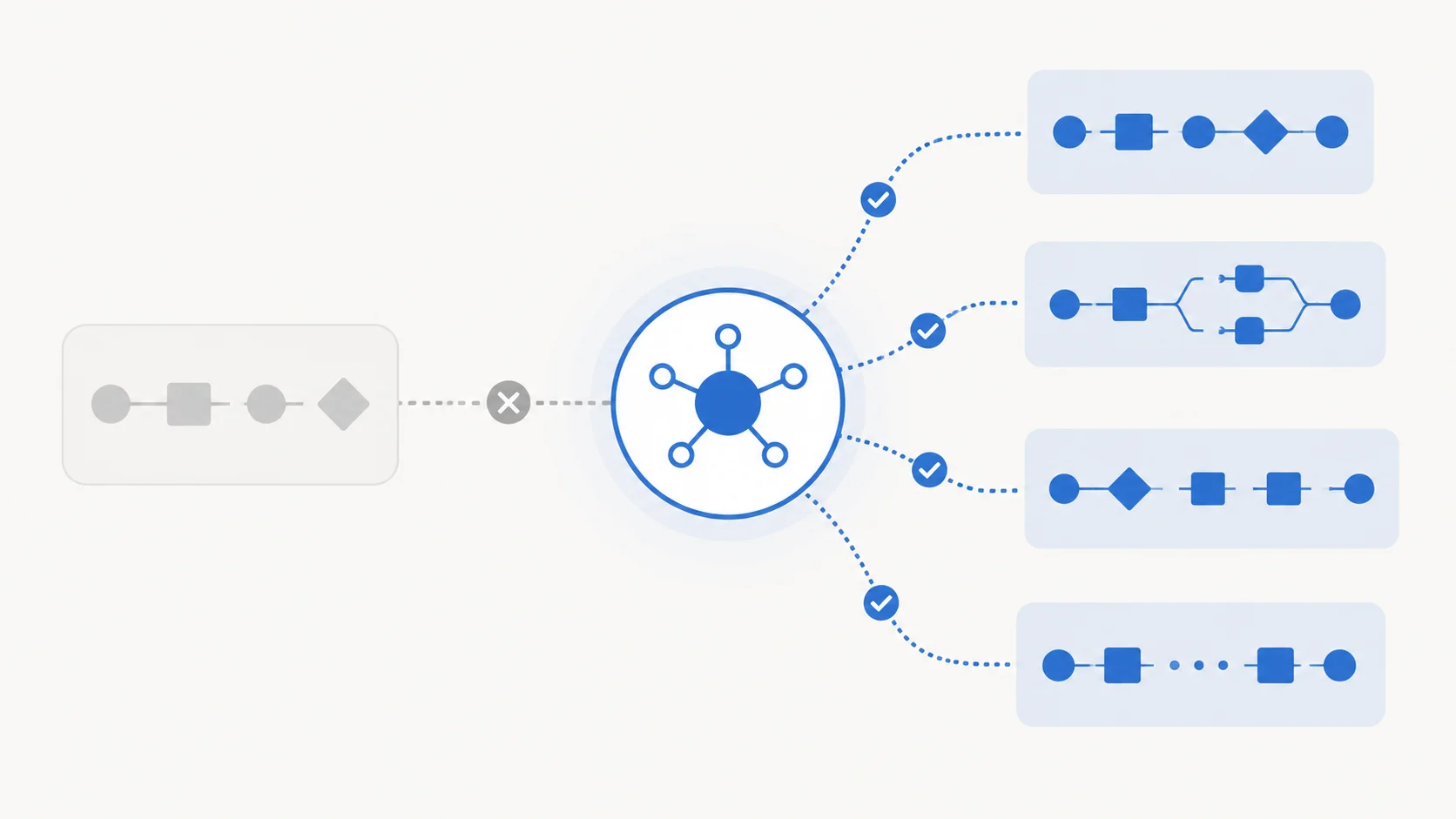
Moving from Vercel to Hetzner with Coolify: the guides are quoting dead prices
Almost every "move from Vercel to Hetzner with Coolify" guide was written in 2025. Hetzner raised cloud prices twice in 2026, and the exact server those guides name now costs 144% more. Here are the real numbers and the plan to pick instead.

11 min read


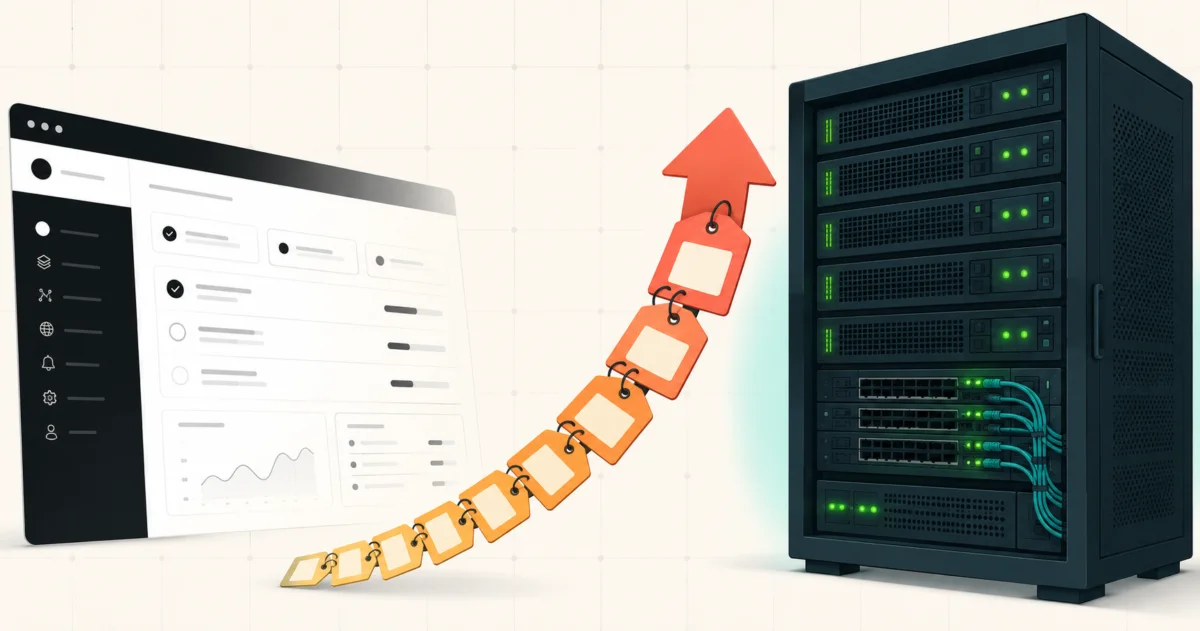
Every "leave Vercel, self-host with Coolify" post follows the same script. Spin up a Hetzner CPX21, run one install command, point a domain at it, host six projects for about eight euros a month. I've read four of these. They all quote roughly the same figure.
That figure is dead.
On 15 June 2026 at 8am CEST, Hetzner pushed its second cloud price adjustment of the year. The CPX22, which is the closest thing you can order in the EU to the server those guides name, went from €7.99 to €19.49 a month. That is a 144% increase, and it landed on top of an April round that had already raised prices once. Hetzner publishes the whole table itself, old price next to new, so there's no guessing involved.
The migration still makes sense. The arithmetic in the guides does not. Here's what the numbers actually are in August 2026, which server to buy instead, and the five things those guides tell you to do that will either break or bite you.
What actually changed at Hetzner in 2026
Two rounds, and they hit different tiers very differently.
April 1 was a broad adjustment that applied to new and existing customers. June 15 was the big one, and it applies to new orders and rescales only. If you already have a server running, your price is unchanged. If you are migrating to Hetzner right now, you are paying the new price, and that's exactly the group every migration guide is speaking to.
From Hetzner's own price adjustment page, Germany and Finland, excluding VAT and IPv4:
| Plan | Old €/mo | New €/mo | Change |
|---|---|---|---|
| CX23 (2 vCPU, 4 GB, 40 GB) | 3.99 | 5.49 | +38% |
| CX33 (4 vCPU, 8 GB, 80 GB) | 6.49 | 8.49 | +31% |
| CAX11 (2 ARM vCPU, 4 GB, 40 GB) | 4.49 | 5.99 | +33% |
| CPX22 (2 vCPU, 4 GB, 80 GB) | 7.99 | 19.49 | +144% |
| CPX32 (4 vCPU, 8 GB, 160 GB) | 13.99 | 35.49 | +154% |
| CCX13 (2 dedicated vCPU, 8 GB) | 15.99 | 42.99 | +169% |
The headline most coverage ran was "about 30%". That number is real, and it only describes the CX and CAX lines. The CPX and CCX lines went up between 107% and 204% depending on plan and region. In the US the CPX21 specifically went from $13.99 to $37.49, a 168% jump.
So when someone tells you Hetzner went up by a third, ask which line. I wrote about the broader picture back in June in VPS prices are rising everywhere in 2026, and the short version is that this is a DRAM contract price story, not a Hetzner story. Everyone is doing it. Hetzner just publishes the receipts.
Buy a CX33, not a CPX
Here's the part the doom posts miss. The migration got cheaper, not more expensive, as long as you stop reaching for the plan the 2025 guides name.
A CX33 gives you 4 vCPU, 8 GB RAM and 80 GB NVMe for €8.49 a month. That is more machine than the CPX21 those guides recommend (3 vCPU, 4 GB) and it costs roughly what they promised you'd pay. The guides are not wrong about the budget. They are wrong about the letters.
Why CX now beats CPX on value: both are shared vCPU. CPX runs AMD EPYC and is available in every Hetzner region. CX is EU only. If your users are in Europe, or you genuinely don't care where the box lives, CX is the obvious pick and the €11 monthly difference against a CPX22 buys you nothing you'll notice on a Coolify box.
One warning on the cheapest tier. Coolify's documented minimum is 2 CPU cores, 2 GB RAM and 30 GB of free storage. A CX23 at €5.49 clears that on paper with 40 GB of disk. It will not stay comfortable. Docker build layers, old images and database volumes eat disk faster than people expect, and a full disk on a Coolify host is a bad afternoon. The extra €3 for the CX33 buys you 80 GB and double the RAM. Take it.
If you want the ARM route, CAX11 at €5.99 is fine and Coolify supports ARM64, but check that every image in your stack has an arm64 build before you commit. That check takes ten minutes and saves you a rebuild.
What you're actually comparing against
None of the migration guides tell you what Vercel costs, which makes "it's cheaper" an unfalsifiable claim. So, concretely.
Vercel Pro is $20 per user per month. That seat includes $20 of usage credit, plus 1 TB of Fast Data Transfer and 10 million edge requests that don't draw down the credit at all. Past that, data transfer is billed at $0.15/GB and compute at $0.128 per CPU hour.
For one developer on a handful of low-traffic projects, that's $20 a month against roughly €9 for the Hetzner box. Real, but not dramatic.
The gap opens on two axes. Add a second and third person to the team and Vercel is $60 while the Hetzner box is still €8.49. Or ship something that gets traffic, blow past 1 TB, and the overage meter starts running while the VPS bill stays flat until you actually saturate the machine. Hetzner includes 20 TB of traffic on EU plans.
The honest summary: at one developer and low traffic, this is a control decision, not a cost decision. At three developers, or at real traffic, it becomes a cost decision fast.
Five things the guides get wrong
I checked the setup steps in the guide that's currently ranking against Coolify's actual documentation. Five of them are wrong or dangerous.
1. The root user advice is backwards
Every guide includes the standard hardening ritual: create a non-root user, add them to sudo, copy your SSH key across, never run anything as root. Good general advice.
Coolify's own docs say the opposite for this specific install: "Log in as the root user (non-root users are not fully supported yet)." If you follow the hardening step first and then run the installer as your new user, you're in an unsupported configuration on your very first command.
The install script accepts sudo bash and that's the documented workaround, but understand what you're doing. Coolify manages the Docker daemon and writes to /data/coolify. It needs that access. Harden everything else, keep your firewall tight, and read my self-hosted security checklist for the parts that actually reduce your attack surface here.
2. Nobody mentions the registration race
This is the big one. Every guide describes the post-install step the same cheerful way: open http://your_server_ip:8000, you'll see a registration screen, create your admin account.
What they leave out is that this page is open to the entire internet, on a public IP, with no authentication, from the moment the installer finishes. Coolify's docs carry an explicit caution about it: if someone else reaches that registration page before you do, they get full control of your server.
The install takes 5 to 10 minutes. The guides all cheerfully tell you to go make a coffee. Do not go make a coffee. Sit there, watch the script finish, and register immediately. Better still, close port 8000 to everything except your own IP in the Hetzner cloud firewall before you run the installer, then open it once your account exists.
3. That Dockerfile ships an unsupported Node
The Next.js Dockerfile copy-pasted across every one of these posts starts with FROM node:18-alpine. Node 18 has been end of life since April 2025. Node 20 joined it on 30 April 2026.
As of August 2026, Node 24 is Active LTS through April 2028 and Node 22 is in maintenance until April 2027. Use node:24-alpine and move on. You are copying a base image that stopped getting security patches over a year ago into a container you're about to expose to the internet.
While you're in there, the multi-stage pattern in those guides is sound, so keep it. If your image is still enormous afterwards, I went through the actual fixes in how to reduce Docker image size.
4. sudo coolify upgrade is not a command
One guide tells you to SSH in and run sudo coolify upgrade. There's no such binary. Coolify's upgrade docs list three real paths: automatic updates (on by default, Coolify polls a CDN and upgrades itself), a semi-automatic mode where an Upgrade button appears in the sidebar, and a manual upgrade which is just re-running the install script:
curl -fsSL https://cdn.coollabs.io/coolify/install.sh | bash
Pin a specific version by appending it:
curl -fsSL https://cdn.coollabs.io/coolify/install.sh | bash -s 4.1.2
The default being fully automatic matters more than the wrong command does. Your production deployment platform will upgrade itself overnight without asking. If that makes you uneasy, turn it off in Settings and switch to the notification mode.
On versions: v4.0.0 went stable in April 2026 after roughly two years in beta, and v4.1.2 from June is the current stable line. There's a v5 rewrite aimed at multi-server scaling with issues assigned but no announced date and no published migration path. Build on v4 and ignore v5 until there's something to read.
5. Cloudflare's orange cloud will fight Let's Encrypt
The performance section in these guides says to put Cloudflare in front of everything and switch the DNS records to proxied. Do that before Coolify has issued your certificates and you will spend an hour confused.
Coolify's Traefik proxy gets certificates from Let's Encrypt using an HTTP challenge on port 80. Cloudflare proxying intercepts that. Get your certificates issued on grey-cloud DNS first, confirm HTTPS works on the origin, then turn the orange cloud on and set Cloudflare's SSL mode to Full (strict). Flexible mode with a working origin certificate creates a redirect loop, which is the other hour you'd otherwise lose.
If reverse proxies are new to you, this walkthrough covers what Traefik is actually doing underneath Coolify's UI.
The version that still works
Stripping out everything that's gone stale, here's the current shape of the migration:
- Order a CX33 in Falkenstein, Nuremberg or Helsinki, Ubuntu 24.04 LTS, your SSH key attached. €8.49 a month.
- In the Hetzner cloud firewall, allow 22, 80 and 443 from anywhere, and 8000 from your IP only.
- SSH in as root.
apt update && apt upgrade -y. - Run
curl -fsSL https://cdn.coollabs.io/coolify/install.sh | bashand wait at the terminal. - Open
http://your_ip:8000the second it finishes and create your admin account. - Point an A record at the server, wait for propagation, then set your Coolify instance URL to a real domain and let it issue certificates.
- Add your app as a resource, Dockerfile build pack,
node:24-alpinebase,output: 'standalone'innext.config.js. - Wire the deploy webhook to your Git host so pushes deploy.
- Turn on database backups to an S3 target before you put anything real on it, and take a Hetzner snapshot of the whole server.
Step 9 is the one people skip and then regret. Vercel was quietly handling durability for you. Nobody is doing that now.
When you should not do this
The guides all end with an enthusiastic "everyone should try it". I disagree.
Skip the migration if your app genuinely uses edge middleware, ISR at scale, or image optimisation you'd have to rebuild. You can replicate most of it, but you're now maintaining it. Skip it if you're a solo developer on one small project, because you'd be trading $20 a month for a server you now own the uptime of. And skip it if nobody on the team wants to be the person who gets paged.
Take it if you have three or more projects, or a team paying per seat, or a real reason to hold your own data. I run my own sites on a VPS behind Caddy for exactly the third reason, and the honest cost isn't the €8.49, it's the evening you spend when something breaks and there's no support queue to join.
For a wider view of the options either side of this, I compared them in where should you host your app.
What to do now
Open the guide you were following and check two things: the Hetzner plan letters and the Node version in the Dockerfile. If it says CPX and node:18, it was written before June 2026 and you should treat the rest of its specifics as unverified.
Then order a CX33, keep port 8000 shut until your account exists, and give yourself an afternoon rather than the "3 to 4 hours including troubleshooting" the guides promise. That estimate assumes nothing goes wrong, and something always does.
Last updated 9 Aug 2026 · filed under Docker, nextjs, vps, hosting